Best Open Source Tools for Running Local LLMs: The 2026 Developer’s Toolkit
Key Takeaways
- The Standard Bearer: Ollama remains the easiest entry point for running GGUF models on Mac, Linux, and Windows.
- The Enterprise Choice: vLLM offers the highest throughput for developers building production-ready API endpoints.
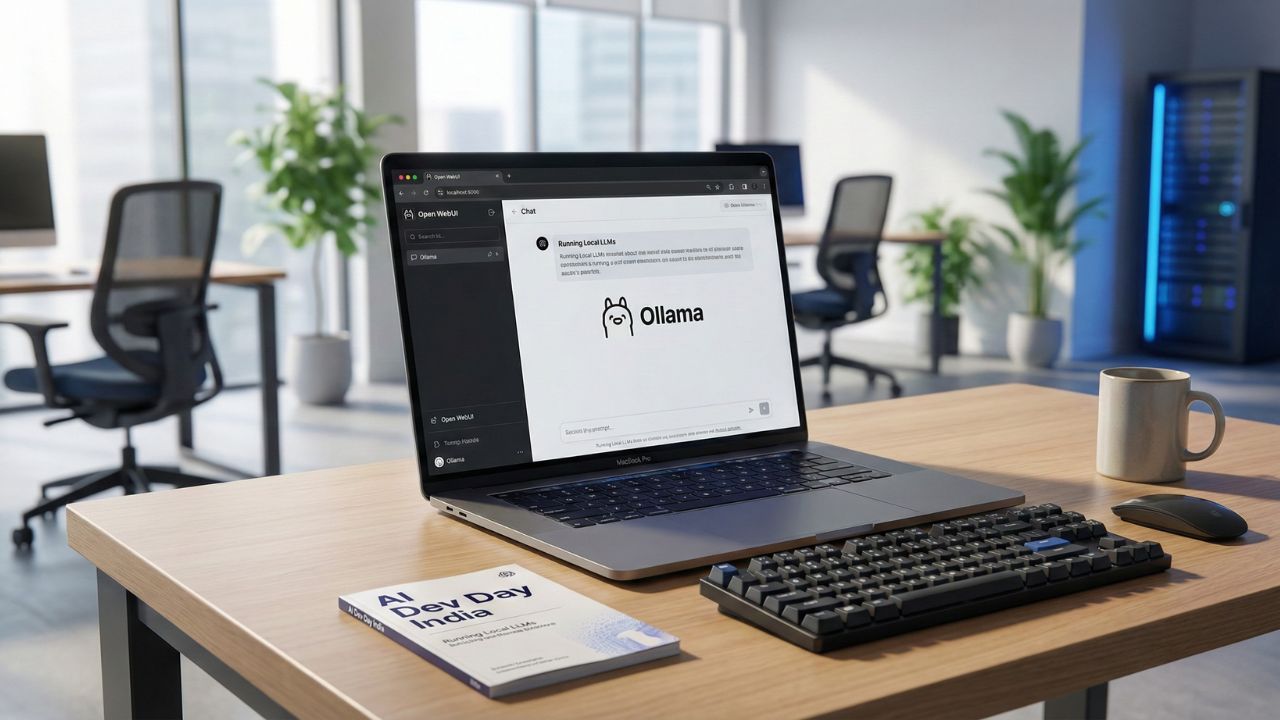
- Visualizing the Code: Open WebUI provides a ChatGPT-like interface that connects seamlessly to your local backend.
- Hardware Efficiency: Tools like llama.cpp are essential for quantization, allowing massive models to fit on consumer hardware.
The landscape of AI development has shifted. You no longer need a massive data center to run state-of-the-art intelligence. If you have the right best open source tools for running local llms, you can build private, secure, and uncensored agents right on your desk.
This deep dive is part of our extensive guide on the Best AI Laptop 2026.
While hardware is the engine, software is the transmission. Without the right inference engines and model managers, even an RTX 5090 is just an expensive paperweight.
In 2026, the open-source community has outpaced proprietary APIs, giving you tools that offer zero latency and total data sovereignty.
The "One-Click" Solutions: Ollama and LM Studio
For 90% of developers, complexity is the enemy. You want to pull a model and start coding, not spend three days compiling libraries.
Ollama: The Command Line King
Ollama has cemented itself as the Docker of AI. It abstracts away the complex model weights and configurations into a simple "Modelfile." If you are on a Mac or Linux machine, this is your starting point.
It allows you to run Llama 3, Mistral, and Gemma with a single terminal command. It also creates a local API server by default, letting you hook your code into the model instantly.
LM Studio: The Visual Alternative
If you prefer a GUI over a CLI, LM Studio is the best alternative. It allows you to search Hugging Face directly, download specific quantized versions of models, and test them in a chat window before integrating them into your workflow.
However, running these tools effectively requires optimized hardware for local inference. If your laptop lacks sufficient VRAM, even the most optimized software will struggle with token generation.
For Power Users: vLLM and Text Generation Inference (TGI)
When you graduate from "tinkering" to "serving," you need raw speed. vLLM is currently the industry standard for high-throughput serving. Its secret sauce is "PagedAttention," a memory management algorithm that optimizes how the GPU handles the KV cache.
Why use it: If you are building an internal tool for your company and need to handle concurrent requests from multiple users.
The Trade-off: It is harder to set up than Ollama and often requires a dedicated Linux environment or WSL2 on Windows.
The Interface Layer: Open WebUI
Running a model in a terminal is fine for testing, but for daily use, you need a chat interface.
Open WebUI (formerly Ollama WebUI) is a feature-rich clone of the ChatGPT interface that runs entirely locally. It offers:
- Chat History: Saved locally on your drive.
- RAG Integration: Upload PDFs and docs to chat with your files.
- Multi-Model Support: Switch between Llama 3 (for logic) and Mistral (for creative writing) mid-conversation.
Quantization Tools: Fitting Giants into Small Spaces
You cannot run a 70B parameter model on a 16GB laptop without compression. This is where Quantization comes in.
Using llama.cpp, you can convert massive FP16 (16-bit) models into GGUF format (4-bit or 5-bit). This reduces the VRAM requirement by nearly 60% with minimal loss in intelligence.
Understanding the difference between GGUF (CPU+GPU split) and EXL2 (pure GPU speed) is critical for maximizing your hardware's potential.
Conclusion
The best open source tools for running local llms in 2026 are not just about saving money on API fees, they are about control.
By mastering Ollama for development, vLLM for production, and Open WebUI for interaction, you build a stack that is immune to internet outages and privacy leaks. The software bridge is built; you just need to walk across it.
Scale Securely with Proven Tools. Try Blackbox AI

We may earn a commission if you buy through this link. (This does not increase the price for you)
Frequently Asked Questions (FAQ)
LM Studio is the strongest competitor for users who prefer a graphical interface. For developers needing raw API performance and advanced quantization features, LocalAI is a robust alternative that mimics the OpenAI API structure.
The easiest method is to install Ollama as your backend and then run Open WebUI via Docker. This connects the two, giving you a browser-based chat interface that feels identical to ChatGPT but runs offline.
Yes, but with caveats. LM Studio is excellent for prototyping and individual developer use. However, for enterprise-scale deployment where multiple users need to query the model simultaneously, an engine like vLLM or TGI is preferred for better concurrency.
llama.cpp remains the gold standard for creating GGUF files. It allows you to take a raw model from Hugging Face and compress it down to specific quantization levels (like Q4_K_M or Q5_K_S) to fit your specific RAM constraints.
Both Ollama and LocalAI provide drop-in compatibility. By changing the base_url in your Python or JavaScript SDKs to http://localhost:11434/v1, you can use existing OpenAI libraries to control your local models.
Sources & References
- Best AI Laptop 2026
- Best Laptop for Running Local LLMs
- Ollama (Official Documentation)
- Hugging Face (Model Repository)
Internal Resources:
External Resources: