Fine-Tune Llama 4 Locally: 24GB VRAM Is Enough
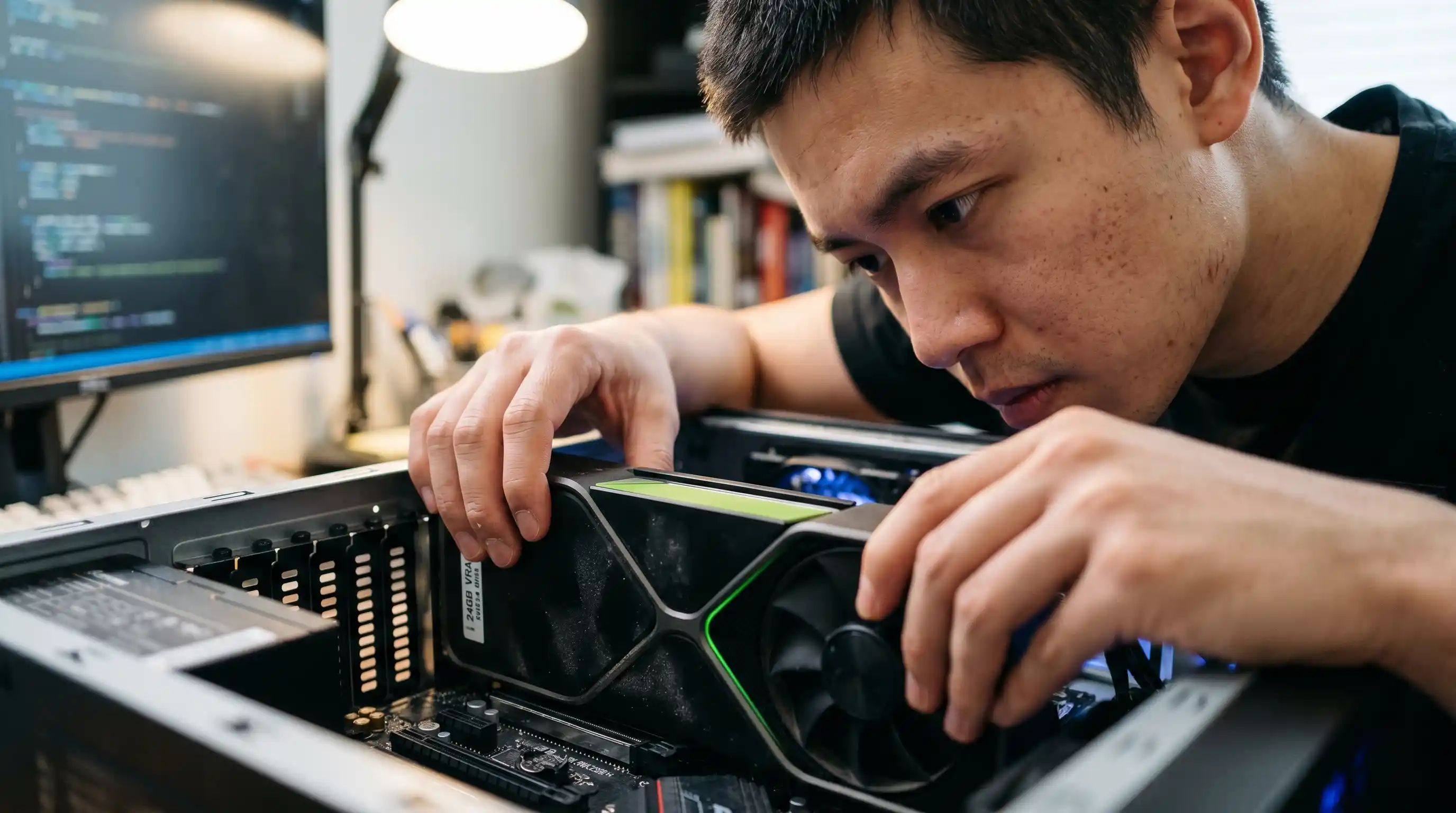
- 24GB VRAM Sufficiency: A single consumer GPU can completely host 4-bit QLoRA fine-tuning for lightweight Llama 4 variants.
- Memory Optimization Tools: Utilizing execution frameworks like Unsloth or Axolotl cuts memory consumption and drastically increases iteration speeds.
- Gradient Control: Setting your batch size to 1 and scaling through gradient accumulation is the primary guard against local out-of-memory (OOM) failures.
- Fidelity Retention: Paged optimizers and gradient checkpointing isolate local computational overhead without sacrificing output quality.
Want to fine-tune Llama 4 locally without a data-center GPU? One config decides whether it runs on 24GB or OOM-crashes.
Running out of memory halfway through a long training epoch is an expensive waste of local processing cycles.
Before configuring your training scripts, ensure you understand where local parameter-efficient training sits within the broader platform strategy outlined in our comprehensive guide to Fine-Tuning LLMs 2026.
If your core goal is to alter behavioral outputs without relying on commercial cloud infrastructure, a single consumer card is fully capable of handling the load.
Hardware Optimization: Selecting the Right Llama 4 Variant
Fine-tuning locally requires matching the model size directly against your hardware floor.
Attempting to run a 16-bit unquantized fine-tuning script on a consumer card will result in an immediate runtime exception.
The Local VRAM Floor
To successfully execute local customization, your base architecture must be loaded via 4-bit quantization.
This leaves enough computational overhead for the context length and optimizer states.
You must choose the smallest, most specialized open-weight variant available to fit within the 24GB ceiling.
For more details on localized performance baselines, see our deep dive on how to run Llama 4 locally with specific VRAM requirements.
Local Fine-Tuning Setup: Unsloth vs. Axolotl
Your choice of orchestration software determines how efficiently your hardware communicates with the underlying model layers.
Memory-Optimized Kernels via Unsloth
Unsloth provides hand-written Triton kernels that optimize the backpropagation math directly.
This approach reduces VRAM overhead significantly compared to stock Hugging Face implementations.
It allows you to increase context lengths locally without immediately overflowing your memory buffers.
This makes it an ideal option for rapid local prototyping on standard consumer rigs.
Axolotl and Gradient Accumulation Configuration
Axolotl offers a highly structured YAML configuration approach for advanced multi-adapter pipelines.
It is heavily relied upon when building reproducible fine-tuning setups.
To prevent out-of-memory crashes inside Axolotl, set your micro_batch_size to 1. You can then simulate a larger, more stable batch size by adjusting your gradient_accumulation_steps config.
Dataset Formatting and Preparation for Llama 4
A clean training script means nothing if your data formatting breaks the model’s native tokenization style.
Llama 4 relies on explicit systemic prompt blocks to safely isolate user requests from raw context inputs.
Your local training files must be strictly structured into JSONL files mapping these precise chat templates.
If your training dataset omits the correct system or instruction tags, the final merged weights will fail to follow instructions reliably.
Preventing OOM Crashes: Step-by-Step QLoRA Training Loop
To safely run your training loop without hitting hardware bottlenecks, apply this defensive configuration checklist:
Enable Gradient Checkpointing: This technique discards intermediate activations during the forward pass, recalculating them only when needed to save massive amounts of memory.
Deploy Paged Optimizers: Utilizing paged_adamw_8bit offloads sudden memory spikes to system RAM, preventing immediate crashes if VRAM limits are temporarily crossed.
Restrict Max Sequence Length: Keep your initial training sequence clamped at 2048 or 4096 tokens unless your specific use case absolutely demands longer contexts.
For a closer look at selecting your optimization parameters to match your hardware profile, consult our comprehensive analysis of QLoRA hardware requirements.
Local Testing, Evaluation, and Deployment Pipelines
Once your local loss curve flattens out, avoid immediately exporting the adapter directly into production systems without testing.
You must run the resulting adapter through a local evaluation harness using a separate validation dataset.
This allows you to check for signposts of catastrophic forgetting or behavioral degradation before deploying your newly customized model.
Conclusion & CTA
Fine-tuning Llama 4 locally puts complete behavioral control back into your hands without forcing you onto cloud infrastructure.
By configuring your micro-batches defensively and leveraging frameworks like Unsloth or Axolotl, a single 24GB GPU becomes a fully capable model customization center.
Ready to streamline your operational pipeline? Begin by auditing your available hardware, configuring your local training scripts, and testing your customized adapters before taking your localized models live.

Frequently Asked Questions (FAQ)
Yes, by using 4-bit QLoRA techniques, you can successfully fine-tune smaller variants of Llama 4 on a single high-VRAM consumer GPU without encountering system memory limitations.
A minimum VRAM floor of 24GB is highly recommended. This provides the safety margin required to hold the quantized base model weights, the training gradients, and small micro-batches.
The process involves formatting your dataset into clean JSONL files, loading the base model in 4-bit precision via NF4 quantization, configuring your low-rank adapters, and executing the training loop with gradient checkpointing enabled.
The lowest parameter-count open-weights variant is the easiest to tune locally. It fits comfortably within standard consumer VRAM setups while leaving plenty of room for processing training tokens.
Datasets must be converted into formatted text matching the precise chat template required by the model. This includes assigning distinct labels for system roles, user prompts, and expected assistant outputs.
To avoid memory issues on a 24GB card, keep your local micro-batch size set to 1. Scale your effective global batch size up using a gradient accumulation setting between 16 and 64.
Enable gradient checkpointing, leverage 8-bit paged optimizers, use conservative sequence lengths, and reduce your micro-batch size to 1 to minimize memory consumption.
For a small to medium dataset of a few thousand examples, a highly optimized QLoRA training run can comfortably finish within 2 to 6 hours.
While not strictly mandatory, they are highly recommended. Their customized optimization kernels dramatically reduce local VRAM overhead compared to stock training libraries.
Run the model through a local evaluation dataset to check output quality. Once validated, merge the adapter weights back into the base model or load them via local inference engines like Ollama.