QLORA Hardware: The GPU Spec That Stops OOM Crashes (June 2026)
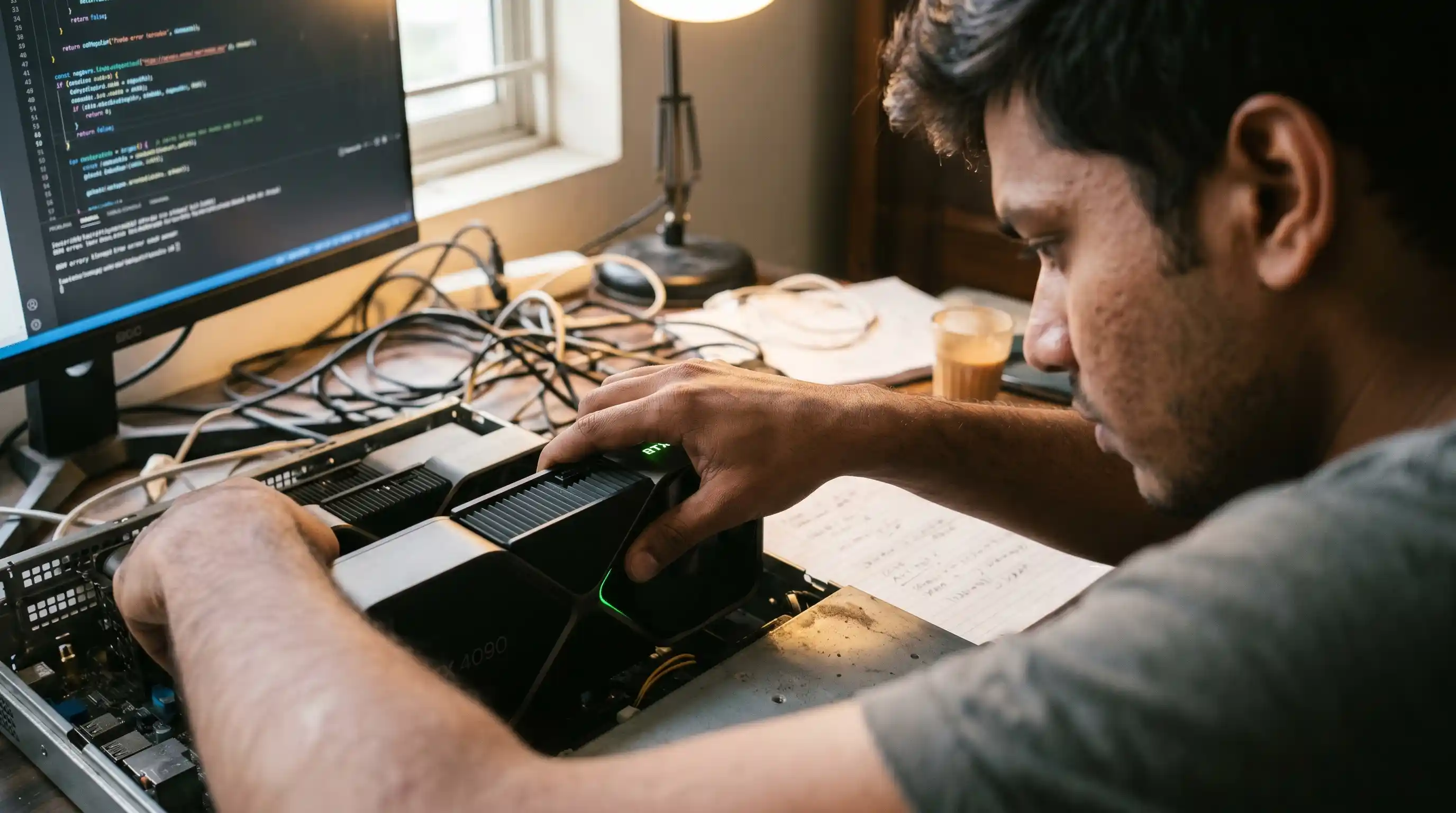
- VRAM Allocation Multipliers: Quantization drops base weights to 4-bit, but activation tracking and optimizer footprints scale aggressively with sequence length.
- The Consumer Ceiling: A single 24GB consumer GPU handles 7B and 13B parameter architectures natively but requires strict gradient controls.
- System Memory Overhead: System RAM must match or double the uncompressed model footprint to prevent system out-of-memory killing events during initial weight loading.
- The CUDA Requirement: CUDA-native architectures are mandatory for deep NF4 compilation, locking out standard commercial consumer platforms without extensive software workarounds.
QLORA hardware requirements look light—until a batch size silently triggers OOM. See the GPU and VRAM spec that actually finishes the run.
Many engineering teams dive into 4-bit customization projects assuming consumer hardware can handle any workload unconditionally, only to face runtime exceptions at the peak of their first training epoch.
To fully understand how hardware selection integrates into your macro architecture, consult our comprehensive handbook on Fine-Tuning LLMs 2026. Prioritizing physical memory boundaries over standard optimization settings prevents wasted training cycles.
Deconstructing QLoRA VRAM Footprints: Base Weights vs. Active Gradients
Calculating your hardware floor requires an understanding of how model parameters occupy physical memory during backward propagation.
The 4-Bit NF4 Base Weight Allocation
When loading a model via NormalFloat 4 (NF4) quantization, the baseline storage math changes dramatically. Instead of requiring 2 bytes per parameter as seen in standard 16-bit floating-point (fp16) or brain floating-point (bf16) representations, NF4 compresses each weight to 0.5 bytes.
We can model the total static memory allocation using the following formula:
Where P represents the total parameter count in billions. Consequently, a 7B parameter model occupies roughly 3.5GB of static VRAM, while a massive 70B parameter variant scales up to approximately 35GB of static VRAM footprint just to sit in memory before ingestion begins.
The Activation and Optimizer Memory Overhead
The mistake that triggers mid-epoch crashes is ignoring dynamic allocations. While the frozen base model remains highly compressed in 4-bit, the low-rank adapters, gradients, and optimizer states are tracked at full 16-bit or 32-bit precision to maintain numerical stability.
As tokens flow through your attention layers, intermediate activation tensors accumulate rapidly. If you are tracking attention matrices across massive context windows, this dynamic overhead can quickly outgrow the static base model footprint.
To contrast how these runtime mechanics scale across unquantized systems, examine our specific trade-off analysis covering LoRA vs QLoRA fine-tuning.
The Minimum GPU Hardware Tiers for 7B, 13B, and 70B Architectures
Selecting your processing node requires strict alignment between parameter scales and hardware memory limits.
| Model Scale | Minimum VRAM Floor | Recommended Hardware Profile |
|---|---|---|
| 7B Parameters | 12GB - 16GB VRAM | RTX 4070 Ti Super, RTX 4090, A10G |
| 13B Parameters | 24GB VRAM | RTX 4090, RTX 6000 Ada, Single A100 |
| 70B Parameters | 48GB - 80GB VRAM | Dual RTX 4090 (with pipeline), H100 |
Consumer Silicon Boundaries: Single vs. Dual RTX 4090 Configurations
For smaller fine-tuning workloads, a single 24GB consumer GPU like the RTX 4090 represents the gold standard for price-to-performance efficiency. It provides the memory ceiling needed to host a 7B or 13B model while leaving adequate space for micro-batches and tracking tensors.
Scaling to a 70B model on consumer components requires a multi-GPU topology. You must combine at least two 24GB cards using software frameworks like DeepSpeed or Accelerate to shard the model layers across your available PCIe paths.
Enterprise Node Selection: Stepping Up to A100/H100 Matrices
When execution speed and large training datasets dictate infrastructure strategy, consumer silicon becomes a bottleneck due to restricted bandwidth speeds.
Enterprise nodes utilizing H100 or A100 GPUs feature high-bandwidth memory (HBM3) subsystems. These enterprise chips leverage custom interconnected fabrics that accelerate gradient sharing across nodes. This approach cuts down on communication latency, allowing large development teams to run massive datasets through high-parameter models in hours rather than weeks.
Preventing the Epoch Crash: Optimization Strategies for Constrained VRAM
If your infrastructure budget prevents you from upgrading to high-tier silicon, you can deploy architectural safe-guards to operate safely under your current memory ceiling.
Gradient Checkpointing and Paged Optimizers
Gradient checkpointing works by discarding non-essential intermediate activations during the forward execution pass. When the system executes backpropagation, it recalculates those specific activations on demand, swapping raw compute time for massive memory savings.
Standard Run: Keep all activations in VRAM → High VRAM Spike → OOM Crash
Checkpointing: Discard activations → Recalculate on backward pass → Safe VRAM Floor
Paged optimizers leverage CUDA Unified Memory to prevent out-of-memory errors. If a sudden allocation spike threatens to overflow your VRAM during gradient updates, the system automatically pages the optimizer data arrays out to system RAM, protecting the pipeline from crashing.
Managing Context Windows and Sequence Length Scalers
Sequence length scales activation memory quadratically within standard attention layers. Doubling your sequence length from 2048 to 4096 tokens quadruples the dynamic memory footprint required to process those layers.
To run tight hardware footprints efficiently, you must enforce strict maximum sequence lengths inside your data loader scripts. Use chunking strategies to split exceptionally long source documents into distinct training samples before sending them to your model.
Conclusion & CTA
Configuring your QLoRA hardware requires looking past simplistic base model weight sizes. True system reliability is built by systematically factoring in dynamic activation memory, budgeting for system RAM overhead, and tuning sequence lengths defensively.
Ready to protect your local customization runs from hardware interruptions? Begin by auditing your available VRAM footprint, deploying gradient checkpointing across your training scripts, and tracking your activation scaling metrics before initiating your first major production epoch.

Frequently Asked Questions (FAQ)
NVIDIA GPUs featuring unified CUDA compute architectures are heavily preferred due to native software optimizations like bitsandbytes. For entry-level local setups, choose consumer cards like the RTX 3090 or RTX 4090 with 24GB of VRAM.
A 7B parameter model requires a baseline floor of 12GB to 16GB of VRAM. A 13B model demands at least 24GB of VRAM. A 70B model requires a minimum of 48GB of VRAM, making an 80GB enterprise card or a dual-GPU array necessary.
Yes. Both the RTX 3090 and RTX 4090 feature 24GB of high-speed memory, making them excellent platforms for localized 4-bit fine-tuning projects targeting 7B and 13B parameter architectures.
Yes, 16GB of VRAM is sufficient to fine-tune 7B parameter models, provided you enable aggressive memory optimizations like gradient checkpointing, enforce a micro-batch size of 1, and clamp context lengths to 2048 tokens.
QLoRA can run on Apple Silicon using the Metal Performance Shaders (MPS) back-end and frameworks like MLX. However, because the primary bitsandbytes toolkit is written for CUDA, setup requires specialized libraries.
Your system RAM should be at least double the uncompressed size of the base model weights. This overhead is vital because the system must load the model parameters into standard RAM before quantizing down to 4-bit NF4 precision.
OOM errors are primarily triggered by high micro-batch sizes, long sequence length configurations, or high LoRA ranks ( r ) that expand the volume of trainable parameters beyond available GPU boundaries.
NVIDIA hardware is the default choice due to widespread ecosystem support for native CUDA execution. While AMD cards can run fine-tuning using ROCm orchestration layers, they often require manual configuration tweaks.
Sequence length impacts your VRAM footprints quadratically within standard attention models. Expanding your maximum sequence processing window forces a massive increase in the dynamic memory needed to track activation states.
The most economical hardware option for local 4-bit fine-tuning is a used 24GB RTX 3090 GPU. This card delivers the exact same memory overhead as an enterprise instance at a fraction of the hardware cost.