Agent HQ Guardrails: The AGENTS.md Rules GitHub Skips
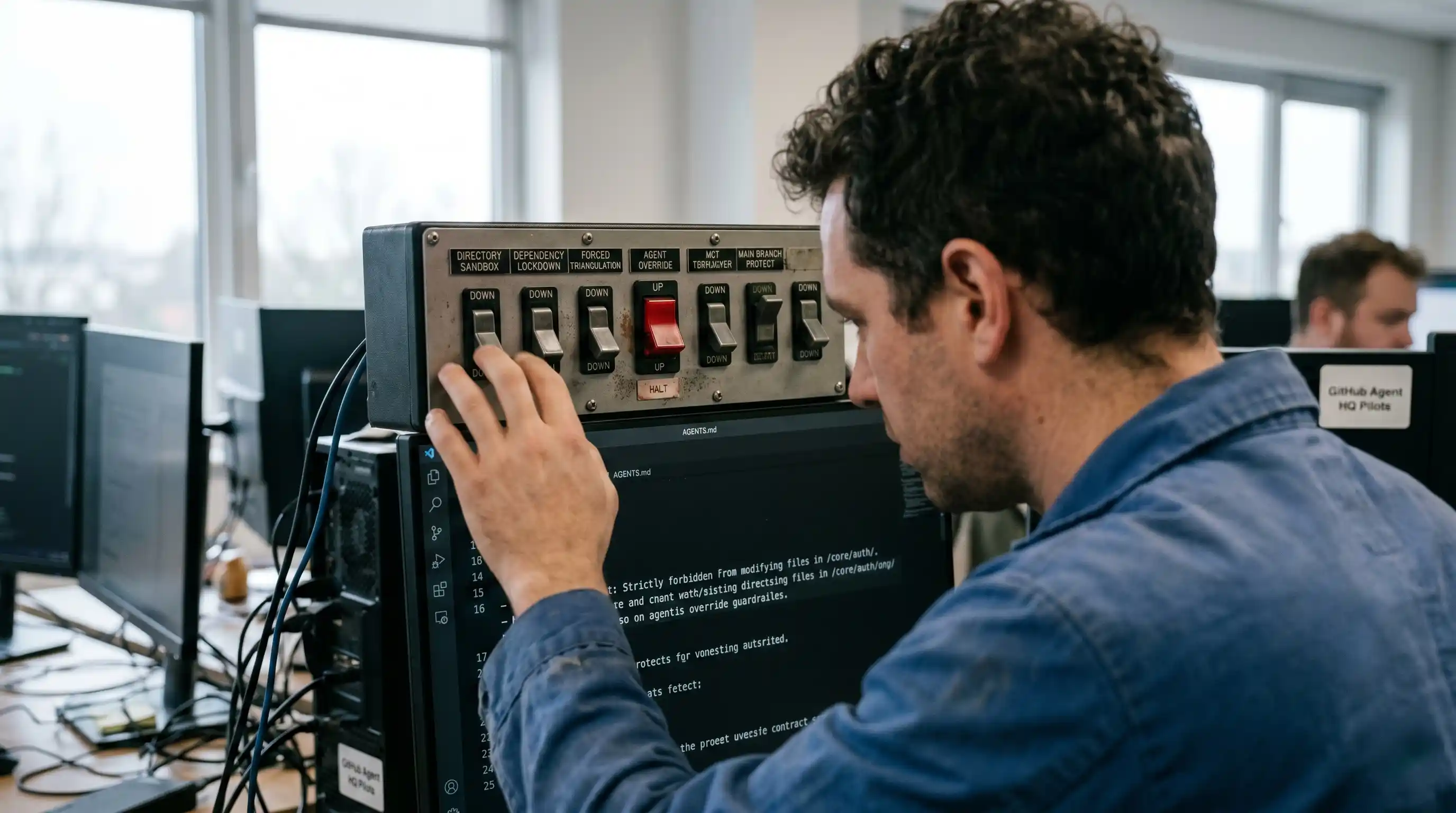
- The AGENTS.md Standard: A root-level configuration file that dictates exactly how autonomous agents are permitted to interact with your codebase.
- Sandboxing is Mandatory: Prevent agents from editing legacy core systems by restricting their read/write access to specific feature directories.
- Dependency Lockdown: Stop AI from hallucinating unsupported libraries by strictly defining approved tech stacks and frameworks.
- Forced Triangulation: Mandate that all agent-generated code must be reviewed by a secondary AI testing agent before human approval.
- Main Branch Protection: AI service accounts must never possess the architectural authority to merge code directly into production.
Are your AI agents running wild and hallucinating new dependencies into your main branch? Stop the chaos.
Here are the critical Agent HQ guardrails and the exact AGENTS.md rules you need to lock down your repository before deployment.
Mastering the integration of GitHub Agent HQ orchestration in software engineering requires more than simply issuing API keys to a language model. It requires impenetrable boundaries.
Without strict parameters, an autonomous coding agent can overwrite critical infrastructure in seconds. You cannot rely on default GitHub branch protections to manage AI behavior.
You must enforce hardcoded, AI-readable restrictions that align perfectly with your established Agile development best practices.
Why Default GitHub Permissions Fail AI Agents
GitHub was designed to manage human collaboration, not autonomous machine execution. Human developers inherently understand repository context, legacy code quirks, and unwritten company rules.
AI agents lack this implicit understanding. If a language model decides that rewriting your entire authentication module is the most efficient way to solve a minor bug, it will attempt to do so.
Default permissions simply check if a user is authorized to push code. They do not evaluate the intent or the scope of the autonomous execution, leaving your repository dangerously vulnerable to runaway agents.
The Dangers of Unrestricted API Access
When an agent is given broad read/write access, it consumes vast amounts of token bandwidth analyzing irrelevant files. This causes massive API cost overruns.
Worse, unrestricted agents are highly prone to hallucinating non-existent open-source libraries. If they cannot solve a logic problem with your current stack, they will invent a dependency to fix it.
This introduces catastrophic security vulnerabilities into your CI/CD pipeline. You need a mechanism to explicitly tell the AI what it cannot do.
What is an AGENTS.md File?
Enter the AGENTS.md file. Similar to a robots.txt for web scrapers or a CODEOWNERS file for human developers, this is a plain-text markdown file sitting in your root directory.
It is written specifically for Large Language Models to read before they execute any commands. It serves as the constitutional law of your repository.
Every time your AI spins up, its system prompt forces it to ingest and obey the constraints listed within this document.
The 4 Critical Rules Your AGENTS.md Must Enforce
Building a secure automation pipeline requires absolute clarity. Your AGENTS.md file must remove all ambiguity regarding how the AI operates within your digital workspace.
When configuring your GitHub Agent HQ setup, you must include these four non-negotiable rules.
Rule 1: Strict Directory Sandboxing
Your agents do not need access to everything. The AGENTS.md file must explicitly list which directories are off-limits.
/core/auth/ or /legacy-api/ directories. Restrict all code generation to the /src/features/ directory."
This creates a blast radius. If the agent goes rogue, the damage is completely contained to a non-critical feature branch.
Rule 2: Allowed Frameworks and Libraries
You must explicitly ban the installation of unauthorized packages. Left unchecked, an agent might pull in experimental npm packages to solve simple UI bugs.
package.json without explicitly asking the human assignee."
This enforces architectural consistency and ensures your automated code aligns seamlessly with the rest of your engineering team's output.
Rule 3: Required PR Triangulation Check
Your AGENTS.md must enforce self-correction. A single agent should never draft code and immediately mark it as ready for human review.
This rule drastically cuts down on the noise in your pull requests, ensuring senior engineers only review code that fundamentally works.
Rule 4: Ban on Direct Main Branch Commits
Even with GitHub branch protections in place, your AGENTS.md must reiterate this limitation so the agent does not waste compute attempting to force a merge.
main or staging. All output must be committed to a branch prefixed with agent-feat/."
This guarantees that every piece of AI-generated logic passes through your standard CI/CD deployment pipeline.
Implementing Guardrails into Your CI/CD Pipeline
Writing the AGENTS.md file is only the first step. You must configure your backend orchestration to enforce it programmatically.
Use GitHub Actions to parse the agent's proposed pull request. If the PR modifies a file explicitly protected in AGENTS.md, the pipeline should automatically reject the commit and kill the agent's process.
By combining the semantic instructions of AGENTS.md with hardcoded CI/CD guardrails, you transform a chaotic AI experiment into a reliable, enterprise-grade software factory.

Frequently Asked Questions (FAQ)
An AGENTS.md file is a root-level configuration document designed explicitly for AI agents to read. It functions similarly to a robots.txt file, providing Large Language Models with strict rules, boundaries, and contextual guidelines before they interact with the codebase.
You restrict AI agents by combining hardcoded GitHub repository permissions (restricting service accounts to feature branches) with an AGENTS.md file that explicitly forbids the agent from modifying or deleting files in specific, mission-critical directories like authentication or database schemas.
Default GitHub rules are built to manage human workflow intent, checking only if an account has push authority. They cannot prevent an authorized AI agent from hallucinating new dependencies, rewriting legacy architecture unnecessarily, or creating massive token bloat by scanning off-limits files.