Gemini 3.1 Lands in Chrome: How Google Is Ending Tab Chaos
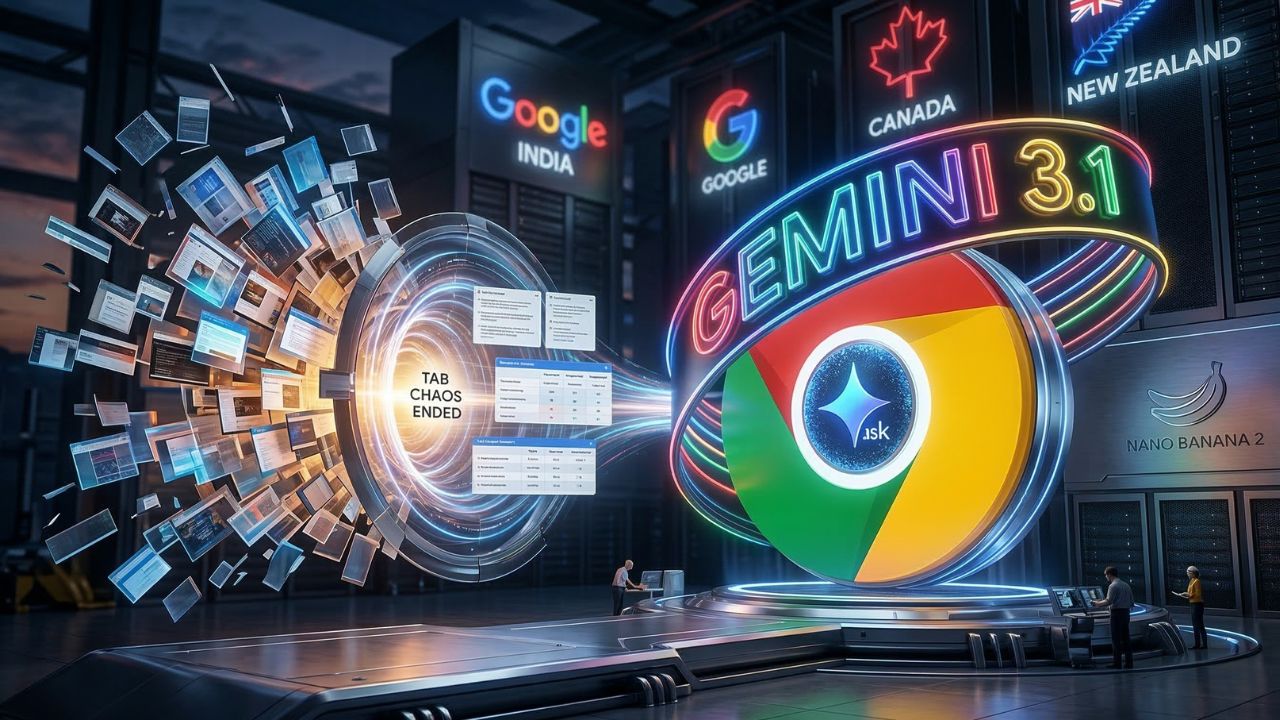
Google just fired its biggest shot yet in the browser wars, aggressively rolling out the Gemini in Chrome AI assistant to users across India, Canada, and New Zealand. Making headlines in the latest AI news, this heavy-hitting update fundamentally rewrites how you search, compare, and edit content without ever leaving your active window.
Quick Facts
- The bottom line: Gemini in Chrome expands internationally, bringing a powerful side-panel assistant to Mac, Windows, Chromebook Plus, and iOS.
- Instant tab synthesis: The AI reads context across up to 10 open tabs to summarize articles, compare shopping options, and pull exact answers.
- Pro-level image editing: Nano Banana 2 is built directly into the browser, letting you generate or modify images via text prompts on the fly.
- Deep ecosystem integration: You can draft Gmails, schedule Calendar meetings, and pull Maps data entirely from the Chrome sidebar.
The End of Browser Friction
For two decades, web browsers forced users into a chaotic loop of opening countless tabs to piece together information.
Google intends to end that behavior permanently. The expansion of Gemini in Chrome introduces a side-panel assistant that acts as a central command station for your digital life.
Users in India, Canada, and New Zealand can now click the "Ask Gemini" icon to summon the AI.
Instead of jumping between windows to plan a trip or research a purchase, the assistant reads the context of your current page.
It can even cross-reference data from up to 10 open tabs simultaneously.
You can ask the assistant to build a comparison table of items you have open in different windows.
It digests the information, extracts the exact pricing and specs, and delivers a clean summary instantly.
Supercharged by Nano Banana 2
Text generation is only half the story. Google integrated its high-end image model directly into the Chrome experience.
Nano Banana 2 allows users to generate, edit, and manipulate visuals right in the side panel.
Want to see how a piece of furniture looks in a different color before buying it?
You just type a natural language prompt. The AI understands the command and alters the photo without requiring you to upload files to a third-party editing suite.
"Gemini in Chrome is designed to keep you in control, and was built with security in mind from the start. We've trained our models to recognize known threats, like prompt injection, in order to keep you safe as you browse."
— Charmaine D'Silva, Director of Product Management for Chrome
The integration runs deep into the Google ecosystem. If you are reading an event announcement, you can command the sidebar to add it to your Calendar.
If you need to email a colleague about a YouTube video, the assistant drafts and sends the message via Gmail without requiring a new tab.
Why It Matters?
This international rollout signals a massive shift in the AI browser race against rivals like OpenAI and Perplexity.
Google is leveraging its commanding market share to make AI a native, frictionless habit rather than a separate destination.
By embedding Gemini 3.1 and Nano Banana 2 directly into the spaces where people already work and shop, Google is locking users tighter into its ecosystem.
Competitors will now have to prove why users should download a completely new browser when Chrome already does the heavy lifting natively.