Best Open Source Tools for Running Local LLMs: The 2026 Developer’s Toolkit
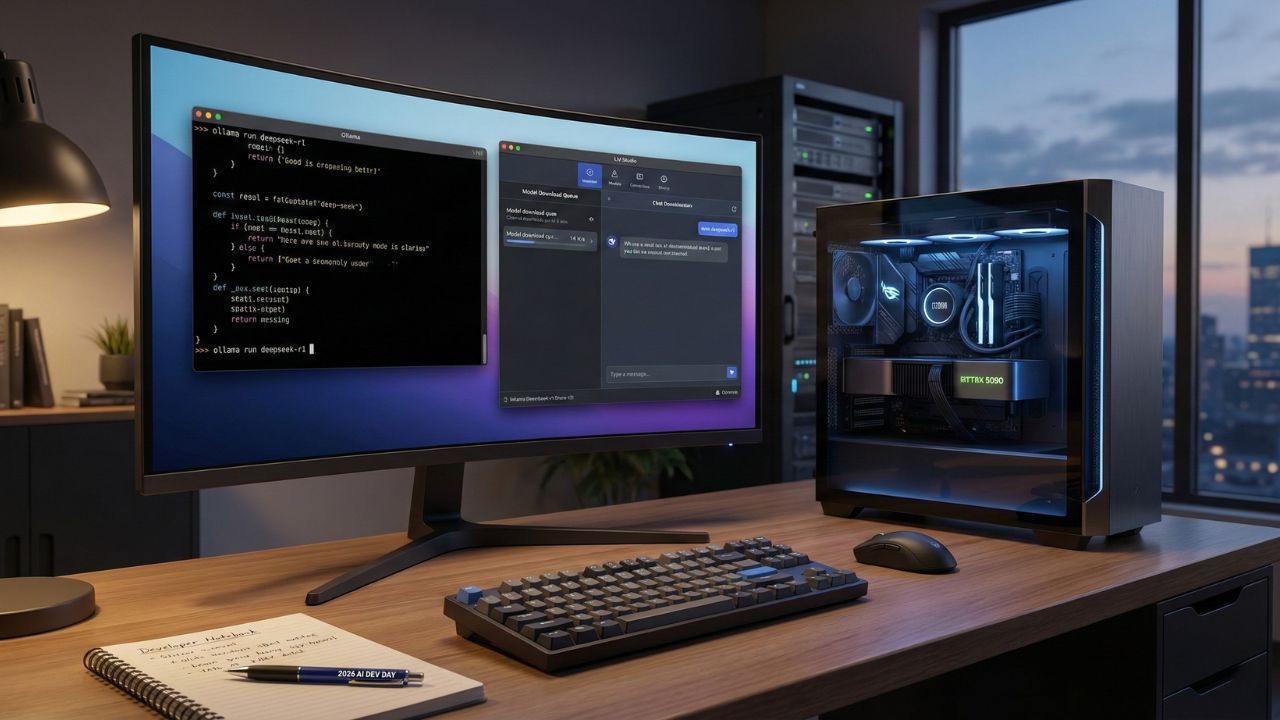
Quick Answer: The 2026 Local Stack
- For Beginners: Ollama remains the undisputed king for one-click setup on Mac, Linux, and Windows.
- For Visual Users: LM Studio offers the best GUI for managing GGUF models without touching the command line.
- For Enterprise: vLLM and Text Generation Inference (TGI) are the go-to engines for high-throughput production APIs.
- The Hardware: New optimizations in 2026 make running 70B+ models viable on consumer hardware like the NVIDIA RTX 5090 and Apple M5 Max.
The Shift to "Local-First" AI
In 2026, the cloud is no longer the default.
Developers are realizing that for privacy, latency, and cost, running models on your own iron is often superior to renting tokens from Big Tech.
Whether you are trying to debug the latest open-weights model or building an agent that processes sensitive financial data, you need the right tools.
This deep dive is part of our extensive guide on Live Leaderboard 2026: Gemini 3 Pro vs. DeepSeek vs. GPT-5.
While those massive models dominate the cloud, the tools below let you run their distilled cousins locally.
Here are the best open source tools for running local LLMs that every developer needs in their toolkit this year.
1. Ollama: The "Docker" of LLMs
If you have used Docker, you already know how to use Ollama.
It has become the industry standard for a reason. Ollama bundles the model weights, configuration, and prompt templates into a single "Modelfile."
Why it wins in 2026:
- Simplicity: Run
ollama run deepseek-r1and you are chatting in seconds. - API Support: It provides a local API server that mimics OpenAI’s format, making it easy to swap out GPT-4 for a local Llama 3 in your code.
- Library: A massive library of pre-quantized models ready to pull.
2. LM Studio: The Visual Powerhouse
Not everyone loves the Command Line Interface (CLI).
LM Studio provides a beautiful, dark-mode GUI that lets you search for, download, and run models from HuggingFace directly.
It excels at managing GGUF files, a file format designed for fast inference on CPUs and Apple Silicon.
Key Features:
- Hardware Offloading: Easily split the workload between your CPU and GPU to maximize VRAM usage.
- Local Server: Start a local HTTP server with one click.
- Chat Interface: A built-in chat UI that feels just like ChatGPT, but completely offline.
Pro Tip: LM Studio is perfect for testing the "Open Weights" version of the DeepSeek model.
You can see how this compares to the cloud version in our breakdown of DeepSeek R1 vs. Gemini 3 Pro: The Benchmark Shock.
3. vLLM: The Enterprise Inference Engine
When you move from "testing on my laptop" to "serving 1,000 users," you graduate to vLLM.
It is widely considered the fastest open-source library for LLM inference and serving.
Why it’s different:
- PagedAttention: A memory management algorithm that dramatically increases throughput.
- Continuous Batching: Processes incoming requests immediately rather than waiting for a batch to fill up.
- Hardware Support: Highly optimized for NVIDIA GPUs, making it the top choice for anyone lucky enough to snag an RTX 5090.
4. LocalAI: The "Drop-In" Replacement
LocalAI is an ambitious project that aims to be a complete, open-source replacement for the OpenAI API.
It doesn't just do text. LocalAI supports:
- Text-to-Audio
- Image Generation (Stable Diffusion)
- Embeddings (for RAG applications)
If you are building a complex, multi-modal application and want to cut the cord from paid APIs entirely, LocalAI is your architecture of choice.
5. Text Generation Inference (TGI)
Maintained by HuggingFace, TGI is the toolkit used to power their own massive inference endpoints.
It is battle-tested, secure, and designed for production.
While it has a steeper learning curve than Ollama, it offers granular control over quantization (BitsandBytes, GPT-Q) and tensor parallelism, allowing you to run massive models across multiple GPUs.
Conclusion
The barrier to entry for AI has collapsed.
With the best open source tools for running local LLMs listed above, you no longer need a PhD or a million-dollar budget to build intelligent systems.
You just need a decent GPU and the right software.
Whether you choose Ollama for its simplicity or vLLM for its raw speed, the power is now in your hands.
Compare Market Intelligence Tools. Try SimilarWeb

We may earn a commission if you buy through this link. (This does not increase the price for you)
Frequently Asked Questions (FAQ)
LM Studio is the best visual alternative, while vLLM is the best high-performance backend alternative for developers building APIs.
Tools like Open WebUI (formerly Ollama WebUI) can be deployed as a Docker container, providing a ChatGPT-like interface that connects to your local Ollama instance.
LM Studio is excellent for prototyping and individual developer use. For enterprise-grade deployment with high concurrency, vLLM or TGI are better suited.
vLLM currently holds the crown for throughput on high-end NVIDIA hardware like the RTX 5090 due to its PagedAttention optimization.
LM Studio and GPT4All both offer native Windows installers that do not require setting up the Windows Subsystem for Linux (WSL2).
Sources & References
- Live Leaderboard 2026: Gemini 3 Pro vs. DeepSeek vs. GPT-5
- DeepSeek R1 vs. Gemini 3 Pro: The Benchmark Shock
- Ollama GitHub Repository
- vLLM Project Page
Internal Analysis:
External Analysis: