How to Build Autonomous AI Agents for Free (April 2026): The Beginner’s Guide
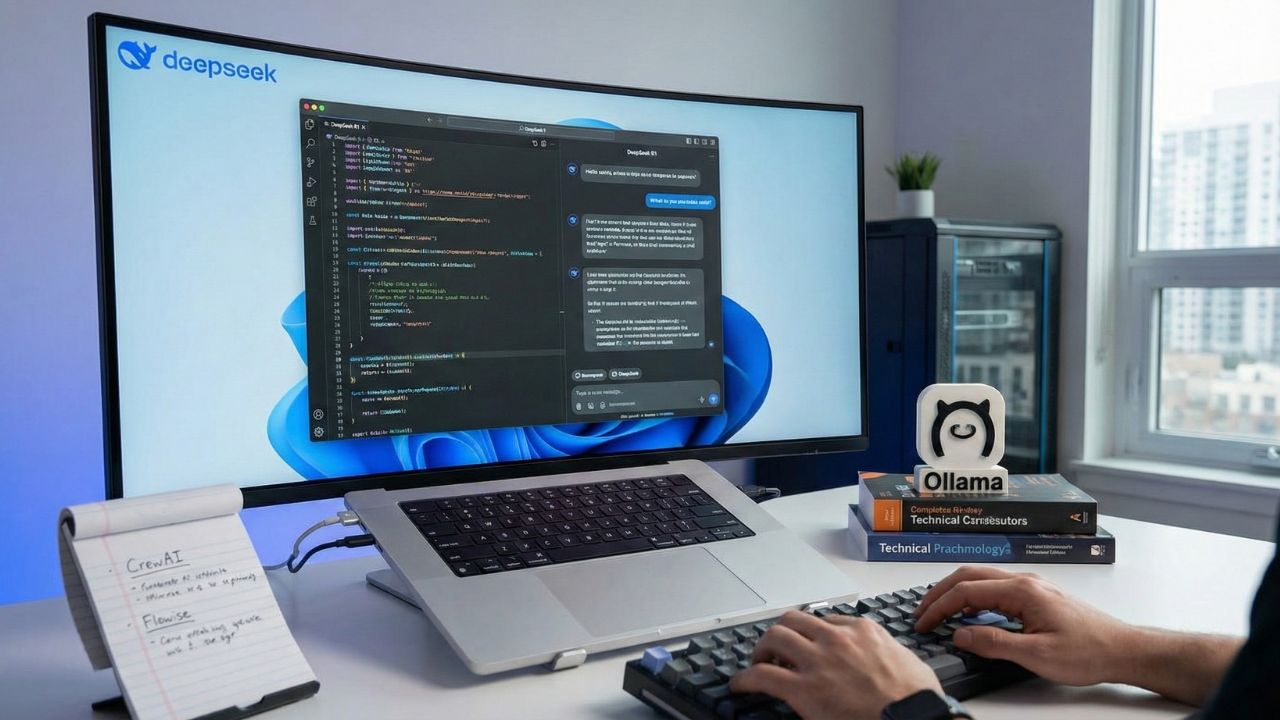
Key Takeaways: Quick Summary
- Zero API Fees: You no longer need an OpenAI subscription; local LLMs (like DeepSeek R1) running on Ollama can power agents for free.
- The "No-Code" Route: Tools like Flowise allow you to drag-and-drop complex agent workflows without writing a single line of Python.
- The "Pro-Code" Route: Frameworks like CrewAI let developers orchestrate multi-agent teams that can code, research, and write autonomously.
- Hardware Matters: Running agents locally requires significant RAM; a standard laptop might struggle without the right specs.
- Privacy First: Self-hosted agents keep your data on your machine, making them ideal for sensitive enterprise workflows.
The Era of the "Free" Workforce
In 2025, building an autonomous agent meant burning through expensive API credits. In April 2026, the game has changed completely. Learning how to build autonomous AI agents for free allows you to deploy a 24/7 digital workforce without a credit card.
The secret lies in combining open-source frameworks with high-performance local models. This deep dive is part of our extensive guide on LMSYS Chatbot Arena Leaderboard Current: Why the AI King Just Got Dethroned.
Logic Check: Top Coding Models (April 2026)
To build a competent free agent, you need an engine capable of complex reasoning. Based on the latest LMSYS Arena data, these are the top 5 models dominating coding logic that you should aim to match via open-weights equivalents:
| Rank | Model | Coding Elo Score |
|---|---|---|
| 1 | claude-opus-4-6 | 1549 |
| 2 | claude-opus-4-6-thinking | 1545 |
| 3 | claude-sonnet-4-6 | 1523 |
| 4 | claude-opus-4-5-20251101-thinking-32k | 1491 |
| 5 | claude-opus-4-5-20251101 | 1465 |
*Note: While these frontier models are closed, open-weights models like DeepSeek R1 follow closely in reasoning Elo, making them the ideal free backbone for local agents.
The Core Stack: What You Need (For $0)
To build agents without paying a "success tax" to API providers, you need three components. Fortunately, all of them are now open-source or free to use.
The Brain (The Model): You need an LLM capable of reasoning. Currently, DeepSeek R1 is the gold standard for this, offering GPT-4 class logic at zero cost if you host it yourself.
The Body (The Framework): This is the software that gives the LLM "tools" (like web browsing or file saving). The top contenders are CrewAI (for coders) and Flowise (for non-coders).
The Engine (The Host): Ollama is the industry standard for running these models on your local machine.
Note: Before you start, ensure your hardware can handle the load. Agents are resource-intensive. Check our guide on the Best Laptops for Running Local LLMs 2026 to ensure you have the necessary VRAM.
Option 1: The "Pro-Code" Route (CrewAI + Ollama)
If you are comfortable with Python, CrewAI is currently the most powerful framework for building multi-agent teams. CrewAI allows you to assign specific "roles" to different AI agents.
For example, you can create a "Researcher" agent that browses the web and a "Writer" agent that summarizes the findings. CrewAI now supports local LLMs natively via Ollama, meaning your team can collaborate entirely offline.
To see which models are currently writing the cleanest code to power these scripts, consult our breakdown of the Best Coding Models on LMarena.
Option 2: The "No-Code" Route (Flowise)
Not a developer? No problem. Flowise has democratized agent creation with a visual, drag-and-drop interface. Flowise allows you to build "chains" of thought by simply connecting boxes for models, browsers, and data storage.
The Workflow:
- Download Ollama: Install it on your machine.
- Pull a Model: Run
ollama run deepseek-r1in your terminal. - Install Flowise: Run it locally via Docker or npm.
- Connect: In the Flowise dashboard, select "Ollama" as your Chat Model and start building.
The "Brain" of the Operation: Choosing Your Model
Your agent is only as smart as the model powering it. In April 2026, local models have finally reached the "Reasoning Elo" necessary to handle complex multi-step workflows without getting stuck in loops.
For a detailed comparison of why DeepSeek is the preferred choice for cost-conscious developers, read our analysis: DeepSeek R1 vs GPT-5.4 Arena: The $0.30 Open-Source Model Beating OpenAI.
Conclusion: Start Building Today
The barrier to entry for AI is no longer money; it is curiosity. By combining Ollama, DeepSeek R1, and frameworks like CrewAI or Flowise, you can build a fleet of autonomous interns that work for free, forever. Stop renting intelligence. Start owning it.
Scale Your Analytics with Proven Tools. Try SimilarWeb AI Tool

We may earn a commission if you buy through this link. (This does not increase the price for you)
Frequently Asked Questions (FAQ)
For developers, CrewAI is the best Python-based framework due to its multi-agent capabilities. For non-coders, Flowise offers the best drag-and-drop visual interface. Both are open-source and free.
The standard workflow is to install Ollama to host the model (like Llama 4 or DeepSeek) locally. You then connect Ollama to an agent framework like AutoGen or CrewAI by setting the "base_url" to your local host (usually http://localhost:11434).
Yes. CrewAI is open-source. By pointing it to local models via Ollama instead of the OpenAI API, you eliminate all token costs, allowing you to run unlimited multi-agent simulations for free.
Flowise acts as a visual UI for LangChain. You install it locally (via npm or Docker), then drag "nodes" onto a canvas. You can connect a "Local LLM" node to a "Tool\" node (like Google Search) to create a functional agent in minutes.
First, ensure Ollama is running in the background. Second, in your agent code (CrewAI) or settings (Flowise), select "Ollama" as the provider. Third, specify the model name you downloaded (e.g., deepseek-r1:8b).