How to Build an Agentic AI Coding Workflow: From Autocomplete to Autopilot
By Sanjay Saini • Last Updated: 13-May-2026
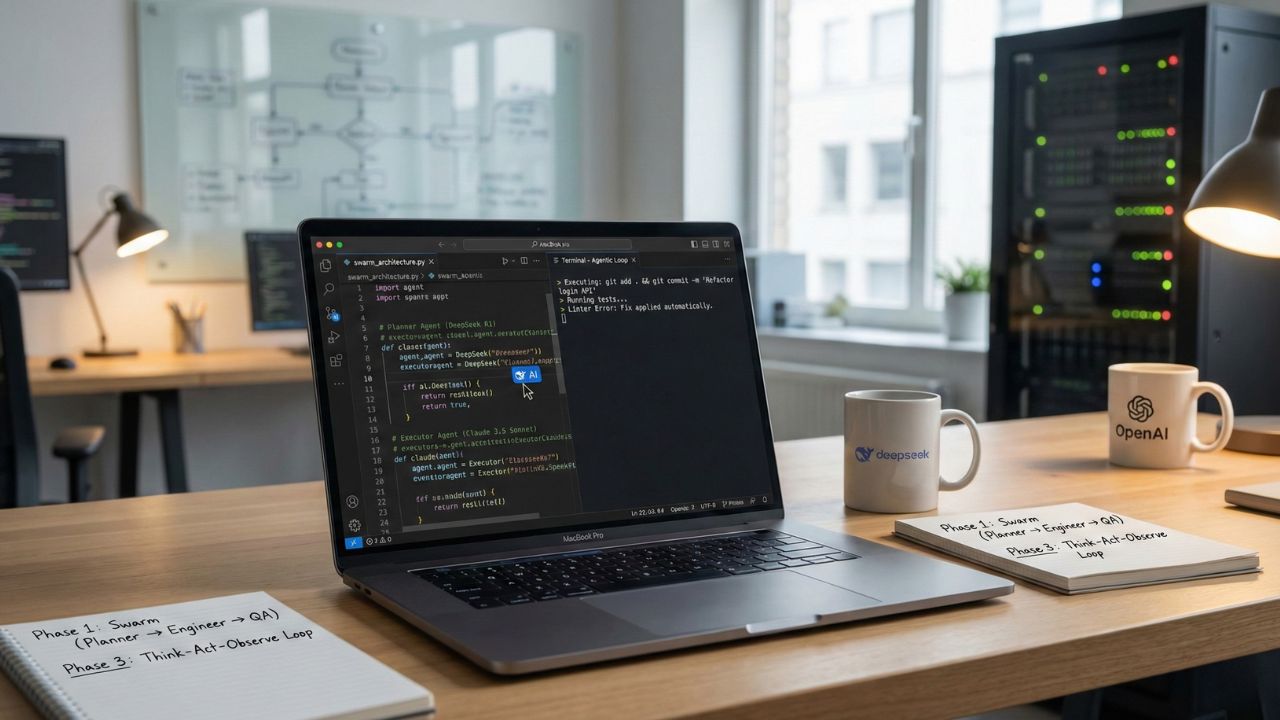
What's New in This Update
- Localized Reasoning Models: Added specific deployment strategies to run DeepSeek R1 locallyfor maximum data privacy during the planning phase.
- Financial Safeguards: Integrated explicit instructions on how to implement circuit breakersto halt runaway API costs during infinite debugging loops.
- Code Review Swarms: Expanded Phase 1 to include specialized autonomous code reviewagents that enforce SOC 2 compliance natively.
Quick Summary: Key Takeaways
- Stop Chatting, Start Looping: Move beyond single-shot prompt engineering. True agentic workflows utilize a "Think-Act-Observe" cycle to autonomously test and resolve compiler errors.
- The "Swarm" Architecture: Break complex tasks apart. Assign a reasoning model to plan the architecture, a speed model to write the syntax, and an auditor model to review for vulnerabilities.
- Tool Selection Matters: You must grant the AI access to your file system. Employ native agentic IDEs or command-line interface tools to give the model read and write capabilities.
- Cost Control: Agentic execution burns tokens rapidly. Establish strict budget stops and containerized execution limits to protect infrastructure from infinite loop logic failures.
Most software developers treat generative AI as an advanced search engine. They paste an error log into a browser window, copy the suggested fix, paste it back into their editor, and hope it complies. This process is not automation; it is merely accelerated typing. To genuinely scale engineering velocity, technical teams must transition from manual syntax generation toward an agentic AI coding workflow.
This comprehensive deep dive builds upon our foundational research regarding What is Agentic Coding. An "agentic" workflow fundamentally differs from a standard chatbot interaction. Rather than passively waiting for human instruction, an agentic system is granted the agency to inspect repository states, execute terminal commands, modify local files, and continuously test its own logic against your compiler.
When you deploy the best AI agents for autonomous coding, your role shifts from a programmer writing lines of code to an orchestrator managing digital workers. Below is the precise, four-phase blueprint required to build and deploy a production-grade agentic pipeline.
Phase 1: The "Swarm" Architecture (Planner vs. Executor)
A single AI model cannot effectively manage a full-stack feature release. Large reasoning models process instructions thoroughly but operate slowly and consume massive token budgets. Conversely, rapid execution models write code swiftly but frequently hallucinate when presented with complex, multi-file architectural constraints.
To engineer a resilient workflow, you must implement a "Swarm" architecture. This strategy fragments software development into distinct roles, assigning the most capable model to each specific function.
- The Architect (The Planner): Deploy a high-reasoning model such as DeepSeek R1 or OpenAI o1. The Architect's sole directive is to ingest the feature requirements, inspect the existing codebase, and output a detailed, step-by-step implementation plan. The Architect never writes syntax; it generates the blueprint.
- The Engineer (The Executor): Pass the Architect's blueprint to a high-speed, high-context model like Claude 3.5 Sonnet or GPT-5.4 Mini. The Engineer reads the step-by-step plan, opens the designated files, and writes the actual code.
- The QA (The Reviewer): Utilize a separate, strictly prompted instance to assess the Engineer's pull request. This agent scans the newly generated syntax against OWASP Top 10 guidelines and internal styling standards, kicking the code back to the Engineer if vulnerabilities exist.
Crucially, dividing the labor reduces token consumption and forces the AI to check its own work. If your team focuses heavily on data science, our specialized evaluation of the Best AI Agents for Pythondetails which models reliably handle complex dataframe manipulation.
Phase 2: The Environment (Giving the Agent "Hands")
An AI model isolated in a web browser is fundamentally useless for agentic automation. To operate autonomously, the agent requires direct access to your local file system, the ability to read project context, and permission to execute commands.
The Accessible Path (Native Agentic IDEs): The most efficient method for onboarding an engineering team is adopting an integrated development environment constructed specifically for agentic execution. Modern IDEs such as Cursor and Windsurf allow developers to switch from standard "Chat" interfaces to "Composer" modes. In Composer mode, the AI can propose edits across multiple files simultaneously and apply them with a single human click. For an in-depth capability breakdown, see our Best Agentic AI Code Editors 2026report.
The Advanced Path (Command-Line Interface Tools): For teams requiring headless automation or CI/CD integration, command-line tools like Aider, OpenClaw, or OpenAI Operator provide superior leverage. Operating directly within the terminal, these tools grant the agent the capability to execute git add, draft commit messages, and run full test suites autonomously.
Phase 3: The "Think-Act-Observe" Loop
The "Think-Act-Observe" loop serves as the operational engine of the agentic workflow. When you assign a complex ticket—such as refactoring an authentication controller—the AI must abandon the linear "prompt-and-response" format and engage in an iterative problem-solving cycle.
- Think: The agent analyzes the environment. It runs commands like
grepor checks symbol definitions to map the dependencies of the authentication controller. It formulates a specific hypothesis regarding the necessary changes. - Act: The agent applies the code modifications directly to the local files.
- Observe: The agent triggers the build process, the linter, or the unit test suite. It then captures the terminal output.
- Correction: If the compiler throws an error, the system feeds the standard error (stderr) log directly back into the agent's context window. The agent reads the failure, revises its hypothesis, and restarts the loop at Step 1, operating entirely without human intervention.
This recursive process ensures the agent does not merely guess syntax; it validates logic against the reality of the machine.
Phase 4: Safety Guardrails & CI/CD Integration
Granting an AI system autonomous write-access and execution permission introduces severe operational risks. Codebase drift and security regressions accelerate rapidly when machines write code. Managing technical debtrequires implementing rigid, non-negotiable boundaries before activating your swarm.
- Mandatory Sandboxing: Never permit an agent to execute code against a production database or host operating system. Confine all agentic activity to isolated Docker containers. If the AI hallucinates a destructive command, the damage is restricted to an ephemeral environment.
- The "Human-in-the-Loop" Gate: Structure your pipeline so that autonomous agents have permission to branch, commit, and open Pull Requests, but strictly revoke their ability to merge to the main branch. A senior engineer must review the diff before deployment.
- Token Limits and Budget Stops: AI agents attempt to solve problems persistently. If an agent encounters an unsolvable dependency conflict, it will continue executing the Think-Act-Observe loop indefinitely. Configure hard token limits and maximum iteration caps per task. Unchecked, a trapped agent can consume thousands of API calls, destroying your monthly budget in hours.
Next Steps for Engineering Teams
Transitioning to an agentic workflow is the most critical operational shift for development teams in 2026. By migrating your focus from syntax generation to architecture orchestration, you unlock unprecedented velocity. To accurately project the financial impact of this transition, CTOs must calculate true enterprise AI ROIby comparing token consumption against engineering hours saved.
Do not attempt to automate your entire core platform immediately. Begin small: deploy an agent strictly to write and execute unit tests. Once the team trusts the agent's iterative loops, expand its scope to documentation generation, and finally, full-stack feature implementation.
Optimize Your AI Workflow. Try Pangram Labs

We may earn a commission if you buy through this link. (This does not increase the price for you)
Frequently Asked Questions (FAQ)
An agentic coding workflow is a development process where AI agents are given the autonomy to plan, write, execute, and debug code. Unlike passive chatbots, these agents function in a loop, correcting their own errors and interacting directly with the file system.
You use an orchestration framework like LangGraph or a native IDE feature. You assign one agent to "plan" using a reasoning model like DeepSeek R1 and another to "code" using a speed model like Claude 3.5 Sonnet. They pass context back and forth, similar to a Senior Developer guiding a Junior Developer.
Always ensure the agent has access to the terminal output. The agent needs to "see" the exact error trace to fix it. Use tools that automatically feed the standard error (stderr) directly back into the agent's context window.
Instruct the agent to write a test for a specific function, run the test runner, and if the test fails, continually rewrite the function logic until the test passes. This Test-Driven Development (TDD) loop prevents code regressions and is one of the most reliable entry points for agentic workflows.
Yes, but they perform best when the project is broken down into modular components. Instead of asking for a full application in one prompt, instruct the agent to build the database schema first, verify it, move to the API endpoints, and finally generate the frontend view.