Claude Computer Use Tutorial: Control a Screen
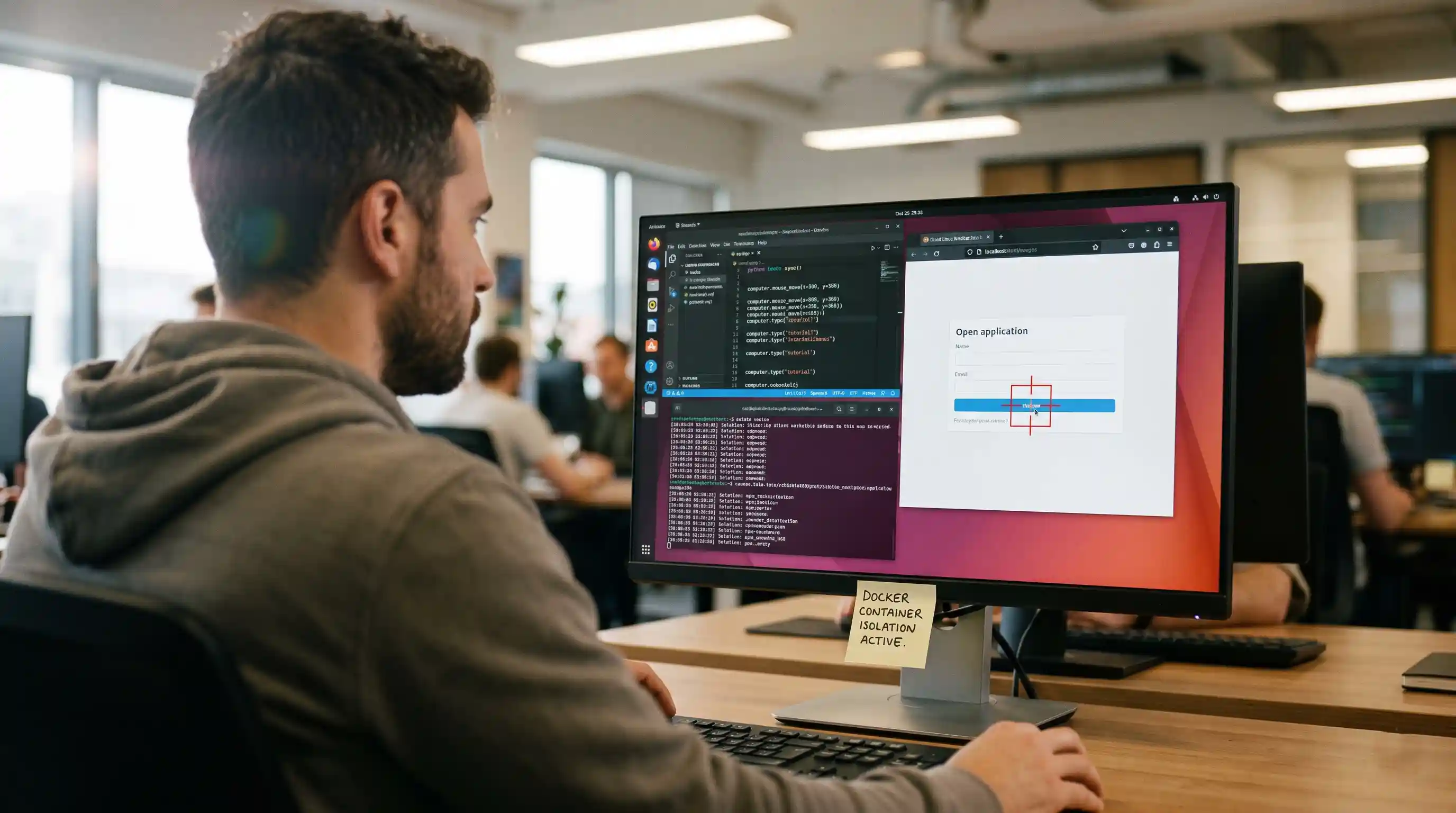
- OS-Level Control: Claude's computer use API bypasses standard web scraping, allowing direct interaction with native desktop environments.
- Vision-Driven Execution: The agent dynamically calculates exact pixel coordinates from live screenshots to fire synthetic mouse and keyboard events.
- Strict Sandboxing is Mandatory: Executing these sessions requires isolated, ephemeral containerization to prevent catastrophic security breaches.
- High Token Consumption: Vision-based perception loops process heavy image data, making token optimization a primary deployment constraint.
We ran a computer-use session end to end and captured the guardrails that mattered. Handing an AI model direct control of a live screen introduces entirely new reliability and security paradigms that developers must master.
If you are already familiar with the foundational automation architectures discussed in our core overview on browser and computer-use agents, this tutorial takes the next critical step.
We will break down exactly how to let Claude see, click, and type on a real desktop interface without compromising your host system.
Understanding the Computer Use API
Claude computer use represents a massive leap in agentic capabilities. Traditional automation agents rely exclusively on parsing structured HTML and DOM elements. In stark contrast, Claude operates entirely on visual input.
It utilizes specific custom tool calls—namely the computer, str_replace_editor, and bash tools—to navigate and execute commands. You pass Claude a screenshot of the current state, and it responds with the exact X/Y coordinates of the interface element it intends to manipulate.
This breaks the agent out of the traditional browser sandbox. It can seamlessly open native desktop applications, manipulate local files, and interact with legacy Citrix environments that entirely lack standard web APIs.
Setting Up and Sandboxing Your Agent
Security must be your absolute first priority. Is Claude computer use safe to run? Never on your host machine.
Because the agent reads raw visual data from untrusted sources, it is highly susceptible to malicious instructions hidden in plain sight. We strongly recommend researching strict visual vulnerabilities and prompt injections before deployment.
You must deploy this API exclusively within an isolated, ephemeral Docker container. The container should have zero access to your internal network or sensitive host directories. Once the session terminates, you must destroy the container entirely to reset the environment.
Claude Computer Use vs browser-use
When architecting your automation pipeline, you must choose the right tool for your specific environment. How does Claude's vision API compare to established open-source libraries?
If your target is strictly a modern, structurally sound web application, Claude's vision API is generally overkill. Standard DOM manipulation is vastly faster and cheaper to execute. For those standard web scenarios, you are better off leveraging dedicated Python libraries.
However, Claude computer use unequivocally wins when dealing with unpredictable, dense, or non-web interfaces. If you need an agent to open a local spreadsheet, copy specific rows, and paste that data into a proprietary desktop ERP system, Claude is currently the most viable path.
Extending Capabilities with MCP
Out of the box, Claude relies entirely on synthetic screen events to manipulate the OS. But to build truly robust enterprise agents, you should combine raw screen control with structured API access.
This is where the Model Context Protocol (MCP) becomes a critical piece of your architecture. By giving your computer-use agent direct access to structured backend tools, you reduce its reliance on token-heavy visual perception.
You can define strict local tools that the agent can trigger programmatically when visual navigation fails or becomes too slow. Bridging these distinct workflows is the secret to high-availability agents.

Frequently Asked Questions (FAQ)
Anthropic's computer use API is a multimodal system that allows the Claude model to interact directly with a computer interface. By analyzing continuous screenshots, it can move the cursor, click buttons, and type text, effectively controlling the operating system natively.
You must utilize the Anthropic API and provision a strictly sandboxed environment, preferably an ephemeral Docker container. You will then route continuous screenshots to the API and parse the returning tool calls into actual synthetic OS events locally.
The agent relies on continuous screenshots fed directly into its multimodal vision model. It identifies the target element visually and calculates the exact X/Y pixel coordinates, instructing the system environment to fire a synthetic mouse click at that precise location.
It can perform almost any standard action a human user can, including navigating native desktop applications, browsing the web, managing local files via the terminal, and interacting seamlessly with legacy enterprise software that completely lacks standard API endpoints.
It is inherently dangerous if run directly on your primary host machine due to the severe risk of prompt injection or runaway actions. It must strictly be executed within an isolated container that is completely destroyed after the task completes.
Deploy the agent within a minimal Docker container running a lightweight Linux distribution alongside a virtual frame buffer. Explicitly restrict all inbound and outbound network access, allowing only the direct API connections strictly required to power the underlying LLM.
Claude utilizes a vision model to control the entire operating system via pixel coordinates and synthetic mouse events. Conversely, the browser-use library specifically automates web browsers by directly parsing the structured HTML DOM and interacting with web elements via Playwright.
Because the system relies on high-resolution screenshots for every single action within the perception loop, the token consumption is exceptionally high. Processing this continuous stream of complex image data makes it significantly more expensive than standard text-based DOM automation.
The API frequently struggles with low-contrast interfaces, tightly packed data tables, and high-latency operating environments. The agent may occasionally miscalculate precise pixel coordinates or get stuck in hallucination loops if the screen state changes unexpectedly during the processing phase.
You must continuously log every captured screenshot, the model's exact token output, and the resulting OS-level action. Utilize specialized evaluation frameworks that replay these visual traces to precisely identify where the agent miscalculated coordinates or completely misinterpreted the interface state.