The ChatGPT Shopping Prompt Library: Scripts for Instant Deals
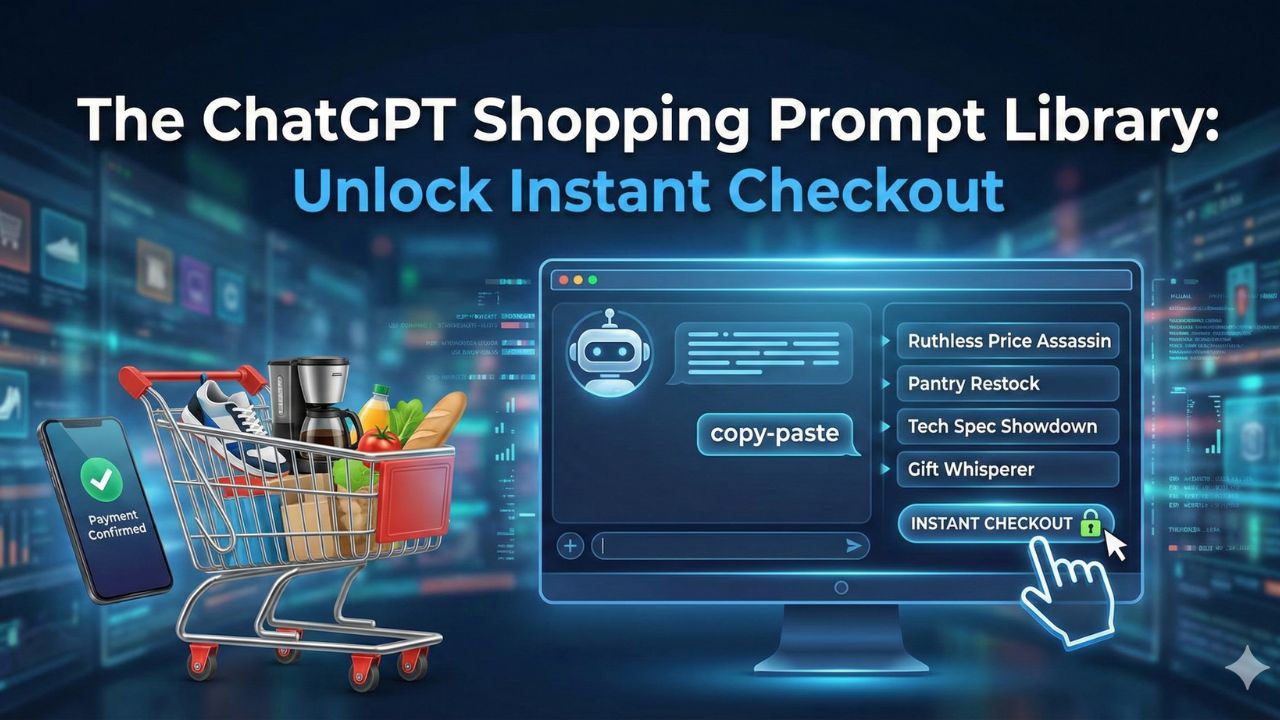
You have set up your wallet. You have connected your Target and Walmart accounts. Now, you are staring at the blinking cursor, wondering: "What do I actually say?"
Most people treat ChatGPT shopping like a basic search bar. They type "running shoes" and get a generic list. But to unlock the true power of Agentic Commerce, you need to speak the language of your AI shopping assistant.
The difference between a mediocre result and an instant checkout miracle lies in the prompt. We have tested hundreds of scripts to find the ones that actually work.
Here is your essential library of the best ChatGPT shopping prompts to master the art of buying with AI.
1. The "Ruthless Price Assassin"
Best for: Big ticket items (Electronics, Appliances)
When you search on Google Shopping, you are often bombarded with sponsored ads. The advantage of ChatGPT vs Google Shopping is the ability to filter out the noise and focus purely on value. Use this script when you need ChatGPT prompts for finding deals without the fluff.
"Act as a ruthless deal hunter. I am looking to buy [Product Name, e.g., Sony WH-1000XM5 headphones].
1. Scan major retailers (Amazon, Best Buy, Walmart, Target) for the current lowest price.
2. Check for any active coupon codes or 'clipped' savings.
3. Ignore refurbished or used items.
4. Present the best deal with a direct 'Buy' link or Instant Checkout button."
This script is specifically designed for finding discount codes with ChatGPT that you might miss on a standard product page.
2. The "Gift Whisperer"
Best for: Birthdays, Holidays, Hard-to-shop-for relatives
This is where the AI shines. Instead of browsing endless categories, give the AI a persona and a budget.
"I need to buy a birthday gift for my [Relation, e.g., Brother] who is turning [Age].
* Interests: He loves [Interest A, e.g., retro gaming] and [Interest B, e.g., craft coffee].
* Budget: Under $100.
* Delivery: Must arrive by [Date].
Suggest 3 unique items that are highly rated (4.5+ stars). Tell me exactly why he would like each one based on his interests."
3. The "Pantry Restock" (Agentic Mode)
Best for: Groceries, Household Essentials
If you have connected your retailer accounts (like Target or Walmart), you can stop building carts item-by-item. Use this agentic commerce script to automate your chores.
"Check my purchase history from last month.
1. Identify the consumable items I usually buy (milk, eggs, detergent, paper towels).
2. Create a new cart at Target with these essentials.
3. Add a treat under $5 that is currently on sale.
4. Schedule a Drive-Up pickup for [Day] at [Time]."
Note: The AI will ask you to confirm the final cart before it finalizes the order.
Not sure how to connect your Target account? Read the Setup Guide here.
4. The "Tech Spec Showdown"
Best for: Laptops, Phones, Cameras
Don't read ten different reviews. Use these AI price comparison prompts to make the AI synthesize the data for you.
"I am torn between buying the [Product A] and the [Product B].
Create a comparison table for me.
* Rows: Price, Battery Life, Warranty, and User Rating.
* Analysis: Based on the fact that I am a [User Type, e.g., graphic design student], which one is the better value?
* Action: Give me the Instant Checkout button for the winner."
5. The "Outfit Builder"
Best for: Fashion, Event shopping
Shopping for clothes online is tricky. These shopping research agent prompts help ensure items match before you buy.
"I have a [Event Type, e.g., summer wedding] coming up.
Build me a complete outfit for under $[Total Budget].
1. Start with a [Item, e.g., navy blue suit].
2. Find matching shoes and accessories available now.
3. Ensure all items are in stock in size [Size].
4. Visualize the outfit for me (if DALL-E is enabled) or list the links."
Pro Tip: Using "Memory" for Faster Shopping
You don't want to repeat your shoe size or address every time. You can train your ChatGPT wallet settings by giving it a permanent instruction.
Go to Settings > Personalization > Memory and add this:
"When I ask you to shop for clothes, my shirt size is Medium and my shoe size is 10.5 US. My preferred grocery store is the Target on Main Street. Always prioritize free shipping."

Frequently Asked Questions (FAQ)
Do I need a specific subscription to use these shopping prompts?
While you can use the research prompts (like the "Tech Spec Showdown") on any tier, the Instant Checkout and "Buy Button" features are currently exclusive to US users on Plus and Pro plans.
Why does the "Pantry Restock" prompt ask me to confirm the cart?
This is a safety feature of Agentic Commerce. Even when you automate the selection process, the AI follows a "Golden Rule": it cannot initiate a final charge without your explicit confirmation, such as a "Buy Now" click or biometric verification.
Can the "Ruthless Price Assassin" script find deals on any website?
The AI scans major retailers effectively, but if a smaller store or boutique hasn't enabled the specific commerce protocol (Shopify integration), the AI will provide a direct link instead of an Instant Checkout button.
How does the AI know my size for the "Outfit Builder" prompt?
You can manually type your size into the prompt every time, or use the "Memory" feature to store it. Additionally, if you connect a retailer account (like Target), the AI can access your purchase history to infer your preferences.
What happens if the "Gift Whisperer" suggests an item that is out of stock?
The AI checks stock in real-time. If the API reports "0 Inventory" for a specific suggestion, the "Buy" button will disappear to prevent errors, and you may need to ask the agent to regenerate a new suggestion.
Sources and References
To ensure the accuracy of these scripts and the functionality of the checkout features, this guide references the following documentation:
- OpenAI Commerce Guidelines (2025): Details on the "Agentic Commerce" framework that prevents the AI from acting as a simple data-entry clerk.
- Retailer Integration Protocols: Documentation regarding the OAuth handshake required to link major retailer accounts like Target and Walmart for purchase history access.
- Security Standards: Information on tokenized payment methods and the biometric verification requirements for completing transactions.