How to Set Up ChatGPT Instant Checkout: The Complete Wallet Guide
- Active ChatGPT Plus or Pro Subscription
- Location set to United States (VPNs not supported)
- Biometric authentication enabled device (for visual verification)
Finding a deal is great. But entering your shipping address, credit card number, and billing zip code for the thousandth time on a mobile keyboard is painful.
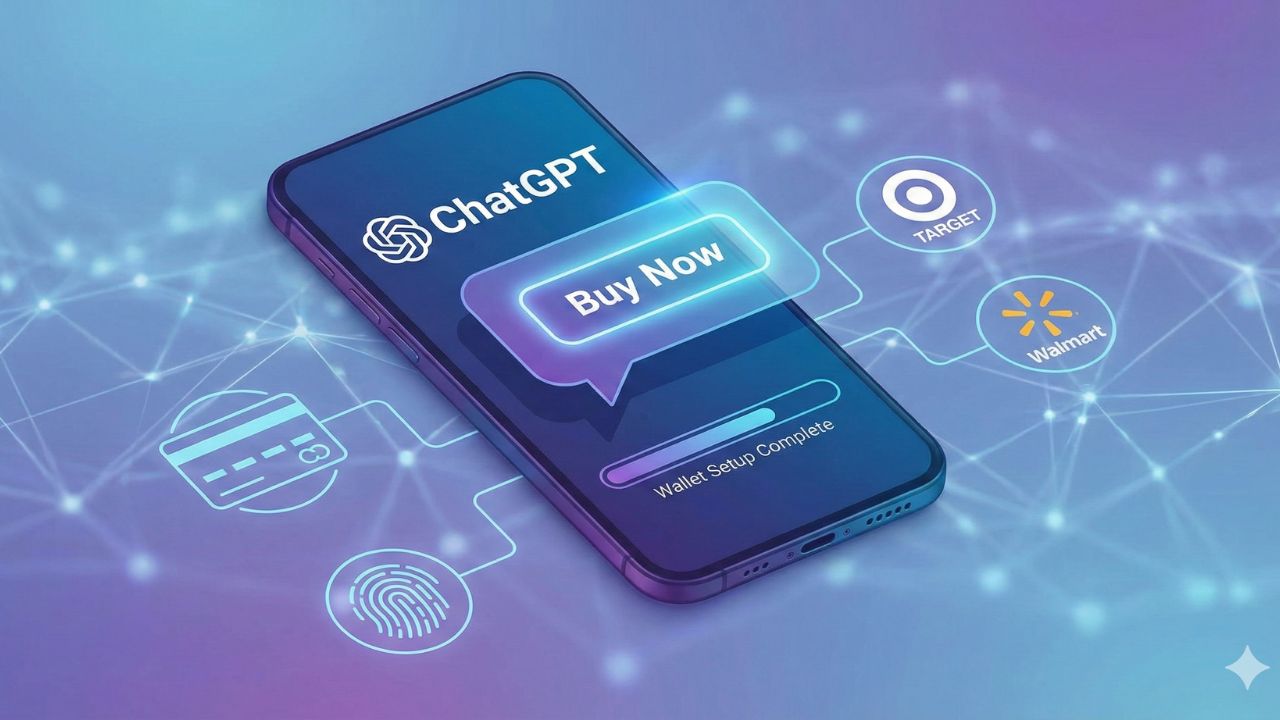
The promise of Agentic Commerce is that you shouldn't have to act as a data-entry clerk for every transaction. ChatGPT Shopping solves this with Instant Checkout. Instead of redirecting you to a retailer’s website to finish the job, the "Buy Button" lives inside the chat.
But before the AI can buy on your behalf, you need to give it a wallet. This guide covers how to securely set up your payment methods, link retailer accounts, and manage your privacy settings.
What is the "Connected Wallet"?
Think of ChatGPT’s wallet not as a bank account, but as a secure keychain. When you set up Instant Checkout, you aren't giving OpenAI permission to spend your money freely. You are creating a tokenized payment method.
When you click "Buy," the AI retrieves your stored encrypted wallet and shipping preferences and passes a secure token to the retailer to complete the transaction.
The Golden Rule: The AI cannot initiate a charge without your explicit confirmation (usually a "Buy Now" click or a biometric verification).
Step 1: Setting Up Your Default Payment Method
To enable the "Buy" button, you need a default card on file.
- Open Settings: In the ChatGPT interface, click your profile icon and go to Settings > Data Controls.
- Locate "Connected Apps & Payments": You will see a new section dedicated to Commerce.
- Add Payment Method: You can manually enter a Credit/Debit card.
Pro Tip: If you are on a mobile device, use Apple Pay or Google Pay. This adds an extra layer of biometric security (FaceID) to every purchase. - Add Shipping Address: Enter your default shipping location. You can label this "Home" or "Office" so you can tell the AI: "Send this to my Office address."
Step 2: Connecting Retailer Accounts
The real magic happens when you connect your existing retailer accounts. This allows ChatGPT to access your loyalty points, purchase history, and specialized delivery options.
How to Connect Target & Walmart
Thanks to massive integrations in late 2025, you can link these giants directly.
- Trigger the Prompt: The easiest way to start is to ask ChatGPT: "I want to buy something from Target. Can I link my account?"
- The OAuth Handshake: ChatGPT will present a "Connect" button. Clicking this opens a secure pop-up window for the retailer.
- Login & Authorize: Log in with your retailer credentials. You will be asked to grant ChatGPT permission to "View Cart" and "Add Items."
- Success: Once linked, you can say things like: "Add 2% milk and eggs to my Target cart and schedule a pickup for 5 PM".
How to Connect Shopify Stores
You don't need to link every individual Shopify store. If you use the Shop App (Shop Pay), your credentials are likely recognized automatically through the Agentic Commerce Protocol.
Step 3: Security & Verification Settings
Is it safe to leave your credit card inside a chatbot?
It is actually safer than typing your number into random websites. OpenAI does not store your unencrypted card number. However, you should still enable Spending Controls to prevent accidental purchases.
Recommended Safety Settings:
- Require Biometric Confirmation: Toggle this ON. This ensures that even if you click "Buy," the transaction won't fire until you scan your face or fingerprint on your device.
- Set a Transaction Limit: You can tell the Research Agent: "Never authorize a purchase over $200 without a secondary password."
Troubleshooting: Why don't I see the "Buy" button?
If you have followed the steps above but still only see links instead of a checkout button, here are the common culprits:
- The "Ghost" Product: The item might be out of stock. The AI checks stock in real-time; if the API reports "0 Inventory," the Buy button disappears to prevent errors.
- Region Lock: Currently, Instant Checkout is strictly for users in the United States. If you are using a VPN, turn it off.
- Unsupported Retailer: Not every store supports the protocol yet. If you are trying to buy from a small boutique that hasn't enabled the Shopify integration, ChatGPT can only provide a link, not a checkout.

Next Step: Start Buying
Now that your wallet is active, you need the right scripts to find deals. Don't use generic prompts.
Frequently Asked Questions (FAQ)
Is the ChatGPT Wallet safe to use for everyday purchases?
Yes. The ChatGPT wallet functions as a "secure keychain" rather than a bank account. It uses a tokenized payment method, meaning OpenAI never stores your unencrypted card details. Furthermore, you can enable biometric confirmation (FaceID or fingerprint), ensuring the AI shopping assistant cannot complete a transaction without your physical verification.
How do I shop on ChatGPT if I don't see the "Buy" button?
If the button is missing, check three things:
- Inventory: The item might be out of stock (the "Ghost Product" issue).
- Location: Ensure you are in the US and not using a VPN, as ChatGPT Instant Checkout is region-locked.
- Retailer Support: The store may not support the Agentic Commerce protocol yet. In this case, ChatGPT will provide a link instead of a checkout button.
ChatGPT vs Google Shopping: What is the main difference?
The primary difference is friction. Google Shopping acts as a search engine that redirects you to a third-party website to enter your data. ChatGPT Shopping uses Instant Checkout to complete the purchase directly inside the chat interface, saving you from acting as a "data-entry clerk" for every transaction.
Can I link my existing Amazon or Walmart accounts?
As of late 2025, direct integrations are live for major retailers like Target and Walmart. You can link these by asking ChatGPT, "Can I link my account?" and following the OAuth handshake. For Shopify-based stores, the system often recognizes your credentials automatically via the Shop App.
Does the AI shopping assistant have a spending limit?
Yes. You can configure specific Spending Controls within the settings. For example, you can instruct the agent: "Never authorize a purchase over $200 without a secondary password," adding a safety net against accidental high-value orders.
Sources and References
- OpenAI Commerce Policy (2025): Guidelines on "Agentic Commerce" and tokenized payment security standards for Plus and Pro users.
- Retailer Integration Documentation: Official support pages regarding the OAuth Handshake protocols for Target and Walmart account linking.
- Shopify & Shop Pay: Documentation on the automated credential recognition system used for small business integrations.
- Data Privacy Controls: OpenAI settings reference for "Connected Apps & Payments" and biometric verification setups.