DeepSeek R1 Hardware Guide: Best GPUs for Private, Local Reasoning
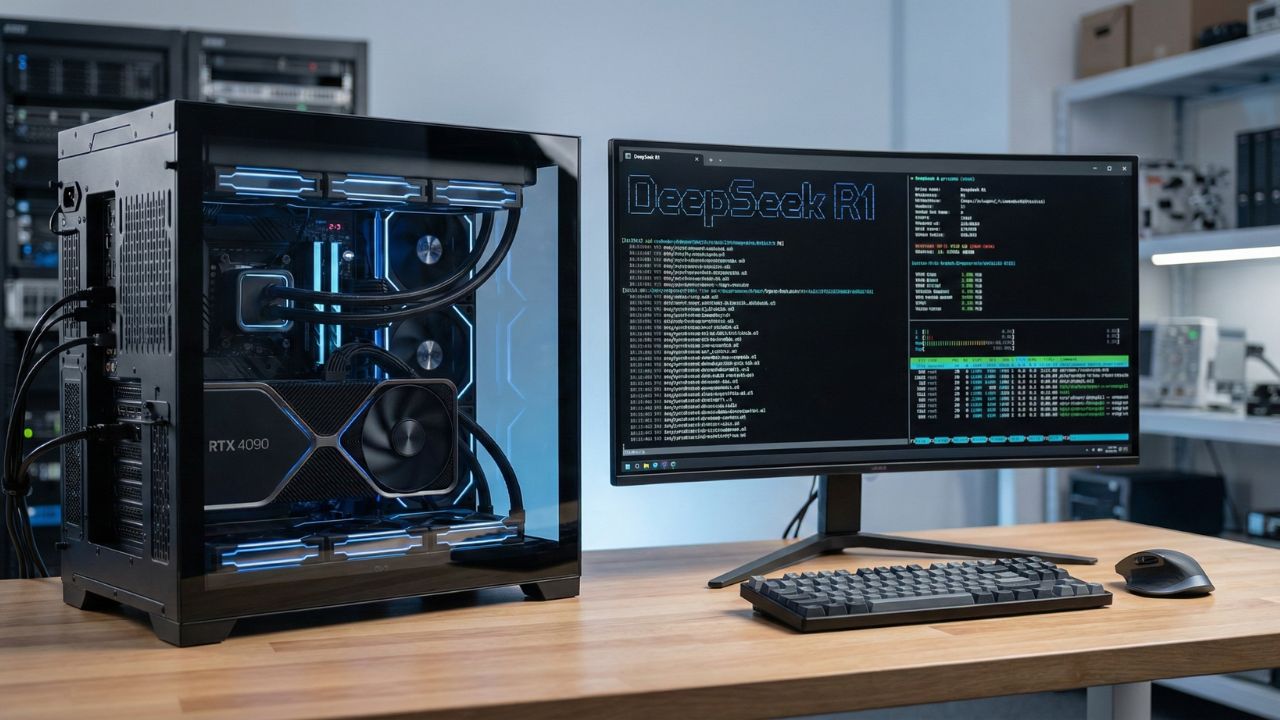
Key Takeaways: Building Your AI Fortress
- The VRAM Rule: Video RAM (VRAM) is the single most critical factor; 24GB is the new minimum for serious local inference.
- The Mac Advantage: Apple’s M4/M3 chips with Unified Memory allow you to run massive models (70B+) that won't fit on standard consumer GPUs.
- The Budget King: Used NVIDIA RTX 3090s (24GB) are currently the best value-for-money cards for building multi-GPU rigs.
- The Reality Check: Running the full 671B parameter model requires enterprise-grade hardware; most users should target the optimized 32B or 70B distilled versions.
Introduction: Owning Your Intelligence
Running AI locally isn't just a hobby anymore; it is a data security necessity. By hosting DeepSeek R1 on your own hardware, you eliminate API latency, remove monthly subscription fees, and guarantee that no code snippets ever leave your local network.
However, the hardware requirements for Deepseek R1 70b and its smaller siblings are demanding. Unlike standard software, Large Language Models (LLMs) live and die by memory bandwidth.
This deep dive is part of our extensive guide on The DeepSeek Developer Ecosystem: Why Open Weights Are Winning the 2026 Code War.
Whether you are looking to run the efficient 7B model on a laptop or build a dual-GPU monster for the 70B version, this guide covers the exact specs you need to achieve high token-per-second (TPS) speeds.
The Golden Rule: VRAM vs. System RAM
Before buying hardware, understand this: System RAM (DDR5) is too slow for fast chat. While you can run models on your CPU using system RAM (via GGUF format), the generation speed will be sluggish (2-5 tokens per second).
To get that snappy, real-time "coding assistant" feel (30+ tokens per second), you need to fit the entire model into your GPU’s VRAM.
- DeepSeek R1 Distill Llama 8B: Requires ~6GB VRAM (Fits on almost any modern card).
- DeepSeek R1 Distill Qwen 32B: Requires ~20GB VRAM (Requires 3090/4090).
- DeepSeek R1 Distill Llama 70B: Requires ~40GB VRAM (Requires Dual GPUs or Mac Studio).
(If these hardware costs scare you, check our comparison on DeepSeek R1 API Pricing: Why Enterprises are Switching for 90% Cost Savings to see the cloud alternative.)
GPU Tier List 2026: What Should You Buy?
1. The Flagship Battle: Running DeepSeek R1 on RTX 5090 vs 4090
If you want the absolute best consumer performance, the NVIDIA RTX 4090 (24GB) has long been the king. However, the 2026 landscape is shifting.
RTX 4090 (24GB): capable of running the 32B model at blazing speeds (80+ t/s). It can barely squeeze in a heavily quantized 70B model, but context will be limited.
RTX 5090 (32GB): The extra VRAM is a game-changer. It allows you to run the 70B model with decent context window at 4-bit quantization without needing a second card.
2. The Best Budget GPU for Local DeepSeek Inference
You don't need to spend $2,000. The NVIDIA RTX 3090 (24GB) used market is the secret weapon for AI builders. You can often find two used 3090s for the price of one new 4090.
Setup: Two 3090s linked via NVLink (or just PCIe) gives you 48GB of VRAM.
Capability: This runs the DeepSeek R1 70B model comfortably at high precision with massive context windows.
3. The Entry Level: RTX 3060 / 4060 Ti
With 12GB or 16GB of VRAM, these cards are perfect for the DeepSeek R1 7B or 8B models. These smaller "distilled" models are surprisingly capable at coding tasks and fly on this hardware.
The Mac Factor: DeepSeek R1 RAM Requirements for Mac M4
Apple has a unique advantage: Unified Memory. The GPU and CPU share the same RAM pool. If you buy a MacBook Pro M4 Max with 128GB of RAM, you can technically run models that would require $15,000 worth of NVIDIA workstation cards.
Performance: It is slower than an RTX 4090 (inference might be 15-20 t/s vs 80 t/s), but it works.
Capacity: You can load the massive unquantized weights that simply crash on PC GPUs.
Verdict: For researchers who need model size over raw speed, a high-RAM Mac is superior to a gaming PC.
Understanding Quantization: GGUF vs. EXL2
To fit these models on consumer cards, we compress them.
GGUF (CPU/Apple): The standard for easy portability. Great for Mac users and those splitting loads between CPU/GPU.
EXL2 (ExLlamaV2): The speed demon for NVIDIA GPUs. Optimized quantization for DeepSeek R1 in EXL2 format can deliver 2x-3x faster speeds than GGUF, but it is fragile, if you run out of VRAM by 1MB, it crashes.
(Curious how these compressed models perform? Check the benchmarks in our DeepSeek R1 LMSYS Ranking Guide.)
Conclusion: Build or Rent?
If privacy is paramount, building a local rig with a used RTX 3090 or a new Mac M4 is a solid investment. Meeting the hardware requirements for Deepseek R1 70B allows you to wield GPT-4 class intelligence without an internet connection.
However, if you only need the model occasionally, the API costs are so low that hardware might not be worth the electricity bill. The choice comes down to one word: Sovereignty.

Frequently Asked Questions (FAQ)
For the full 671B model, you need enterprise-grade H100 clusters. However, for the "Distilled" 7B version, you only need an NVIDIA GPU with 6GB+ VRAM (like an RTX 3060) or a Mac with 8GB+ RAM.
Yes, but with limits. You can run the 32B model comfortably. To run the 70B model, you must use heavy 4-bit or 2-bit quantization to fit it inside 24GB VRAM, which impacts intelligence.
To run the full-sized 671B model even at 4-bit quantization, you need roughly 350GB+ of VRAM. This usually requires a cluster of 4x or 8x A100/H100 GPUs.
The used NVIDIA RTX 3090 (24GB) is widely considered the best value. It offers the same VRAM capacity as the 4090 for a fraction of the price, making it ideal for budget 70B builds.
Use a tool like Ollama or LM Studio. Ensure you download the GGUF format of the model. For 70B models, you will need a Mac with at least 64GB (preferably 96GB+) of Unified Memory.
Sources & References
Internal Sources
External Sources