The ChatGPT 5.1 Prompting Guide for Code Agents
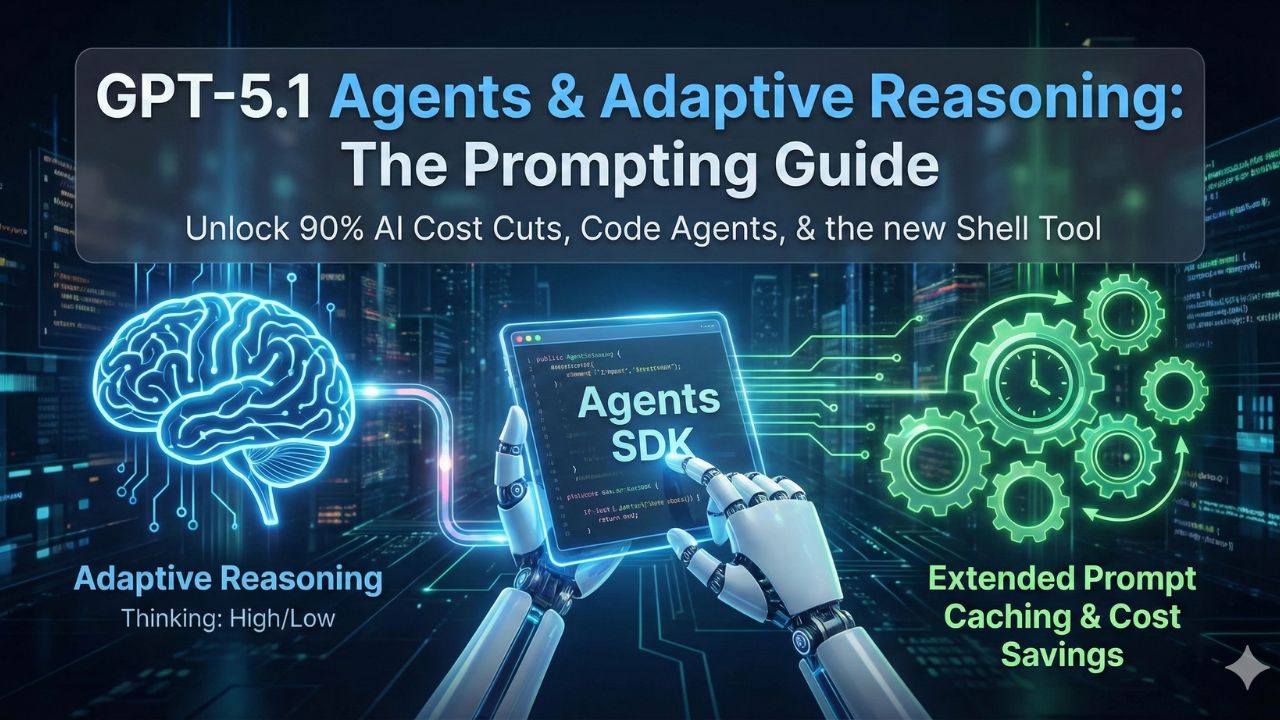
The release of ChatGPT 5.1 marks a significant paradigm shift for developers, moving beyond simple text generation to the foundation for a new era of agentic programming. This model is engineered not just to respond, but to reason, execute, and persist as a capable collaborator.
This article serves as a definitive ChatGPT prompting guide for developers on how to effectively prompt and control GPT-5.1's advanced capabilities, framing its features as pillars supporting this new paradigm. We will cover the groundbreaking concept of Adaptive Reasoning, new executors like the apply_patch AI tool, powerful economic models like Extended Prompt Caching, and the blueprints for building with the new Agents SDK.
1. The Engine: Architecting Intelligence with Adaptive Reasoning
The core innovation driving GPT-5.1 is Adaptive Reasoning, a mechanism that allows the model to dynamically adjust its computational effort based on a task's complexity, treating intelligence as a configurable resource.
What is Adaptive Reasoning?
Adaptive Reasoning means GPT-5.1 calibrates the "thinking" tokens and processing time it dedicates to a request.
- For simple queries, it responds almost instantly, conserving resources.
- For complex problems, it engages in more persistent, deeper thought to ensure a reliable answer.
This efficiency translates directly to real-world performance gains:
- A command lookup that previously took 10 seconds can now be completed in just 2.
- An analysis from Balyasny Asset Management reported that, across its evaluation suite, GPT-5.1 operated "2–3 times faster than GPT-5".
- On simpler tasks, this can lead to token usage reductions of up to 88%, making it economically viable to use a single frontier model across an entire application stack.
Controlling the Trade-off with reasoning_effort
Developers can directly control this behavior via the reasoning_effort API parameter, allowing for a fine-tuned balance between speed and intelligence.
| Parameter Value | Description |
|---|---|
| 'none' | (Default) Prioritizes low latency for high-throughput workloads. This mode still retains the high base intelligence of GPT-5.1. Sierra reported a "20% improvement on low-latency tool calling performance" with this setting. |
| 'low' | Introduces a minimal level of adaptive thought for tasks with low complexity. |
| 'medium' | A balanced setting for moderately complex tasks requiring a standard level of reasoning. |
| 'high' | For tasks where intelligence and reliability are paramount over speed, compelling the model to engage in persistent, deep exploration of the problem space. |
2. The Economics: Maximizing Efficiency with Extended Prompt Caching
GPT-5.1 introduces powerful economic levers that, when used correctly, can dramatically reduce operational costs for stateful, agentic applications.
The 90% Discount: How Caching Works
Extended Prompt Caching is a feature that allows prompts to remain active in the model's cache for up to 24 hours.
- Cached input tokens receive a 90% discount.
- They are priced at just $0.125 per 1 million tokens compared to the standard $1.25 per 1 million uncached tokens.
- This 24-hour context persistence is the economic backbone for the long-running, multi-hour agent loops enabled by the Agents SDK and models like GPT-5.1-Codex-Max.
Structuring Your ChatGPT 5.1 Prompts for Cache Hits
To maximize the financial benefit of caching, developers must structure their ChatGPT 5.1 prompts to facilitate cache hits.
- The caching mechanism relies on exact prefix matching.
- This means static content, such as system instructions or few-shot examples, must be placed at the beginning of the prompt.
- Dynamic content, like user input, should be appended at the end.
The Critical Compliance Trade-off: Caching vs. ZDR
A critical strategic decision for enterprise developers is that Extended Prompt Caching is fundamentally incompatible with Zero Data Retention (ZDR) requirements.
- Caching, by its nature, requires storing session state for up to 24 hours.
- This directly violates the principle of ZDR, which mandates that all data be deleted immediately after a request is processed.
- This forces organizations to make a strategic choice between maximizing cost efficiency with caching and maintaining strict data compliance with ZDR.
3. The Executors: Agentic Prompting with New AI Tools
GPT-5.1 moves beyond generating text to executing tasks through a new suite of specialized AI tools, enabling true agentic workflows.
The shell Tool: Interacting with the System
The shell AI tool allows the model to propose shell commands to be executed in the developer's environment.
- The developer's integration runs these commands and returns the output to the model.
- This creates a powerful "plan-execute" loop, allowing the agent to inspect the local system, run tests, install dependencies, and gather real-time context to inform its next steps.
The apply_patch Tool: Reliable Code Modification
Instead of suggesting code changes in plain text, the apply_patch AI tool allows the model to generate structured diffs for creating, updating, or deleting files.
- This structured approach, implemented as a named freeform function call instead of a standard JSON format, yielded a 35% decrease in
apply_patchfailure rates during testing, prioritizing the high reliability essential for autonomous agents. - Developers can integrate these tools by including them in the
toolsarray of the Responses API call (e.g.,{"type": "shell"}or{"type": "apply_patch"}).
4. The Blueprint: Building with the Agents SDK
The Agents SDK provides the necessary framework for orchestrating GPT-5.1's agentic capabilities into robust applications, turning a language model into a functional software engineering collaborator.
Setting Up the Agent
To build an agent, developers use the Agent class from the SDK. The setup involves:
- Defining the agent with a set of instructions.
- Specifying the model (e.g.,
"gpt-5.1"). - Providing a list of the tools it is authorized to use, such as
shell_toolandapply_patch_tool.
The Importance of a Secure Executor
When using the shell AI tool, security is paramount.
- The recommended best practice is to implement a
ShellExecutorclass that isolates all command execution within a dedicated and restricted workspace directory. - This prevents the agent from interacting with files outside of its intended scope.
- The official guidance warns: "In production, always execute shell commands in a sandboxed environment".
For Long-Horizon Tasks: GPT-5.1-Codex-Max
For extremely complex and long-running tasks, such as project-scale refactors or multi-hour agent loops, developers should use the specialized GPT-5.1-Codex-Max model.
- It employs a process called "compaction" to intelligently prune its history while preserving critical context.
- This compaction process allows it to work coherently over millions of tokens and sustain its reasoning for extended periods.
5. Understanding the Model Landscape
GPT-5.1 is available through several API aliases, each optimized for different use cases.
| Model Variant | Capability | Primary Use Case |
|---|---|---|
| gpt-5.1 | The Primary Thinking Variant. Most powerful general-purpose model, designed for configurable complexity. | General-purpose tasks, complex reasoning (using reasoning_effort parameter). |
| gpt-5.1-chat-latest | The Instant Variant. Optimized for speed and low latency. | High-throughput conversational applications. |
| gpt-5.1-codex / gpt-5.1-codex-max | Specialized variants optimized for long-running, agentic software engineering tasks. | Project-scale refactoring and multi-hour agent loops (using compaction). |
Core Specifications
- Context Window: 400,000 tokens.
- Maximum Output: 128,000 tokens.
Frequently Asked Questions (FAQs)
This section covers the essential context for using these powerful AI tools.
Can I use Extended Prompt Caching and still meet Zero Data Retention (ZDR) compliance?
No. The two features are mutually exclusive. Extended Prompt Caching requires storing prompt data for up to 24 hours to function, which violates the immediate-deletion principle that defines ZDR.
When should I use the standard gpt-5.1 API model versus gpt-5.1-codex-max?
Use gpt-5.1 for the vast majority of powerful, general-purpose tasks. You should only use gpt-5.1-codex-max for highly specialized, extremely long-running agentic coding tasks, such as multi-hour refactoring loops, that can take advantage of its unique "compaction" feature to maintain context over millions of tokens.
What is the default reasoning behavior of GPT-5.1, and will it slow down my app?
The default setting is reasoning_effort='none'. This prioritizes low latency and high speed, making the model behave like a fast, non-reasoning model while retaining its high base intelligence. The model only engages in deeper, more time-consuming "thinking" when a developer explicitly requests it by setting reasoning_effort to 'low', 'medium', or 'high'.
Related Deep-Dives for Developers
Continue mastering your GPT-5.1 implementation with these related technical guides:
Sources and References:
- Pillar Page Link (Internal): Developers Guide for ChatGPT 5.1
- Build a coding agent with GPT 5.1 - OpenAI Cookbook
- Building more with GPT-5.1-Codex-Max
- GPT-5.1 - API, Providers, Stats - OpenRouter
- GPT-5.1: A Strategic Analysis of Adaptive Reasoning, Agentic Computing, and Cost Optimization for API Developers
- GPT-5.1: A smarter, more conversational ChatGPT - OpenAI
- Introducing GPT-5.1 for developers - OpenAI
- Service terms | OpenAI
- Usage policies - OpenAI

Explore More AI Resources
Continue your deep dive into AI performance, development, and strategic tools by exploring our full content hub.
Read the Full Developers Guide for ChatGPT 5.1