Google Veo Guide: Create Cinematic AI Video from Simple Prompts (Google Veo vs Sora for Marketing Videos)
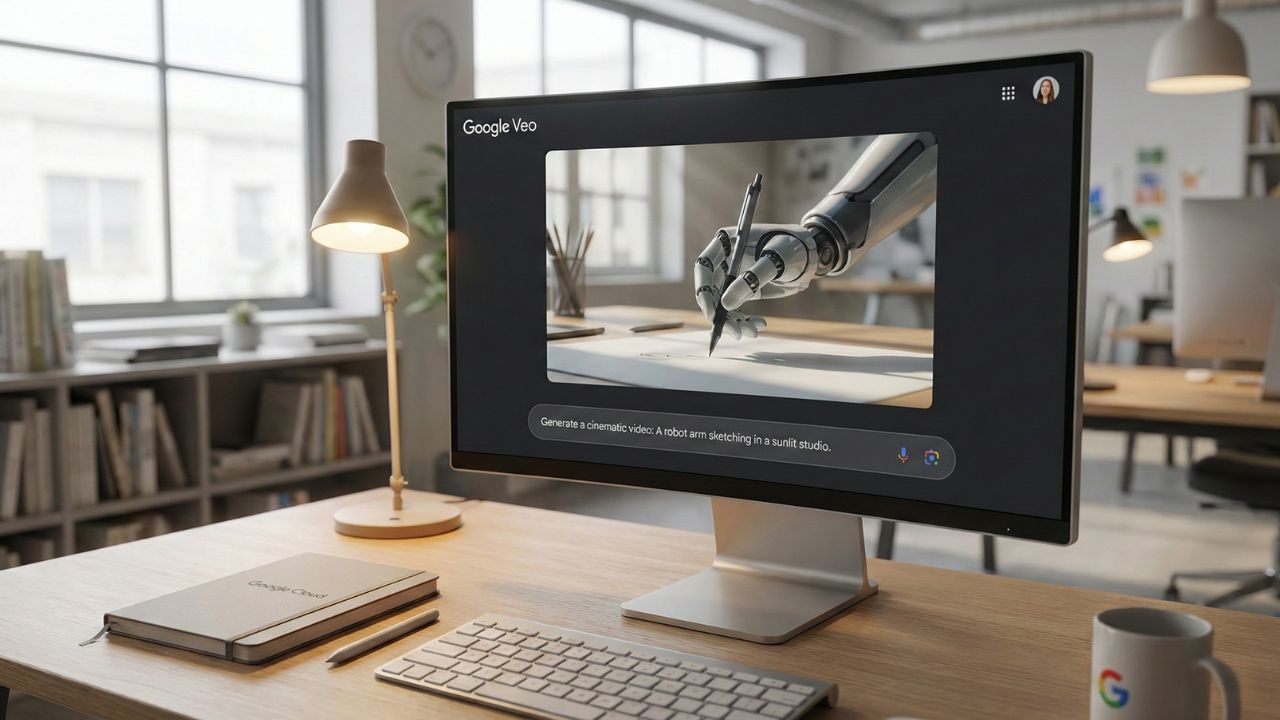
Quick Answer: Key Takeaways
- Cinematic Quality: Generate 1080p+ video clips in various visual styles (photorealistic, animated, surreal) instantly.
- Commercial Safe: Designed with watermarking (SynthID) and safety filters suitable for enterprise use.
- Edit Control: Use text prompts to edit existing footage or refine generated clips without reshooting.
- Audio Generation: Veo doesn't just do video; it generates synchronized audio tracks to match the action.
- Cost Efficiency: Eliminate the need for expensive stock footage subscriptions and b-roll crews.
Introduction
The battle of Google Veo vs Sora for marketing videos is redefining how brands create content.
For years, producing high-fidelity video meant hiring crews, renting gear, and weeks of post-production. Google Veo changes this equation entirely.
This deep dive is part of our extensive guide on Free Google AI Tools for Business.
Now, you can generate cinematic shots, social media clips, and dynamic b-roll simply by typing a prompt. It is the visual engine your creative team has been waiting for.
What is Google Veo?
Google Veo is a generative video model capable of creating high-definition video (1080p and beyond) that creates consistent, coherent motion.
Unlike older models that produced "jittery" or morphing visuals, Veo understands 3D geometry. It keeps objects consistent as they move through a frame, making it viable for actual commercial work.
If you are a developer looking to build applications that utilize these types of advanced media models, check out our guide on Google AI Studio: Build & Test Custom Agents for Free.
Google Veo vs Sora for Marketing Videos
Why choose Veo over OpenAI's Sora?
For the enterprise, the answer often comes down to ecosystem and safety.
- Integration: Veo is being integrated directly into YouTube Shorts and Workspace, fitting into your existing workflow.
- Control: Google offers advanced controls for "masked editing", allowing you to change a specific part of the video (like a shirt color) without regenerating the whole scene.
- Availability: While Sora has remained in limited red-teaming phases, Google is aggressively rolling out Veo capabilities to trusted testers and labs users.
From Script to Screen: The Workflow
The magic starts with a prompt. But to get the best video, you need a great script or storyboard first.
We recommend using NotebookLM to convert company docs into AI mind maps or storyboards. You can upload your brand guidelines to NotebookLM, ask it to generate scene descriptions, and then paste those descriptions into Veo.
This ensures your AI-generated video remains perfectly on-brand.
Conclusion
When evaluating Google Veo vs Sora for marketing videos, the winner is the tool that ships.
Google Veo offers a tangible, high-quality solution that is rapidly becoming accessible to creators and businesses alike.
Stop paying for generic stock footage. Start generating your own.

Frequently Asked Questions (FAQ)
Google Veo is currently available to select creators and developers through VideoFX and is gradually rolling out to YouTube Shorts and Vertex AI. You can sign up for the waitlist via Google Labs or access preview features within select Workspace editions.
Veo creates high-definition video (1080p+) and is capable of generating synchronized audio tracks that match the visual movement, reducing the need for separate sound design in early drafts.
Currently, Veo can generate clips lasting over a minute in a single prompt. These clips can be extended or stitched together for longer narratives using standard editing workflows.
Integration into YouTube Shorts (specifically the "Dream Screen" feature) is generally free for creators to use during the rollout phase. However, enterprise usage via Vertex AI will likely follow a token-based or subscription pricing model.
Veo allows for "image-to-video" generation. You can upload a reference image (e.g., a product shot or a specific character design) alongside your text prompt to ensure the final video matches your visual style or brand assets perfectly.
Sources & References
- Google DeepMind: Veo: Our most capable generative video model
- Google Labs: VideoFX: Create with Veo
- FREE Google AI Tools: The Secret $0 SaaS Stack for Enterprises
External Resources:
Internal Resources: