5 Steps to Build a Local RAG Pipeline & Bulletproof Your Enterprise Data
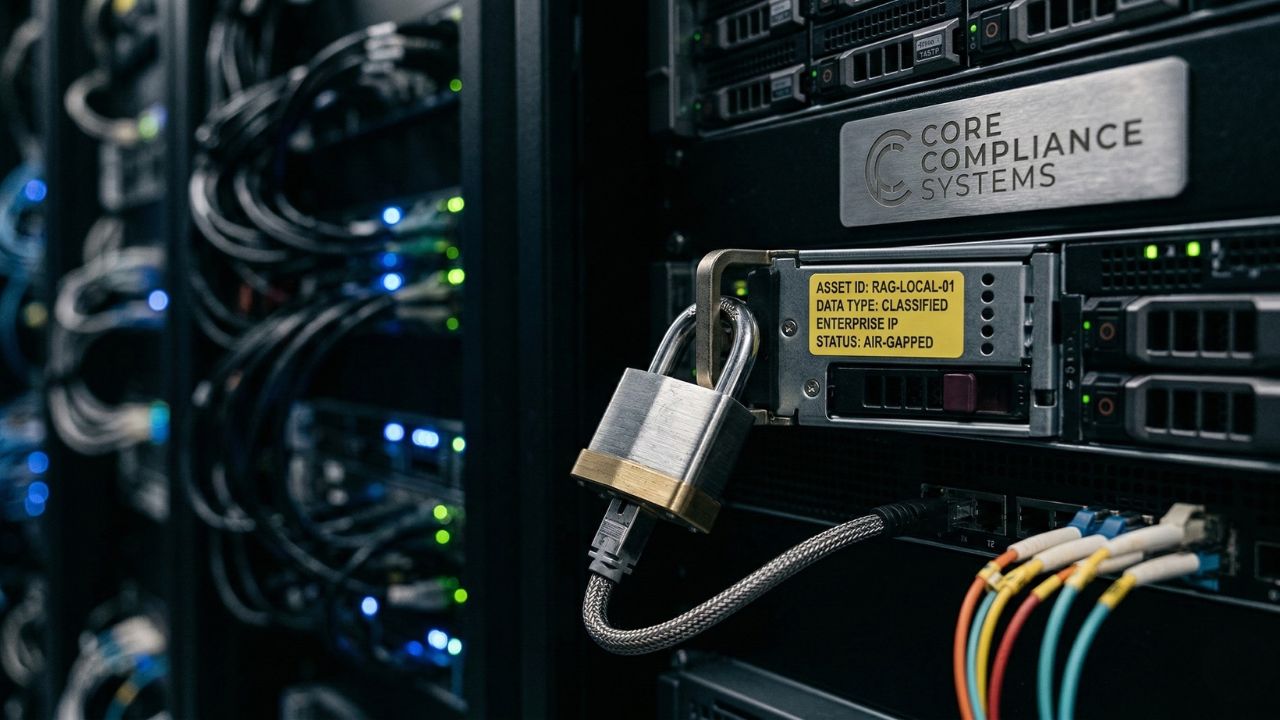
Executive Snapshot: The Bottom Line
- Keep sensitive internal PDFs, wikis, and proprietary IP strictly on-premise.
- Deploy open-source vector databases that function perfectly without outbound internet access.
- Achieve rigid HIPAA and CCPA compliance through air-gapped document retrieval systems.
Uploading your proprietary architecture documentation to a cloud pipeline is a massive compliance violation waiting to happen. The moment sensitive internal data leaves your network to hit an external API, you lose sovereignty over your intellectual property.
Cloud-based vector databases and third-party orchestration tools create an unmonitored surface area for data exfiltration. Whether through accidental logging, multi-tenant database misconfigurations, or intercepted telemetry, relying on the cloud puts your compliance status at severe risk.
Implementing a local RAG (Retrieval-Augmented Generation) setup for enterprise data is the only reliable way to query internal documents safely offline.
"As detailed in our master guide on Why Your OpenRouter API Habit is a Security Nightmare, funneling sensitive IP through third-party aggregators destroys data sovereignty. You must build an air-gapped retrieval system."
Architecting Your Offline Knowledge Base
Building an offline RAG pipeline isn't just about downloading a local LLM; it requires meticulously disconnecting every component from the public internet. This ensures zero risk of external pinging.
To achieve true air-gapped security, your embedding models, your vector store, and your generation LLM must all reside natively on your internal hardware infrastructure.
Step 1: Deploy an Offline Vector Database
The foundation of private AI is your vector store. You cannot rely on managed cloud services like Pinecone or Weaviate Cloud if you are handling sensitive internal data or patient records.
Instead, open-source solutions like ChromaDB or Milvus allow you to store vector embeddings locally on your own disks. These can be containerized using Docker and deployed to a secure internal server.
Step 2: Select Local Embedding Models
Embeddings translate your human-readable text into numerical representations (vectors) that the machine can search. Here is where most teams fail: If you use an external API (like OpenAI's text-embedding-ada-002) to generate these embeddings, you have already leaked your data before the local LLM even sees it.
You must use locally hosted embedding models. Options like nomic-embed-text or all-MiniLM-L6-v2 are highly optimized for local CPU execution and require minimal memory.
Step 3: Secure Document Ingestion
When connecting your RAG pipeline to sensitive PDFs or internal wikis, ensure your parsing scripts are clean. Default cloud loaders often contain telemetry trackers.
Rely on pure, offline Python libraries (such as PyPDF2 or Unstructured) to extract text and chunk it into manageable segments directly on your secure server.
| Evaluation Metric | Cloud RAG Architecture | Local RAG Architecture |
|---|---|---|
| Data Privacy | High risk of exfiltration & logging | 100% On-Premise & Air-gapped |
| Compliance | Fails strict HIPAA/CCPA checks | Satisfies stringent regulatory audits |
| Latency | Network and API dependent | Zero external latency (Bus-speed) |
| Component Cost | High recurring API token fees | Free open-source software licensing |
Step 4: Connect to a Local LLM
Your retrieval system needs a robust reasoning engine to synthesize the retrieved documents into coherent answers. Because everything else is offline, your generation model must be too.
You can easily integrate this pipeline with local models using tools like Ollama. For setting up a high-performance reasoning engine, review our guide on How to Master DeepSeek R1: 3 Steps to Run It Locally via Ollama.
Step 5: Orchestrate with Python Frameworks
Finally, use orchestration frameworks like LangChain or LlamaIndex to tie the database, embedding model, and LLM together seamlessly.
Crucial Security Check: Ensure you lock down package versions and explicitly disable any default telemetry settings within the framework configuration to maintain a true air-gap.
Expert Insight: Server RAM Allocation
Vector databases are highly memory-intensive because rapid semantic search relies on keeping data readily accessible.
When sizing your on-premise server, allocate at least 16GB to 32GB of system RAM strictly for your local vector database. This requirement is completely independent of the VRAM required by your GPU to run the generation LLM.
The Hidden Trap: What Most Teams Get Wrong About Embeddings
Most engineering teams successfully host their LLM locally but fail to realize their embedding process is still phoning home.
If you use a default orchestration script, it often defaults to a cloud provider API for the embedding phase. This hidden trap means your proprietary architecture docs are being sent to a third party to be vectorized—completely invalidating your air-gapped security posture.
You must explicitly declare a local embedding model in your code.
Furthermore, failing to update vector stores locally without API calls leads to stale knowledge bases. Teams often build the initial database offline but accidentally leave cloud-sync features enabled for future document additions. Build an internal cron job or pipeline that watches a secure, on-premise directory to update vectors safely.
Conclusion
Protecting your enterprise knowledge base is non-negotiable in today's regulatory landscape.
By strictly following a local RAG setup guide for enterprise data, you completely remove the proxy liability of cloud APIs, safeguard your intellectual property, and ensure lightning-fast semantic retrieval.
Start auditing your embedding models and containerizing your local vector databases today to secure your internal documentation once and for all.
Enhance your internal corporate learning platforms.
Try LearnWorlds AI

We may earn a commission if you buy through this link. (This does not increase the price for you)
Frequently Asked Questions (FAQ)
ChromaDB and Milvus are highly regarded for entirely local deployments. They operate natively on your internal hardware without requiring outbound internet access, making them perfect for handling proprietary enterprise datasets securely.
You can install ChromaDB via pip on an internet-connected machine, containerize it using Docker, and then deploy that image to your air-gapped server. It will run locally in client-server mode without external pings.
Models like nomic-embed-text or all-MiniLM-L6-v2 are optimized for local execution. They have small memory footprints and can be run efficiently on standard CPU architecture, eliminating the need to send data to external APIs.
A baseline of 32GB of system RAM is recommended. You need sufficient memory to hold the vector database in active memory for fast semantic search, alongside the operating system and any local orchestration frameworks.
Ollama is primarily an inference engine for generating text, not a vector database. However, you can use Ollama to host your local embedding models and the final generation LLM, orchestrating them with a separate retrieval system.
Use offline Python libraries like PyPDF2 or Unstructured to parse the documents directly on your secure server. Ensure the server has strict firewall rules blocking all outbound traffic to prevent accidental telemetry leaks.
Cloud pipelines expose your raw documents during transit and storage. Provider logging, multi-tenant database misconfigurations, and intercepted API calls are massive compliance violations under HIPAA and CCPA regulations.
Build an internal data pipeline that watches a secure, on-premise directory for new files. When a new document is detected, a local script triggers your offline embedding model to vectorize and append it to the database.
Yes, local systems eliminate network latency. Because the document parsing, vector retrieval, and LLM inference all happen on the internal system bus, time-to-first-token is often significantly faster than waiting for cloud API responses.
Install LangChain on your air-gapped environment. Configure it to use your local vector store as the retriever and a locally hosted model via Ollama as the generator, ensuring no cloud API keys are present in the environment variables.