Best GPU for Local LLMs in 2026, Ranked
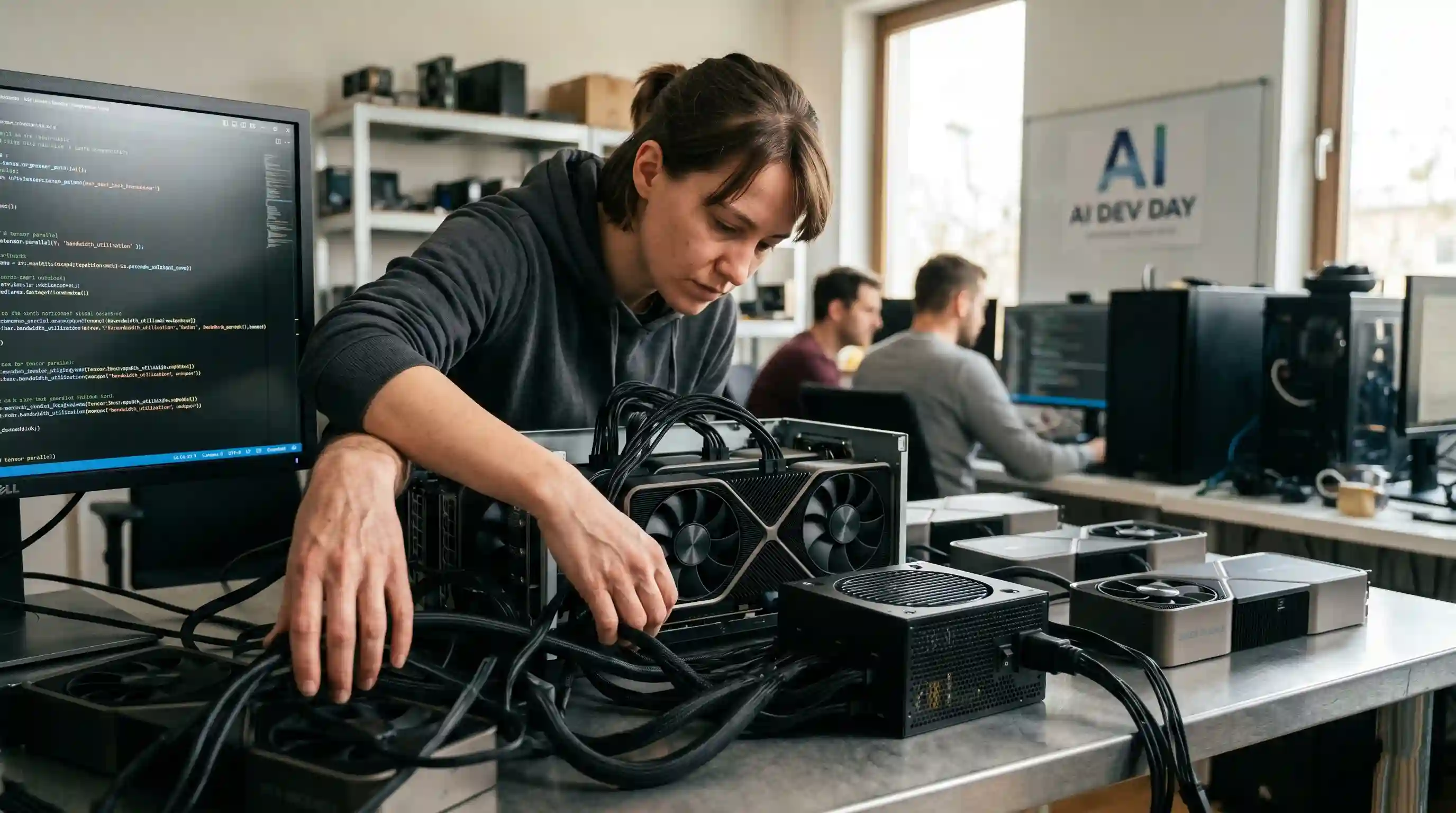
- Consumer Speed: The RTX 5090 dominates consumer local inference with 32GB VRAM and 1.8 TB/s memory bandwidth, ideal for sub-32B models.
- Budget King: A used RTX 3090 delivers up to 80% of the inference value of a 4090 at a fraction of the cost due to its massive 24GB memory pool.
- Enterprise Scale: The RTX PRO 6000 offers 96GB of VRAM on a single card, allowing seamless 70B model hosting without the constraints of multi-GPU parallelism.
- Bandwidth Matters: Token generation speeds are fundamentally bound by memory bandwidth capacities rather than raw compute cores.
When designing low-latency agentic automation pipelines, optimizing your raw token-per-second metric dictates the baseline efficiency of your software engineering department.
Sourcing the best GPU for local LLM execution is no longer just about buying raw compute power, but about maximizing your memory bandwidth per dollar.
While our parent hardware to run local LLMs guide breaks down the macro system landscape, this focused evaluation ranks the leading silicon architectures based on localized empirical benchmarking, VRAM constraints, and overall market value.
Consumer Flagships: Premium Local Inference Performance
Consumer-grade graphics cards remain the most cost-effective solution for small-to-medium enterprise AI workflows targeting models under 32 billion parameters.
NVIDIA GeForce RTX 5090 (32GB)
The RTX 5090 is the undisputed performance leader for desktop-bound inference. Boasting 32GB of GDDR7 VRAM and a massive 512-bit memory bus, it delivers a staggering 1.8 TB/s of memory bandwidth.
For developers running specialized 14B or 32B coding models, this card yields instantaneous generation speeds. It is capable of completely saturating multi-turn context windows without breaking a sweat.
For exact speed comparisons against data center cards, analyze our standalone data report detailing the RTX 5090 vs H100 local LLM benchmark tokens per second.
NVIDIA GeForce RTX 4090 & RTX 3090 (24GB Pools)
While the RTX 4090 remains incredibly fast, the previous-generation RTX 3090 continues to be the secret weapon for budgeting hardware teams.
Both cards feature 24GB of VRAM, but the RTX 3090's affordable price on the secondary market makes it a highly desirable asset.
Because LLM generation speed is fundamentally memory-bandwidth bound rather than compute-bound, a used 3090 delivers roughly 70-80% of the inference value of a 4090 at a fraction of the cost.
Enterprise Workstation Cards: Massive Single-Pool VRAM
When your workflows demand dense 70B reasoning models or unquantized code generation assistants, consumer 24GB or 32GB allocations face steep limitations.
NVIDIA RTX PRO 6000 (96GB)
The RTX PRO 6000 is a professional workstation champion packing 96GB of high-performance VRAM.
This allows engineers to host large, dense models on a single slot without the coordination overhead or power complexities of dual-card configurations.
The primary barrier to adoption remains the steep pricing premium. However, for companies handling sensitive proprietary codebases that cannot risk sending corporate data to cloud endpoints, the CapEx cost of a PRO 6000 amortizes rapidly against persistent commercial API billing.
See our performance analysis testing a dual RTX 5090 vs RTX PRO 6000 96GB Llama 70b configuration to weigh single-card simplicity against raw multi-GPU speed.
Price-per-GB VRAM and Token Throughput Analysis
Navigating the ongoing 2026 hardware and DRAM shortage requires a calculated approach to sourcing components. The table below highlights how the primary options rank across core inference metrics.
| GPU Model | VRAM Capacity | Memory Bandwidth | Target Model Size (Q4) | Relative Price-per-GB Value |
|---|---|---|---|---|
| NVIDIA RTX 5090 | 32GB GDDR7 | 1,800 GB/s | Up to 32B Models | Medium (Premium Speed) |
| NVIDIA RTX 4090 | 24GB GDDR6X | 1,008 GB/s | Up to 14B Models | Low (Shortage Inflated) |
| NVIDIA RTX 3090 | 24GB GDDR6X | 936 GB/s | Up to 14B Models | Maximum / High |
| NVIDIA PRO 6000 | 96GB GDDR6 | 960 GB/s | Up to 70B/120B Models | Balanced (Enterprise) |
Single Large GPU vs. Multi-GPU Rig Architecture
When a target model outgrows a single card, you must choose between a single enterprise GPU or clustering multiple consumer cards together.
Splitting a model via tensor parallelism across two consumer cards (such as dual RTX 3090s) delivers an effective 48GB buffer. This is more than enough to load a highly accurate 70B model.
This method provides superior memory bandwidth over a single mid-range enterprise card, though it demands a robust power supply, precise PCIe slot spacing, and advanced software optimization.
To construct your own multi-card framework, follow our comprehensive guide to build a local LLM rig with multi-GPUs.
Conclusion & CTA
Selecting a graphics card boils down to a balance between budget constraints and parameter scale. For lightning-fast processing on sub-32B models, nothing matches the raw bandwidth of an RTX 5090. If your operations demand massive single-pool VRAM scaling, look toward professional workstation assets.
Review your processing requirements alongside your deployment parameters, and pick the precise accelerator to untether your workflows from cloud dependencies today.

Frequently Asked Questions (FAQ)
The NVIDIA GeForce RTX 5090 (32GB) is the premier consumer GPU for local inference, driven by its 1.8 TB/s memory bandwidth. For pure enterprise workstation scale, the NVIDIA RTX PRO 6000 (96GB) stands as the leading single-card deployment platform.
32GB is exceptional for fluidly running 8B, 14B, and 32B models with extensive context windows. However, if your target workflow requires running dense 70B or 120B models, you will need to scale into a multi-GPU configuration.
Yes. The RTX 3090 features 24GB of high-speed VRAM and a wide memory bus. Because local inference speed relies heavily on memory bandwidth rather than processing cores, a used 3090 delivers unparalleled value for cost-conscious development teams.
To run a 70B model smoothly, choose the RTX PRO 6000 96GB. It fits the entire model footprint and its associated KV cache onto a single card, avoiding the physical configuration challenges of multi-GPU consumer builds.
A single RTX PRO 6000 or a coordinated dual RTX 3090 setup will yield roughly 11 to 15 tokens per second on a Q4-quantized 70B model. Single-card consumer pools (like a lone 3090) cannot fit a 70B model without crashing.
AMD’s ROCm framework has matured significantly and functions smoothly with mainstream inference engines like Ollama. However, NVIDIA's CUDA ecosystem remains the industry gold standard, offering zero-friction library support and superior development stability.
The cheapest option is a single 24GB GPU, such as a used RTX 3090. A Q4-quantized 32B model uses roughly 20-22GB of space, letting it squeeze tightly onto a 24GB card with a limited context window.
You do not need an enterprise H100 data center accelerator for standard text inference or basic agentic tools. Consumer GPUs and pro-sumer workstation cards are more than adequate, saving thousands in unnecessary infrastructure CapEx.
The 2026 DRAM shortages have caused widespread price volatility across retail markets, particularly inflating mid-tier and high-tier graphics options. This structural shift has amplified the financial logic of souring previous-generation hardware like the RTX 3090.
A single large GPU offers a frictionless installation, lower power consumption, and zero tensor parallelism alignment issues. However, clustering two smaller cards together often provides higher aggregate memory bandwidth and a much lower initial out-of-pocket setup cost.