Best Hardware to Run Local LLMs in 2026
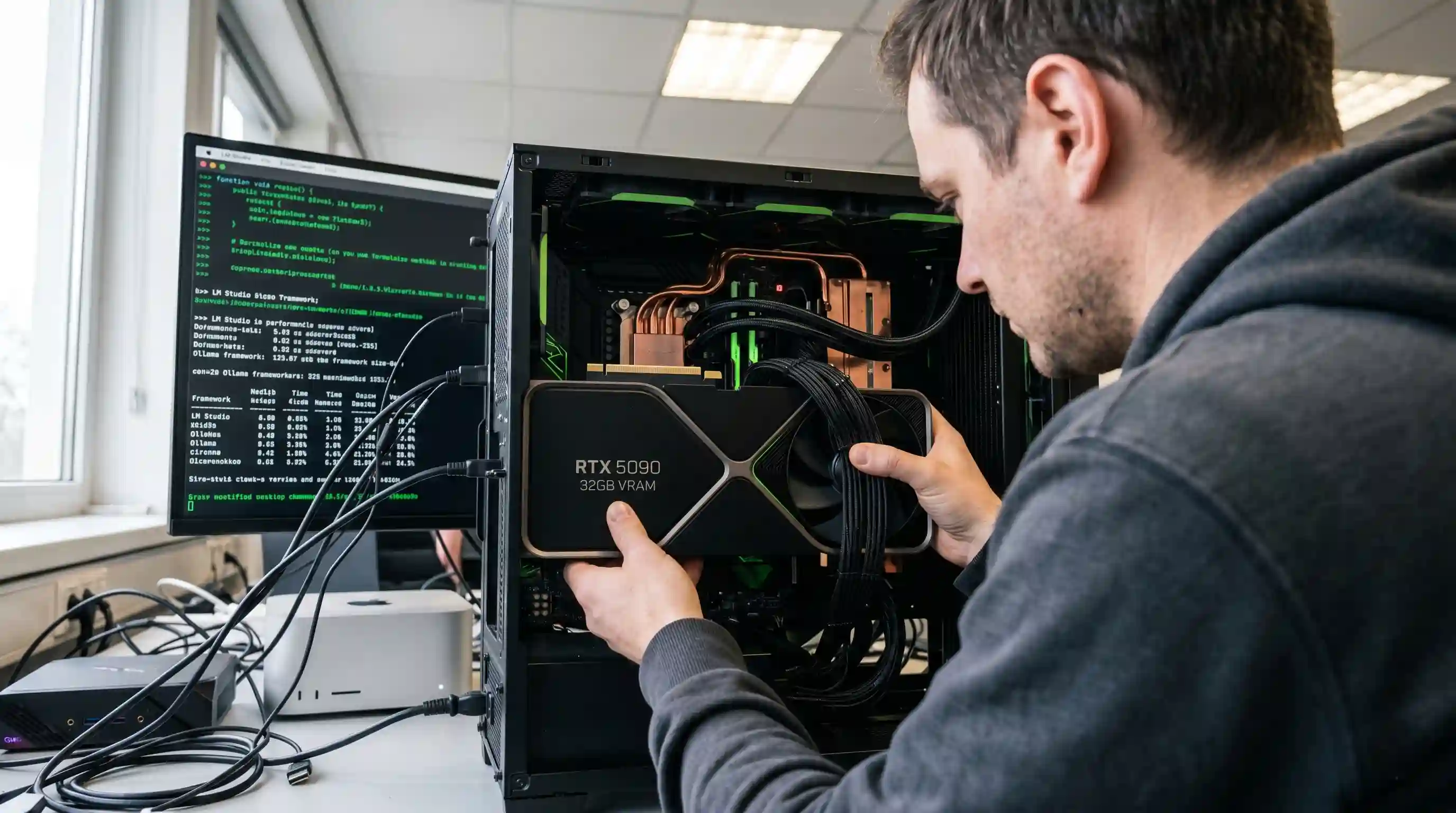
- The VRAM Baseline: Capacity dictates if a model loads; bandwidth dictates tokens per second.
- Top Dedicated GPU: The RTX 5090 (32GB) dominates raw speed, pushing 1.8 TB/s.
- Best Unified Memory Value: Strix Halo mini PCs (128GB) offer massive capacity for around $3,999, despite lower bandwidth.
- The High-End AI Box: NVIDIA’s DGX Spark ($4,699) provides a balanced 273 GB/s architecture for desktop inference.
Running a 70B reasoning model locally used to require leasing a server rack or paying exorbitant cloud API fees.
As explored in our run local LLM hardware guide, today, capable agentic workflows and local inference run comfortably on desk-side hardware, provided you understand the specific constraints of the 2026 ecosystem.
The local AI hardware market is riddled with overpriced OEM buzzwords, leaving engineers struggling to identify the actual hardware to run local LLMs efficiently without hitting hidden memory bottlenecks.
This definitive guide breaks down exactly how to navigate the capacity versus bandwidth tradeoff. We will benchmark the flagship options—from massive unified-memory mini PCs to dedicated multi-GPU rigs—to help you spec the most cost-effective local LLM machine for your workflow.
1. The Hardware to Run Local LLMs: Capacity vs. Bandwidth
When selecting a local LLM machine in 2026, engineers must solve for two variables: memory capacity (VRAM) and memory bandwidth.
Capacity acts as a hard ceiling. If the weights of your quantized model and its associated KV cache exceed your memory pool, the system relies on CPU offloading—cratering performance.
However, once the model fits into memory, generation speed is almost entirely bound by memory bandwidth.
This is why a 128GB unified-memory system might successfully host a 70B parameter model but still yield fewer tokens per second than a 32GB dedicated graphics card running a smaller model.
Dive deeper into the architectural mechanics in our guide on unified memory vs VRAM for LLMs.
2. Sizing Your Memory: VRAM Requirements and Quantization
Model parameter counts are misleading. You do not run FP16 weights for standard local inference in 2026.
Thanks to robust quantization formats like GGUF and AWQ, you can drastically reduce the memory footprint required to load leading open-weight models.
Before purchasing hardware, calculate your target model's active footprint. Running at Q4_K_M cuts the required VRAM by roughly 75% compared to native FP16, with minimal degradation in coding or reasoning tasks.
Consult our exact lookup tables for VRAM requirements by model size, and pair it with our deep dive on how LLM quantization cuts VRAM to properly map out your necessary capacity.
3. Mini PCs and Macs: The Unified Memory Desktops
The biggest shift in 2026 is the mainstream viability of unified-memory mini PCs.
Rather than splitting system RAM and VRAM, these devices leverage a single, massive pool of memory, making them the most cost-effective way to run large (70B+) models without server-grade discrete GPUs.
Apple’s Mac Studio (M4 Max) remains a premium benchmark, boasting an impressive 546 GB/s memory bandwidth.
However, x86 competitors have closed the gap. The AMD Strix Halo architecture (Ryzen AI Max+ 395) enables up to 128GB of unified memory at ~256 GB/s for roughly $3,999, while NVIDIA's specialized DGX Spark provides Grace Blackwell efficiency at 273 GB/s for $4,699.
See our complete breakdown of how to choose a mini PC for local AI inference to see which boxed solution fits your desk.
4. The Best GPUs for Local Inference in 2026
If tokens per second and ultra-low latency prompt-processing are your priorities, a discrete GPU remains undisputed.
The RTX 5090 is the consumer king, wielding 32GB of VRAM and a staggering 1.8 TB/s of bandwidth. For raw speed on sub-32B models, or serving multiple concurrent user requests, nothing on the unified-memory side competes.
However, the 2026 DRAM shortage has heavily impacted the price-per-GB metrics.
Evaluating options like the RTX PRO 6000 (96GB) or searching the secondary market for reliable RTX 3090s requires balancing pure capability against budget realities. For laptop users seeking mobility without sacrificing speed, our best AI laptop for 2026 guide covers the mobile GPU variants in depth.
To rank these graphics cards by real-world token throughput, read our guide on the best GPU for local LLM workloads.
5. Scaling Up: Building a Multi-GPU Rig
What happens when a 32GB RTX 5090 isn’t enough?
To run massive Mixture-of-Experts (MoE) models or densely packed 120B reasoning models at high speeds, engineers turn to multi-GPU builds utilizing tensor parallelism.
Splitting a model across two used RTX 3090s (yielding 48GB of effective VRAM) can often beat a $4,700 AI mini-PC in raw throughput, keeping the total build cost under $2,000.
This route requires meticulous power supply sizing, understanding PCIe lane distribution (NVLink is largely unnecessary for standard inference), and configuring orchestration engines like vLLM.
We mapped out the entire BOM and wiring process in our tutorial on how to build a local LLM rig with multi-GPUs.
6. TCO: Power, Cooling, and Local-vs-Cloud Break-Even
Hardware CaPex is only half the equation. A headless local AI server running 24/7 pulls substantial idle wattage, generates significant ambient heat, and requires persistent cooling.
If you are a solo developer utilizing an LLM strictly for intermittent agentic coding, an on-demand API might be significantly cheaper over a 12-month lifecycle.
To determine exactly when local inference becomes cheaper than the cloud, you must run the break-even math on your electricity cost per kWh against API token pricing.
We detail this calculation thoroughly in our breakdown of local LLM power and running cost.

Frequently Asked Questions (FAQ)
You need a machine with sufficient unified memory or dedicated VRAM to hold the model weights and context window, paired with high memory bandwidth to generate tokens quickly. Standard options include high-VRAM NVIDIA GPUs, Apple M-series Macs, or specialized AMD/NVIDIA AI mini PCs.
Assuming 4-bit (Q4) quantization and a standard 8K context cache: a 7B model requires around 6-8GB of VRAM, 13B requires 10-12GB, 70B needs 40-48GB, and 120B demands roughly 72-80GB. Add 10-20% overhead for longer context windows.
A dedicated GPU offers the highest token-generation speed (bandwidth). A Mac Studio or a Strix Halo mini PC provides massive memory capacity (up to 128GB) at a lower cost, making them better for running very large models slowly, rather than smaller models quickly.
Yes. You can comfortably run a quantized 70B model locally using a dual-RTX 3090/4090 rig (combining for 48GB VRAM) or a unified-memory machine like a Mac Studio or DGX Spark mini PC featuring 64GB to 128GB of total system memory.
Memory bandwidth strictly dictates your tokens-per-second generation speed. Capacity only matters for loading the model initially; once loaded, the wider the memory bus (e.g., 1.8 TB/s on an RTX 5090 vs 256 GB/s on a mini PC), the faster the LLM outputs text.
A functional starter rig with a single used 24GB GPU costs around $1,200. A high-capacity 128GB Strix Halo mini PC costs roughly $3,999, while flagship dedicated systems like the DGX Spark sit at $4,699. Multi-GPU power-user rigs range from $2,000 to $5,000.
It depends on your volume. If you are an individual developer generating less than a million tokens daily, cloud APIs are cheaper. For teams, always-on agentic workflows, or extreme data privacy requirements, local hardware amortizes its CapEx and electricity costs within 6-12 months.
NVIDIA’s CUDA remains the gold standard with zero friction across all libraries. However, in 2026, Apple Metal via llama.cpp and MLX is extremely stable. AMD's ROCm and Vulkan stacks have drastically improved, seamlessly supporting inference frameworks like Ollama and LM Studio.
The DRAM shortage has inflated the cost of high-capacity memory modules and GPUs with large VRAM buffers. Price-per-GB metrics are volatile, making unified memory systems (which leverage standard LPDDR5X) relatively more insulated against discrete GPU price spikes.
The cheapest viable machine for agentic coding is a refurbished desktop equipped with a used RTX 3060 (12GB) or an entry-level M-series Mac with 16GB of unified memory. These can fluidly run highly capable Q4-quantized 7B to 14B coding models like Qwen or Llama variants.