Why Your Gemini 3 Pro Agentic Pipeline Will Fail Fast
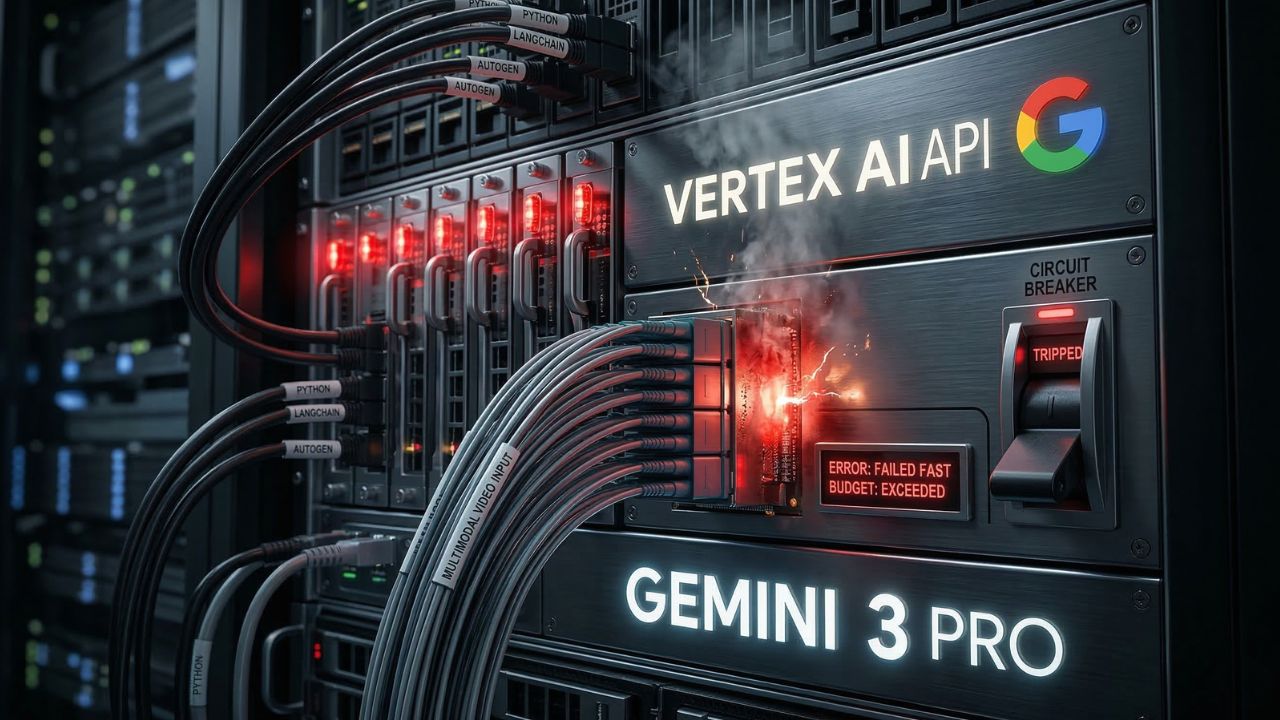
Executive Snapshot: The Agentic Architecture Baseline
- The Vision Bottleneck: Misconfigured multimodal payloads are the #1 cause of Gemini 3 Pro pipeline failures.
- Circuit Breakers are Mandatory: Autonomous swarms without hard API token limits will bankrupt your staging environment.
- Native Processing: Always process video and audio natively through the API rather than chunking them into legacy base64 strings.
Building simple AI wrappers is a dead-end business model, yet teams keep forcing standard LLMs to perform complex tasks.
Most developers misconfigure the vision APIs and memory states, resulting in silent pipeline crashes and rapidly depleted compute budgets.
By strictly following this gemini 3 pro agentic multimodal AI tutorial, you can architect error-resistant swarms and deploy native video-processing agents without the fatal bottlenecks.
As detailed in our master guide on the Best AI Coding Assistants 2026: Cut Dev Time by 40%, treating an advanced LLM like a standard chatbot is the fastest way to generate legacy spaghetti code.
The Hidden Trap: Why Multimodal Swarms Crash Silently
What most teams get wrong about agentic pipelines is the assumption that the model will gracefully handle malformed multimodal data.
This is the hidden trap of the Google Gemini 3 API.
Developers frequently attempt to feed high-resolution video and complex audio into the model using standard base64 encoding methods originally designed for basic image APIs.
This immediately overloads the context window and triggers a silent timeout error.
Instead of returning a clear debug log, the agent simply stalls, consuming background API tokens while stuck in an infinite retry loop.
If you are relying on these models for automated code refactoring, this stall halts your entire CI/CD pipeline.
To prevent this, you must build proper data ingestion gateways that respect the native rate limits for the Gemini 3 Pro vision API.
Multimodal Pipeline Configuration Standards
| Data Type | Legacy Processing Method | Gemini 3 Pro Native Method | Failure Risk |
|---|---|---|---|
| High-Res Video | Frame-by-frame Base64 | Native File API Upload | Critical (if legacy) |
| Complex Audio | Speech-to-Text preprocessing | Direct Audio Stream Ingestion | High |
| Codebase Context | Chunked Vector DB retrieval | 1M+ Token Window Ingestion | Medium |
Expert Insight: Implementing Circuit Breakers
Never deploy an autonomous agent swarm without a token-burn circuit breaker. Configure your API gateway to automatically sever the connection if an agent initiates more than three recursive retries within a 60-second window. This single configuration will save thousands of dollars in wasted compute.
Architecting the Multimodal Swarm
When you transition from a single-prompt model to a multi-agent swarm, the complexity scales exponentially.
You need dedicated agents for visual processing, logic verification, and syntax generation.
You must design a central "Orchestrator Agent" that routes tasks to specialized sub-agents.
For example, if a user uploads a UI mockup, the Orchestrator sends the visual data strictly to the vision-configured agent.
If you attempt to make one master agent process the video, analyze the audio, and write the code simultaneously, the pipeline will fail.
Task delegation is the core secret to maintaining stability in complex setups.
This requires mastering the environment setup. If you haven't mastered the basics of repository context ingestion, you must review our guide on vibe coding with Gemini 3 pro complete guide before attempting a multimodal swarm.
How to Handle Error Recovery in Multimodal Agents
When building AI swarms, failure is an architectural guarantee. Your network will drop, the API will rate-limit you, or the vision model will misinterpret a highly compressed video file.
Your Python frameworks must be wrapped in rigorous try-except logic blocks that specifically capture timeout exceptions and HTTP 429 errors.
Instead of crashing the program, the error handler should downgrade the request.
If the video API times out, the agent should automatically fallback to requesting keyframe images from the user to maintain the workflow.
Conclusion: Securing Your Agentic Future
Relying on outdated wrapper code to manage stateful, multimodal AI will only lead to catastrophic pipeline failures.
By implementing native data ingestion, strict circuit breakers, and orchestrated task delegation, your team can build resilient agentic swarms that actually scale.
Bring these architectural blueprints to your next AI DEV DAY sprint, audit your existing Python frameworks, and refactor your deployment pipelines today.
Enhance your agentic pipeline code testing. Try Blackbox AI

We may earn a commission if you buy through this link. (This does not increase the price for you)
Frequently Asked Questions (FAQ)
To set up an agentic pipeline, you must transition from single-call scripts to stateful orchestrators. Use a Python framework to create a primary router agent that delegates tasks (like vision analysis or code generation) to specialized sub-agents, utilizing the native API file upload system for multimodal inputs.
Gemini 3 Pro allows developers to natively ingest text, complex images, raw audio streams, and up to one hour of high-definition video directly into its 1M+ token context window. This eliminates the need for third-party transcription or frame-extraction preprocessing steps, streamlining architectural deployments.
Do not use base64 encoding for video. Instead, use the Gemini API's native File API upload method. Upload the video file directly to Google's secure staging environment, retrieve the file URI, and pass that URI within your prompt payload to prevent massive latency and timeout errors.
A standard LLM requires continuous human prompting for every sequential step. An agentic AI model is autonomous; it is given a high-level goal, creates its own multi-step execution plan, navigates file systems, invokes external tools, and debugs its own errors without requiring human intervention.
Configure circuit breakers at the API gateway or within your core Python orchestrator. Implement logic that tracks API calls per minute and consecutive failed retries. If an agent loops on an error more than three times, the circuit breaker must trigger a hard kill-switch to prevent API budget drain.
The most robust Python frameworks for building Gemini 3 Pro swarms include LangChain for memory management, AutoGen for multi-agent conversational orchestration, and Google's native Vertex AI SDK for enterprise-grade security, rate limiting, and seamless integration with Google Cloud deployment pipelines.
Handle error recovery by implementing tiered fallback logic. If a multimodal agent fails to process a full video due to rate limits, the exception block should automatically prompt a secondary agent to extract and analyze only the visual keyframes, ensuring the pipeline continues running without crashing.
Yes, Gemini 3 Pro agents can interact with IDEs through custom extensions or by running local Python scripts that utilize the os and subprocess modules. This allows the agent to autonomously read local file directories, execute terminal commands, and write code directly into your workspace.
Test workflows by creating isolated sandbox environments and utilizing mock API responses. Implement verbose logging for every agent-to-agent interaction so you can trace the exact prompt that caused a hallucination or logic failure, rather than just viewing the final, corrupted output.
Rate limits vary strictly based on your Google Cloud tier. Free and standard tiers aggressively throttle video processing requests and concurrent multimodal calls. Enterprise users must configure provisioned throughput on Vertex AI to ensure agentic swarms do not encounter HTTP 429 Too Many Requests errors.
Sources & References
- Google Cloud Vertex AI Documentation: Official architectural guidelines for deploying, scaling, and managing the rate limits of generative AI models in production environments.
- LangChain Official Engineering Blog: Deep technical insights on building resilient, multi-agent frameworks, handling LLM memory states, and configuring error recovery pipelines in Python.
- Best AI Coding Assistants 2026: Cut Dev Time by 40%
- Vibe coding with Gemini 3 pro complete guide
External Sources
Internal Sources