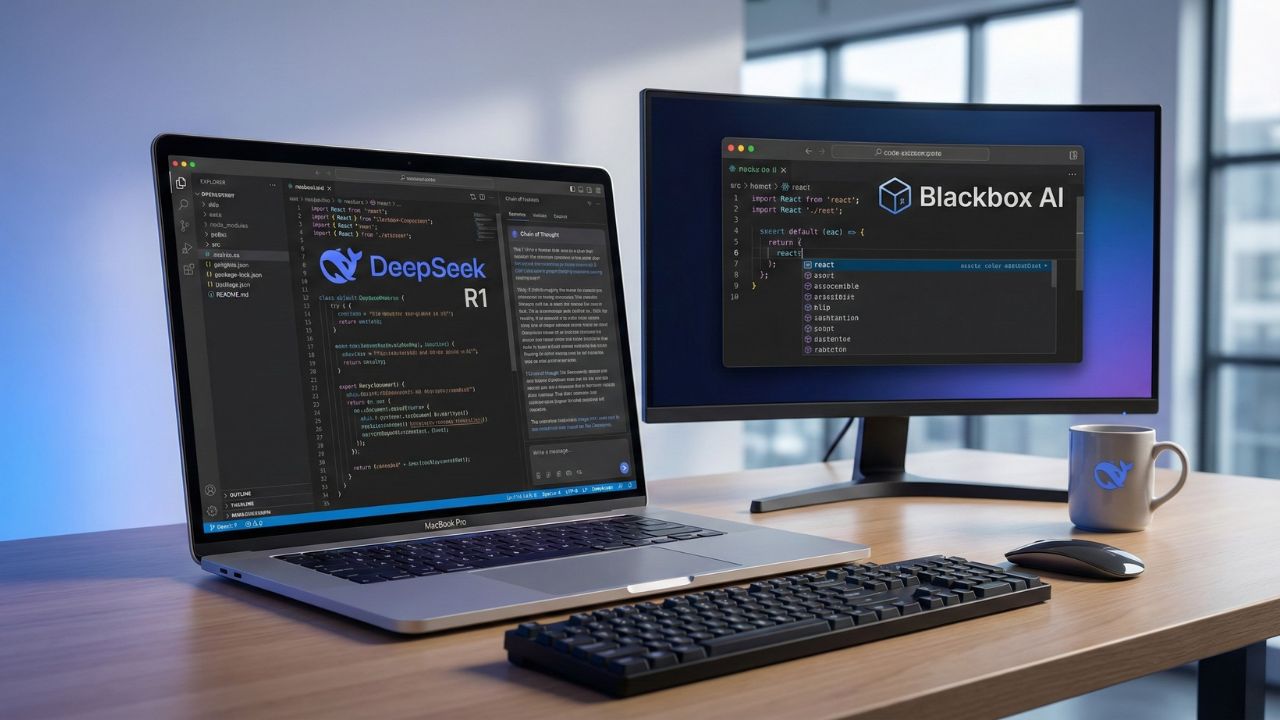
DeepSeek R1 vs Blackbox AI: Which Free AI Coding Tool Wins in 2026?
By Sanjay Saini | Last Updated: May 15, 2026
What's New in This Update
- Hardware Benchmarks Added: Included specific VRAM requirements for deploying DeepSeek R1 locally versus relying on Blackbox cloud constraints.
- Privacy Policy Audit: Updated analysis on data telemetry and enterprise SOC2 compliance capabilities.
- IDE Integration Tests: Expanded our comparison of VS Code extensions, focusing on latency and context window management across both platforms.
Quick Answer: Key Takeaways
- Reasoning vs. Speed: DeepSeek R1 excels at complex logic and "Chain of Thought" reasoning, while Blackbox AI is faster for quick autocomplete and snippet generation.
- True "Free" Access: DeepSeek R1 is open-source and can be run locally for unlimited usage. Blackbox AI operates on a "freemium" model with strict daily caps on its premium models.
- Privacy: If you execute DeepSeek R1 locally (via Ollama), your proprietary codebase never leaves your machine. Blackbox AI requires cloud processing, which creates immediate compliance risks for enterprise projects.
- The Verdict: Deploy Blackbox for rapid boilerplate generation; use DeepSeek for debugging complex architecture and optimizing deep logic.
The artificial intelligence coding landscape shifted dramatically throughout 2026. With the release of advanced "Reasoning" models, software engineers are asking a critical question: when comparing DeepSeek R1 vs Blackbox AI, which is the superior free tool?
For years, Blackbox AI held the crown for students, quick-moving freelancers, and junior developers seeking instant code completion. However, DeepSeek’s open-source disruptor altered the fundamental math regarding what engineering teams should expect for a budget of zero dollars. It is no longer just about generating code; it is about verifiable logic and secure execution.
This technical deep dive is part of our extensive guide on Blackbox AI Pricing & Limits 2026.
In this comparison, we audit the free usage thresholds, coding accuracy, hardware requirements, and data privacy features of both platforms. By the end, you will understand exactly which assistant deserves a permanent spot in your VS Code environment.
1. Coding Accuracy: Chain of Thought vs. Speed
The fundamental difference between these two best AI coding assistants for 2026lies in how they "think" and process instructions.
DeepSeek R1 (The Architect): DeepSeek R1 utilizes intensive "Chain of Thought" (CoT) processing. Before generating a single line of syntax, the model internally reasons through the problem, testing variables and outlining architectural approaches in a hidden buffer. This methodical approach is why DeepSeek R1 challenges GPT-5.1on complex reasoning evaluations.
Best For: Debugging asynchronous race conditions, planning normalized database schemas, and solving complex algorithmic refactoring.
The Trade-off: The time-to-first-token is noticeably slower. You will watch the model "think" for several seconds before it outputs the final solution.
Blackbox AI (The Typist): Blackbox is hyper-optimized for instant gratification. The underlying inference engine predicts the next few lines of code almost instantaneously, relying heavily on pattern matching from its massive training corpus rather than active logical deduction.
Best For: Scaffolding React components, generating repetitive boilerplate code, and applying quick CSS layout fixes.
The Trade-off: It frequently hallucinates on complex business logic because it prioritizes output speed over deep, multi-step reasoning.
Winner: DeepSeek R1 secures the victory for sheer accuracy and logic; Blackbox AI wins for raw typing speed.
2. Free Limits: "Daily Caps" vs. "Hardware Caps"
This is where the battle of DeepSeek R1 vs Blackbox AI becomes highly relevant for budget-conscious developers and engineering students.
Blackbox AI: As we detailed in our specific analysis of Blackbox AI Free Limits, the tool operates under a strict freemium model. It is not truly unlimited.
Constraint: Users are actively limited to a specific number of queries per day using their most capable models. Once you hit the invisible wall, the platform throttles your connection, downgrading your queries to a smaller, less capable model or forcing a 24-hour wait period.
DeepSeek R1: Because the weights are completely open-source, developers have two distinct deployment paths:
- Cloud (API/Chat): While subject to server loads, the API pricing is fractions of a cent, and various third-party platforms offer generous free tiers.
- Local Execution: This provides genuinely unlimited usage. If you have the required hardware, you can run the model 24/7 without ever paying a subscription fee or hitting a quota barrier.
Winner: DeepSeek R1 is the undisputed champion of free access, provided you possess the local hardware to support it.
3. Privacy and Data Security
For enterprise developers and freelancers operating under strict Non-Disclosure Agreements (NDAs), data privacy dictates the entire toolchain selection process.
Blackbox AI: To function correctly, Blackbox relies on cloud inference. This means your code snippets, comments, and proprietary algorithms must be transmitted to their external servers for processing. While they maintain privacy policies, your intellectual property leaves your secure local environment the moment you press "tab".
DeepSeek R1: If you are evaluating DeepSeek R1 vs Blackbox regarding absolute privacy, the answer depends entirely on your deployment architecture. Cloud APIs still transmit data, but local deployment changes the paradigm entirely. If you run DeepSeek R1 locally using Ollama, the model processes everything directly on your GPU.
Security Advantage: This local, "air-gapped" configuration makes DeepSeek the only viable free option for engineers building secure FinTech applications, healthcare infrastructure, or proprietary SaaS platforms.
4. Hardware Requirements for Local Execution
Blackbox AI requires essentially nothing beyond a web browser and an internet connection. DeepSeek R1, however, demands specific silicon to operate effectively without cloud assistance. To function as a true local assistant, you must assess your VRAM.
- 7B to 8B Parameter Models: Can run comfortably on a standard laptop equipped with 8GB of unified memory or VRAM.
- 14B Parameter Models: The sweet spot for coding logic requires roughly 16GB of VRAM (such as an RTX 4080 Mobile or an M-series Mac with 18GB+ memory).
- 32B+ Parameter Models: Requires workstation-class hardware, demanding 24GB of VRAM or higher to maintain reasonable tokens-per-second generation speeds.
If your machine lacks the required specifications, you will be forced to rely on Blackbox AI or cloud-hosted DeepSeek APIs, negating the primary local privacy advantage.
5. Integration and Ease of Use
Blackbox AI: The platform easily secures a victory regarding "plug-and-play" simplicity. Its dedicated VS Code extension is entirely pre-configured. A developer installs the extension, authenticates their account, and the tool immediately begins suggesting code. It requires zero command-line interaction and no local server management.
DeepSeek R1: Deploying DeepSeek involves significant friction for beginners. You must install a local runner like Ollama, download the specific quantized model weights, and then bridge that local server to an IDE using a third-party extension like Continue.dev or Cline. While it ranks highly among free AI coding assistants for VS Code, the initial setup can intimidate junior developers.
Payoff: The barrier to entry is higher, but once correctly configured, you possess a highly customized, private artificial intelligence pair programmer that operates completely offline.
For a comprehensive guide on setting this up, check our Developer's guide to private AI.
Conclusion: Which Tool Should You Choose?
The final verdict on DeepSeek R1 vs Blackbox AI depends entirely on your available hardware, your patience for configuration, and the strictness of your data privacy requirements.
Choose Blackbox AI if:
- You are operating on a low-end laptop with limited unified memory or no dedicated GPU.
- You demand instant setup with zero command-line configuration.
- You primarily write standard frontend web development code (HTML, basic CSS, standard JavaScript) where deep algorithmic reasoning is unnecessary.
Choose DeepSeek R1 if:
- You possess a machine with 16GB+ RAM or a dedicated NVIDIA GPU.
- You require a truly unlimited coding environment without arbitrary daily quotas throttling your workflow.
- You value absolute data privacy and deep architectural reasoning over raw autocomplete typing speed.
For most professional software engineers in 2026, the optimal strategy is a hybrid workflow: utilize Blackbox AI for generating quick, repetitive boilerplate, and switch to a locally hosted DeepSeek R1 instance when complex bugs demand rigorous Chain of Thought debugging.
Scale Securely with Proven Tools. Try Similarweb

We may earn a commission if you buy through this link. (This does not increase the price for you)
Frequently Asked Questions (FAQ)
For complex logic and debugging, yes. DeepSeek R1's reasoning capabilities generally outperform the standard Blackbox model. However, Blackbox is often faster for simple code generation.
Currently, Blackbox AI primarily uses its own proprietary models and generic large models. It does not typically offer direct access to the DeepSeek R1 reasoning model in its free tier.
DeepSeek R1 wins here. If you run it locally, the limit is infinite. Even via third-party APIs, it is often cheaper or more generous than the Blackbox AI free limits.
Yes. Running DeepSeek R1 via Ollama allows you to bypass the cloud-based restrictions and daily quotas that plague Blackbox AI users.
Only if you need the "Image-to-Code" feature or lack the hardware to run models locally. For pure text-to-code generation, a local DeepSeek setup is a superior free alternative.