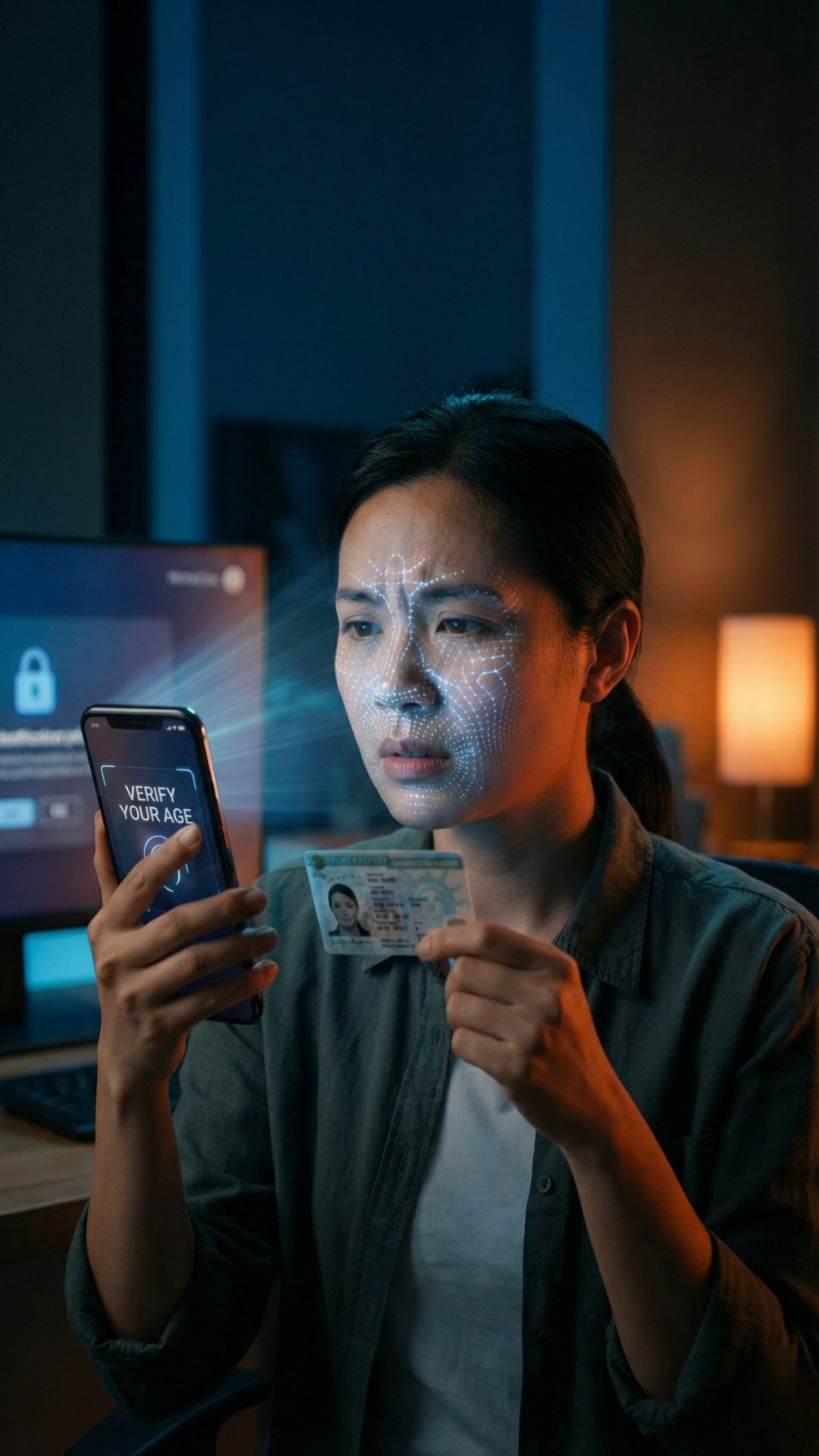
Character AI Verification Failed Fix: Don't Delete Your Account Until You Read This
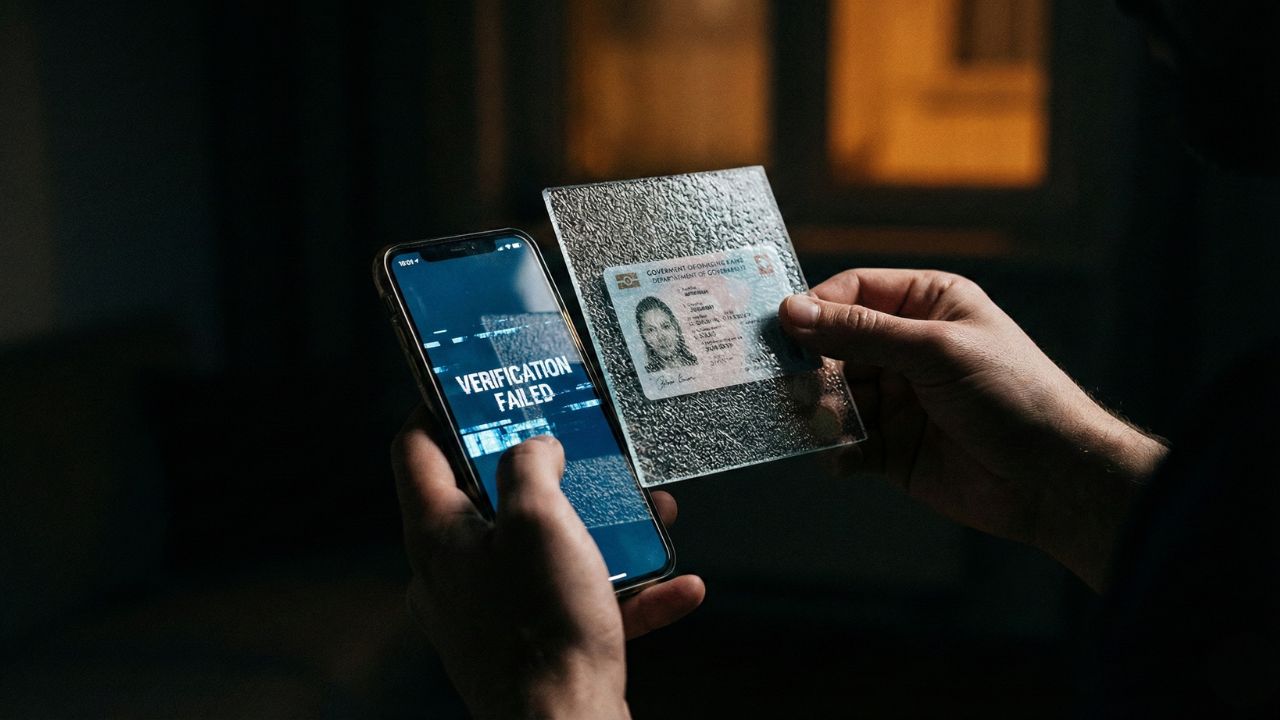
Key Takeaways: Quick Troubleshooting Checklist
- Lighting is Critical: 90% of failures happen because the room is too dark or too bright.
- Watch for Glare: Holograms on plastic IDs can blind the camera; tilt the card slightly.
- Browser Permissions: Your browser (Chrome/Safari) might be blocking camera access, not the site itself.
- Clean Your Lens: A smudged phone camera will result in an instant rejection from the AI scanner.
- Don't Rush: Retrying immediately without fixing the environment often leads to a temporary lockout.
Self-Audit: Is Your ID Ready for Persona?
Check these 5 boxes before you try scanning again. 90% of failures are solved here:
US & UK Specific ID Issues (2026 Update)
If you are in the US or UK, Persona (C.AI’s verification partner) uses stricter AI-matching due to the Online Safety Act (UK) and State-level Privacy Laws (US). Here is why your "valid" ID might be failing:
🇬🇧 United Kingdom (UK)
- Provisional Licenses: Ensure you are using the Photocard version. The older paper counterparts are no longer supported for biometric scans.
- Non-Biometric Passports: If your passport lacks the "Gold Chip" symbol on the cover, Persona may struggle with liveness checks. Use a modern Driving License instead.
- Address Mismatch: UK verification often cross-references Electroral Roll data. If your ID address doesn't match your current IP region, it may trigger a manual review.
🇺🇸 United States (USA)
- Vertical "Under-21" Licenses: Even if you have turned 21, Persona's AI often flags vertical IDs for "Manual Review." If possible, use a horizontal Passport or wait for your renewed ID.
- Digital IDs (mDL): While Apple/Google Wallet IDs are valid for TSA, they are NOT yet accepted by Persona for Character AI. You must scan the physical plastic card.
- Temporary Paper Permits: Persona cannot verify paper interim licenses. You must wait for the permanent hard-plastic card to arrive in the mail.
Why Is My Verification Being Rejected?
Seeing the dreaded "Identity Not Verified" screen is incredibly frustrating, especially when you know you are using a valid ID.
Quick Audit: Is your ID ready to scan?
Check these 5 points to prevent Persona from rejecting your photo.
Before you panic or give up, know that this is usually a technical glitch, not a ban.
This deep dive is part of our extensive guide on How Does Character AI Age Verification Work: We Tested the ID Check Process (2026).
Below, we have compiled the ultimate Character AI verification failed fix list to get you back into your chats immediately.
The #1 Culprit: Bad Lighting and Glare
The verification tool, Persona, uses high-sensitivity AI to detect fraud. However, it struggles with one common thing: Reflection.
Most government IDs are glossy or plastic. If you take the photo under a direct overhead light or with a flash, it creates a white "hotspot" on the card.
How to Fix It?
- Turn off the flash. Never use flash for document uploads.
- Use Natural Light. Place the ID on a table near a window, but not in direct sunlight.
- Dark Backgrounds Help. Place your ID on a black or dark matte surface (like a mousepad) to help the camera focus on the card edges.
Blurry Photos & Auto-Focus Issues
If the text on your ID cannot be read by a human, the AI cannot read it either. Mobile cameras often struggle to focus on small text at close range.
The Fix:
- Clean your lens. A fingerprint on your camera lens creates a "soft focus" effect that fails the sharpness test.
- Tap to Focus. Before hitting the capture button, tap your screen directly on your ID text to force the camera to focus.
- Move Back. It is better to be slightly further away and sharp than close up and blurry.
Browser Permission Glitches
Sometimes, the issue isn't your ID, it's your browser blocking the camera. If you click "Verify" and nothing happens, or you get a black screen, your browser has likely denied permission.
For Chrome Users:
- Click the "Lock" icon in the URL bar.
- Select Permissions.
- Switch "Camera" to Allow.
- Refresh the page.
For Safari (iOS) Users:
- Go to Settings > Safari.
- Scroll down to Camera.
- Set it to Ask or Allow.
If you are worried about granting these permissions, check out our report on Is Persona AI Safe? to understand how the data is handled.
"Could Not Verify Identity" Error Loop
If you have tried everything and still get the "Could Not Verify" error, the system might be flagging a mismatch.
This happens if:
- The name on your account profile is vastly different from your ID.
- You are wearing heavy makeup or glasses in your selfie that hide your facial features.
- Your ID is damaged, cracked, or expired.
Crucial Warning: Do not try to use a fake ID or someone else's photo out of frustration. The system will detect it and ban you permanently. Read more in our warning guide: Bypass Character AI Age Check.
Conclusion
Most of the time, a Character AI verification failed fix is as simple as moving to a different room with better light. The verification technology is sensitive, but it is not broken.
Take a breath, clean your camera lens, find indirect natural light, and try again. Your chats will be waiting for you.

Frequently Asked Questions (FAQ)
The most common reasons are poor lighting (too dark), glare on the plastic ID card, or a blurry photo caused by a dirty camera lens.
Ensure you are using a valid, non-expired government ID. Place it on a dark background, avoid using flash, and ensure all four corners of the card are visible in the frame.
If the process fails, the system should automatically prompt you to "Try Again." If it freezes, refresh the page or clear your browser cache to restart the Persona flow.
Yes, significantly. Shadows across your face or glare on your ID card will cause the AI to reject the submission. Use even, natural lighting.
If you are stuck in a loop, you can contact Character.ai support via their Help Center. However, they cannot manually verify IDs; they can only help reset the technical flow.