How Does Character AI Age Verification Work: We Tested the ID Check Process (2026)
Quick Summary: Key Takeaways
- The Processor: Character AI uses a third-party service called "Persona" to scan your ID.
- The Speed: The entire biometric scan usually takes less than 60 seconds.
- The Retention: Your ID photo is generally deleted after verification, not stored by c.ai.
- The Risks: Using fake IDs or generators often results in an immediate account ban.
- The Benefit: Verification reduces strict filtering on your chats.
It is jarring to have a fun conversation abruptly interrupted by a pop-up demanding your government ID. You are likely wondering if handing over sensitive documents to an AI chatbot is actually necessary, or safe. To understand the broader context of why these measures are in place, you can explore How does character AI age verification work.
Many users are confused about how the process works following the platform's recent safety updates. It is no longer just a simple "I am over 18" checkbox. The system now requires biometric proof to comply with new digital safety laws.
In this guide, we walk you through the exact process, what happens to your data, and how to troubleshoot issues.
The Step-by-Step Verification Process
The process triggers when you attempt to access restricted content or if your account behavior flags the safety algorithm. Here is exactly what happens:
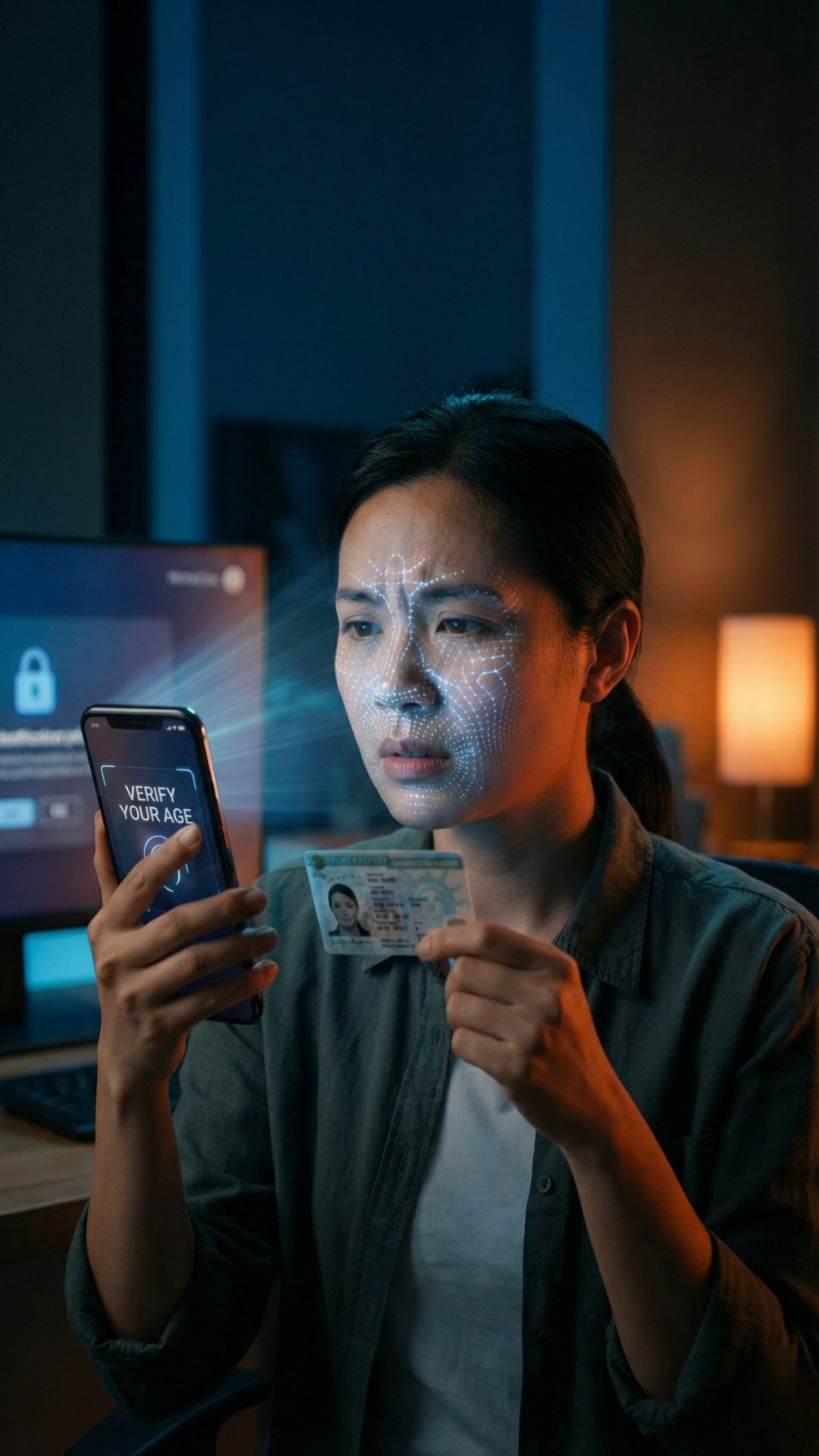
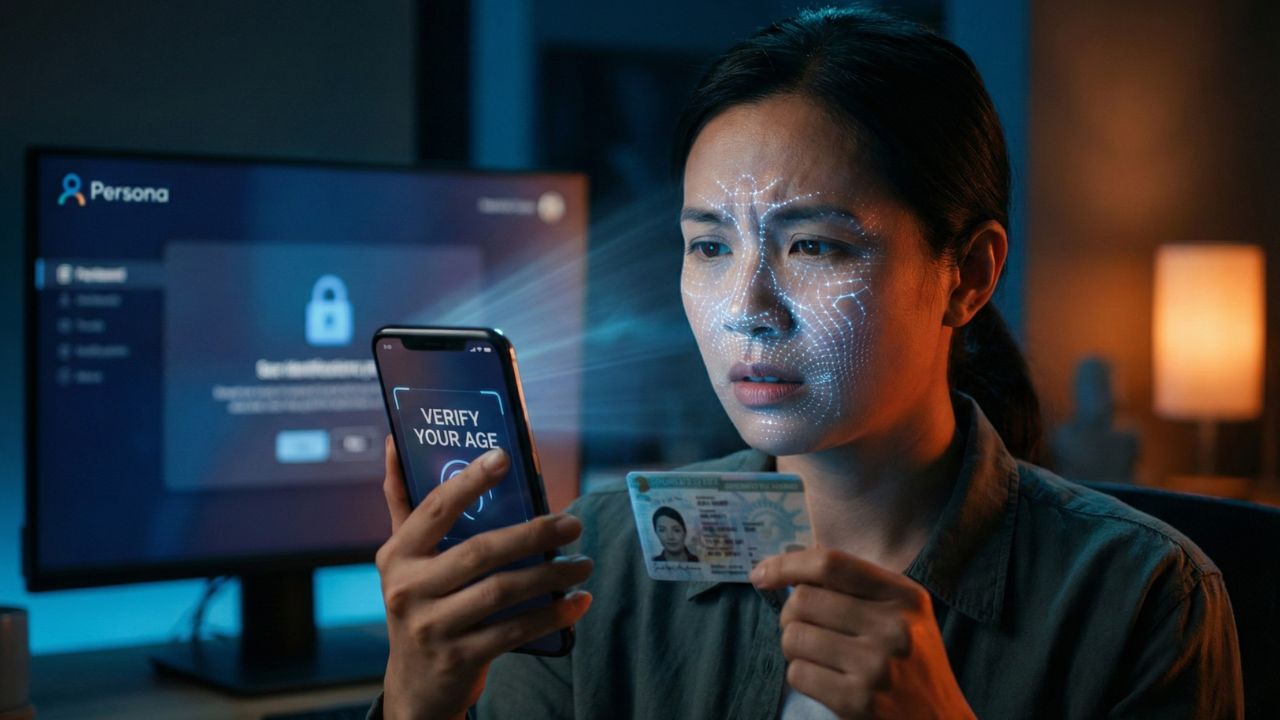
The Prompt: A "Verify Your Age" banner appears on your screen.
The Handoff: You are redirected to a secure portal hosted by Persona (not Character AI itself).
The Scan: You must photograph a valid Government ID (Driver’s License, Passport, or National ID).
The Selfie: You take a live selfie to prove you match the photo on the ID.
Once completed, the AI compares the biometric data instantly. But why go through this trouble? To understand the benefits, read our breakdown of what does verifying your age on Character AI do regarding filters and model access.
Who Is Handling Your Data?
Character AI does not build the verification tech themselves. They partner with a company called Persona. This is the same identity verification software used by major fintech companies and banks like Square and Brex.
However, trust is hard to earn. We investigated the vendor's history to answer the burning question: Is Persona AI safe for your private data? The short answer is yes, but you should understand their encryption standards before uploading.
Is It Safe to Upload Your ID?
This is the biggest friction point for users. You are anonymous on the site, so linking your real identity feels wrong.
According to the privacy policy, Character AI does not retain the image of your ID. They only receive a "Pass/Fail" token from Persona. However, data policies can change.
For a detailed analysis of the Terms of Service and potential loopholes, read our report: Is character AI age verification safe?.
Can You Bypass the Check?
If you are under 18 or simply privacy-conscious, you might be tempted to look for a workaround. Users often search for ID generators or VPN tricks.
Be warned: The biometric matching is incredibly advanced. If you try to bypass Character AI age check using spoofed images, the system will likely flag your device fingerprint and ban your account permanently. It is rarely worth the risk.
Troubleshooting Common Errors
Sometimes, you are a real human with a real ID, but the system rejects you. This is usually due to lighting glare, a blurry camera lens, or browser permission issues.
If you are stuck in a loop of "Identity Not Verified," do not delete your account in frustration. Instead, follow the steps in our Character AI verification failed fix guide to resolve the glitch.
Ultimately, understanding how does character ai age verification work allows you to navigate the safety features without fear, ensuring you can get back to your roleplay sessions securely.

Frequently Asked Questions (FAQ)
The process is automated and typically takes between 30 to 60 seconds. If your camera connection is stable and the lighting is good, the AI analyzes the document and your selfie almost instantly. Manual reviews are rare but can take up to 24 hours.
You need a valid, government-issued document. Acceptable forms include a Driver’s License, Passport, National ID Card, or a state-issued Residence Permit. Student IDs, library cards, or expired documents are generally rejected by the Persona system.
No, Character AI typically does not store the image file of your ID. The verification is processed by Persona, which deletes the sensitive biometric data after a retention period (usually 30 days or less) required for fraud prevention, sending only a verification status to Character AI.
Currently, there is no official way to verify your age without a government-issued ID if you have been flagged by the system. Biometric estimation (face scanning without ID) is being tested by some platforms but is not the standard for Character AI yet.
This is usually due to updated compliance regulations (like COPPA in the US or GDPR in Europe). If your account activity suggests you might be under the age limit, or if you try to access "sensitive" roleplay content, the system triggers a re-verification check.
Sources & References
-
Internal Sources:
- Internal Guide: Is Character AI Age Verification Safe?
- Internal Analysis: Is Persona AI Safe?
- Internal Warning: Bypass Character AI Age Check
- Internal Fix: Character AI Verification Failed Fix
- Internal Feature List: What Does Verifying Your Age on Character AI Do? External Sources:
- External Source: Persona.com - Identity Verification Security Standards
- External Source: FTC.gov - Children's Online Privacy Protection Rule ("COPPA")