The Real Cost of a 24/7 Local LLM Box
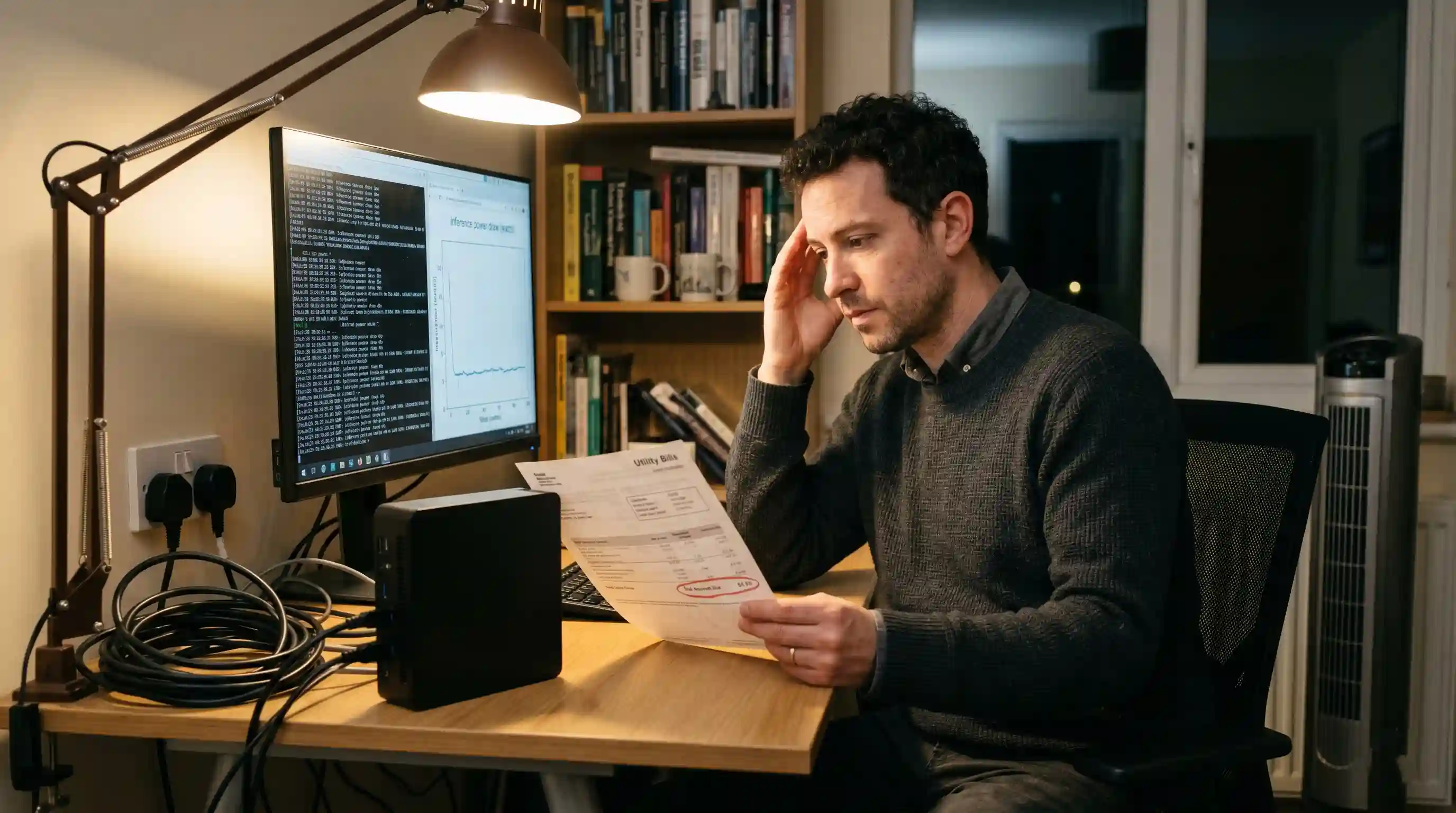
- Idle vs Load Power: A multi-GPU setup can draw 120W to 150W at idle, spiking to 850W under active 70B model token generation.
- Mini PC Efficiency: Unified memory devices like a Mac Studio idle at 15W to 30W and rarely exceed 200W under maximum inference load.
- Hidden Cooling Costs: A 750W server acts like a space heater; expect to add 20% to 30% to your electricity bill just for HVAC compensation.
- The Break-Even Point: Local hardware only beats cloud APIs when your monthly token volume billing outpaces your electricity plus amortized hardware costs.
Engineering leaders frequently justify enterprise AI infrastructure based solely on the upfront hardware CapEx. However, deploying an always-on headless LLM server introduces hidden, recurring operational expenses that can rapidly erode your expected savings.
While our foundational hardware to run local LLMs blueprint helps you size your initial system requirements, you must evaluate the ongoing utility bill. The electricity draw, ambient heat generation, and cooling demands of a 24/7 inference machine require strict mathematical analysis before you definitively pull the plug on your cloud API subscriptions.
Measuring Power Draw: Idle vs. Under Load
To calculate the true local LLM electricity cost, you must differentiate between how your hardware behaves while actively processing a prompt versus how it sits while awaiting the next API call from your developer team.
The Multi-GPU Power Baseline
When you deploy a custom 48GB setup—as detailed in our guide to build a multi-GPU local LLM rig—you introduce massive power requirements. Two RTX 3090s, a high-end CPU, and a 1600W power supply will pull approximately 120W to 150W from the wall at a dead idle.
During an active token generation loop processing a 70B model, that system spikes to roughly 750W to 850W. If your engineering team heavily utilizes this rig throughout an 8-hour workday, the cumulative kilowatt-hours (kWh) escalate rapidly.
The Unified Memory Mini PC Advantage
Conversely, unified memory devices excel at power efficiency. A flagship Mac Studio or an AMD Strix Halo desktop idles at a mere 15W to 30W. Under maximum inference load, these systems rarely exceed 150W to 200W of total system draw.
If your deployment goal is a lightweight, always-on coding assistant that spends 90% of the day waiting for inputs, a mini PC drastically reduces your monthly utility footprint.
Managing Heat, Noise, and Dedicated Cooling
High wattage directly translates to ambient heat. A 750W server running at full load outputs roughly the same thermal energy as a small commercial space heater.
The Secondary Cost of Air Conditioning
If you place a 24/7 local AI box in a standard office environment or a closed home closet, it will quickly overheat the ambient space. The system fans will ramp up to 100%, generating disruptive acoustic noise (often exceeding 50-60 decibels).
More importantly, your building's HVAC system must work harder to cool that specific room. When mapping your Total Cost of Ownership (TCO), you must add an estimated 20% to 30% overhead to your server's electricity bill strictly to account for the necessary climate control compensation.
The Local vs. Cloud Break-Even Calculation
The most critical decision an engineering leader faces is determining exactly when an on-premise system becomes financially viable. If your team only processes a few thousand tokens a day, paying fractions of a cent per 1,000 tokens via Anthropic or OpenAI is significantly cheaper than powering a local server.
However, for enterprise teams utilizing deep-research agentic loops that consume millions of tokens daily, commercial API costs skyrocket into thousands of dollars per month.
To resolve the historical confusion surrounding this, review our comprehensive data baseline regarding the cost of running an LLM locally vs cloud APIs. The math dictates that local execution wins purely on volume: once your API billing exceeds your combined monthly electricity cost and hardware depreciation rate, the local box has broken even.
Conclusion & CTA
Deploying a local AI server is an exercise in managing Total Cost of Ownership. While the upfront freedom from cloud subscriptions is appealing, you must accurately model your 24/7 electricity baseline, idle power draw, and necessary thermal mitigation to realize actual operational savings.
Ready to make the final hardware decision for your department? Take the guesswork out of your CapEx and OpEx planning. Use our AI Coding Tool Cost Calculator to input your local utility rates alongside your team's token volume, or evaluate enterprise-scale deployments using the PLDI AI Build-vs-Buy calculator.

Frequently Asked Questions (FAQ)
An always-on server's usage depends heavily on the hardware. A unified memory mini PC might use 15-30kWh per month idling, while a massive multi-GPU desktop rig can easily consume 100-120kWh per month just sitting idle, independent of active inference processing.
Assuming an average US electricity rate of $0.16 per kWh, a multi-GPU rig idling 24/7 with intermittent heavy usage will cost roughly $20 to $35 per month in direct electricity. You must also factor in secondary cooling costs for your HVAC system.
A unified memory mini PC is drastically cheaper to operate. Because it relies on mobile-optimized silicon architectures, it draws a fraction of the idle wattage and generates significantly less ambient heat compared to a workstation utilizing dual discrete graphics cards.
The local vs cloud break-even point occurs when your monthly commercial API billing (often $200+ for heavy agentic workflows) outpaces your local electricity costs ($30) plus the monthly amortized cost of your hardware over a 12-to-24-month lifespan.
A multi-GPU rig running a 70B model pulls up to 800W, generating substantial heat requiring aggressive fan curves that can output 50-60 dB of noise. Conversely, unified mini PCs output less than 200W of heat and typically operate at a whisper-quiet 30-40 dB.
For standard consumer workloads on a single GPU or a mini PC, standard room temperatures are fine. For dual-GPU or quad-GPU setups, you must ensure dedicated airflow, adequate spacing between cards, and a room with robust ambient air conditioning to prevent thermal throttling.
Install a lightweight Linux distribution (like Ubuntu Server) and use an orchestration engine like Ollama or vLLM to host the model. You can then access the server remotely from any laptop on your network via SSH and standard API REST calls without attaching a monitor.
Idle power draw is the electricity consumed while the model is loaded into VRAM but awaiting a prompt. Discrete GPUs idle around 15W to 30W each, plus motherboard and CPU overhead, meaning a typical local AI server draws roughly 100W at rest.
Estimate your team's daily token consumption and multiply it by commercial API pricing to find your monthly cloud cost. Then, subtract your local server's monthly electricity bill. Divide your total hardware purchase price by that monthly savings to find your break-even timeframe in months.
Yes, absolutely. A low-power mini PC equipped with 32GB to 64GB of unified memory can easily host highly capable 14B or 32B coding models (like Qwen or deepseek-coder) continuously with negligible impact on your monthly utility bill.