The Vibe Coding Tutorial Gemini 3 Google Won't Show
Executive Snapshot: The Bottom Line
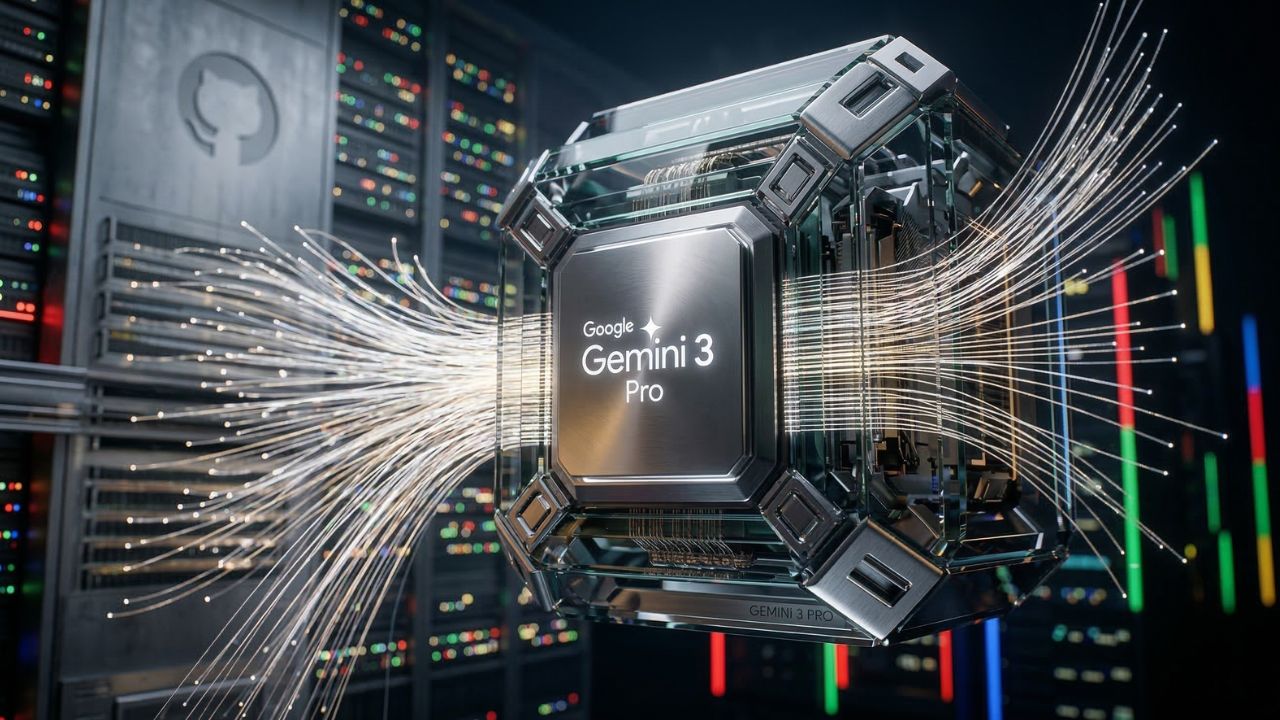
- The Million-Token Edge: Gemini 3 Pro allows you to ingest your entire GitHub repository, enabling the AI to "see" every dependency and edge case simultaneously.
- Beyond Autocomplete: Unlike GPT-4o, which often requires manual context-shuttling, Gemini 3’s native massive context window makes it the superior choice for high-level architectural "vibing".
- Agentic Execution: When properly prompted, Gemini 3.1 Pro can write and execute unit tests autonomously, closing the loop between intent and verified code.
You aren't "vibe coding" if your AI keeps losing the context of your architecture after five prompts.
Battle-worn developers are tired of boilerplate and the constant struggle to keep a model grounded in a massive repository.
The solution lies in a specialized vibe coding tutorial Gemini 3 workflow that leverages a million-token context window to build truly scalable applications.
As detailed in our master guide on Vibe Coding 101: How AI is Replacing Syntax with Intuition in 2026, staying in a permanent flow state requires moving past simple autocompletes.
To succeed, you must master the fundamentals of vibe coding where the model understands your entire system, not just the open file.
Architecting the Million-Token Workflow
The core of a successful vibe coding tutorial Gemini 3 setup is context density.
While other models work with fragments of your codebase, Gemini 3 operates on the "System Whole."
This enables the model to understand complex React architectures and deep database schemas without you having to explain them repeatedly.
Comparing Context Mastery: Gemini 3 vs. The Field
To truly understand why Google's flagship is the "vibe" leader, we must look at how it handles the "Context Wall."
| Feature | Google Gemini 3 Pro | OpenAI GPT-4o | Anthropic Claude 3.5 |
|---|---|---|---|
| Active Context Window | 1,000,000+ Tokens | 128,000 Tokens | 200,000 Tokens |
| Full Repo Awareness | Native / High Fidelity | Requires External RAG | Medium |
| Agentic Loop Speed | High (Optimized for TPU) | High | Medium |
| Best Use Case | Large-scale refactoring | Micro-task scripts | Creative Logic |
Pro-Tip: To prevent Gemini from hallucinating non-existent libraries, always provide thepackage.jsonorgo.modfile at the beginning of the prompt. This anchors the "vibe" to your actual available dependencies.
Step-by-Step: Initializing Your Vibe Coding Environment
Connect the API to Cursor: Navigate to your IDE settings and input your Gemini 3 API key.
This allows the model to act as a native agent within your development environment.
Ingest the Repository: Use a prompt like: "Scan the attached repository. Map the authentication flow and the database schema. Do not output anything until I provide a task".
Define the Vibe: Start your first coding task. Instead of writing syntax, describe the feature: "Add a multi-tenant billing system that matches the existing Stripe implementation in /services".
The Hidden Trap: The "Context Laziness" Bottleneck
What most teams get wrong about vibe coding tutorial Gemini 3 workflows is assuming that a massive context window replaces the need for architectural rigor.
The Trap: Because Gemini 3 can "see" everything, developers often stop providing structured instructions.
This leads to "Context Laziness," where the model generates technically correct code that is architecturally "lazy", such as creating monolithic functions instead of modular services.
The Advanced Insight: Even with a million tokens, the model prioritizes information based on the "recency bias" of your prompts.
To maintain a high-quality codebase, you must explicitly prompt the model to adhere to your core standards when configuring your AI IDE.
Conclusion: Mastering the Agentic Future
Vibe coding is not just about typing less; it's about thinking more.
By leveraging Gemini 3’s unique ability to hold your entire architecture in its working memory, you can transition from being a syntax-focused coder to a system-focused director.
If you're ready to see how this compares to other orchestration methods, read our OpenClaw vs AutoGen Comparison to see which agent framework best supports your high-context Gemini workflows.
Create your AI videos. Try HeyGen AI
We may earn a commission if you buy through this link. (This does not increase the price for you)
Frequently Asked Questions (FAQ)
Start by securing a Gemini 3 API key and connecting it to an AI-first IDE like Cursor. Once connected, upload your local repository context and begin by describing features in high-level natural language.
The primary advantage is the million-token context window. While GPT-4o is excellent for small tasks, Gemini 3 can maintain awareness of an entire large-scale project's architecture, preventing the model from "forgetting" global dependencies.
You can use tools like repomix or native IDE "indexing" features to bundle your project into a single context stream. This allows the model to analyze every file simultaneously.
Yes. By giving the model terminal access through an agentic framework, it can generate test suites based on the code it just wrote, run them, and iteratively fix its own bugs.
Rate limits vary by tier, but the paid "Pay-as-you-go" tiers offer significantly higher Requests Per Minute (RPM) than the free experimental tiers.
Strictly define the project's dependency manifest (like package.json) in the system prompt. Instruct the model to only use libraries already defined in the provided dependency file.
Sources & References
- Google AI Blog: Gemini 1.5: Breaking the 1M Token Context Barrier. (2025).
- GitHub Engineering: Standardizing Agentic Coding Workflows in Large-Scale Repositories. (2026).
- The Register: Why Context Window Size is the New Moore’s Law for AI Developers. (2025).
- Vibe Coding 101: How AI is Replacing Syntax with Intuition in 2026
- OpenClaw vs AutoGen Comparison
External Sources
Internal Sources