How to Deploy Atlassian Rovo AI Agents: The 2026 Workflow Guide
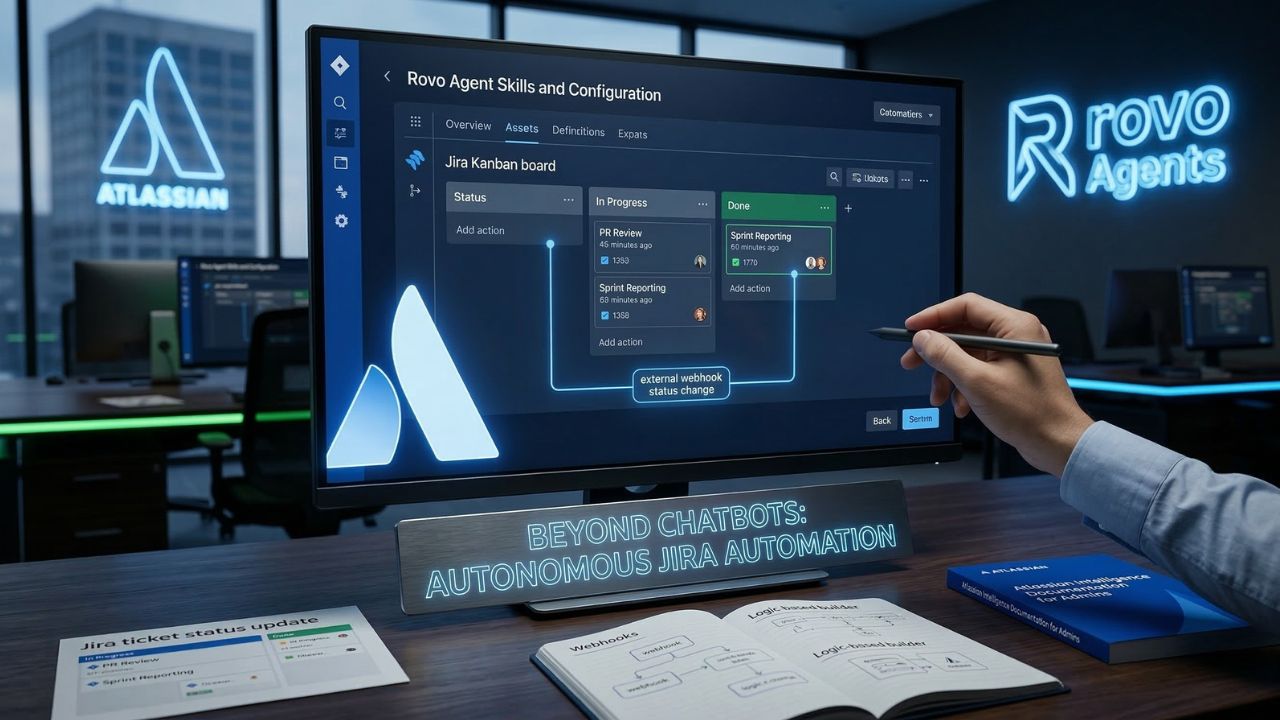
What's New in This Update
- Cost Analysis: Added a deep dive into the 2026 Rovo Credit consumption model and how to prevent invisible API billing spikes.
- Security Posture: Updated SOC2 compliance guidelines based on the latest Atlassian Admin Center restrictions.
- Expanded Templates: Included new architectural patterns for connecting Rovo to external CI/CD pipelines.
Executive Snapshot: The Bottom Line
- Stop wasting AI seats: Basic enterprise search does not justify the $20/user cost; agentic workflows do.
- Embrace Agentic Workflows: Follow our 5-step blueprint to architect Rovo agents for true autonomous workflow, completely removing manual triage from your sprints.
- Enforce Governance: Always implement "Human-in-the-loop" safeguards to maintain SOC2 compliance during automated ticket resolutions.
- Optimize Developer Velocity: Move beyond conversational chat interfaces to integrate AI deeply into Jira project management and DevEx.
Are you paying premium Atlassian licensing fees just so your engineers have a glorified search bar?
If your AI deployment isn't moving tickets, updating Confluence documentation, or generating sprint reports while you sleep, your engineering organization is bleeding software budget and missing out on true development velocity.
As detailed in our master guide comparing Atlassian Rovo vs. Microsoft Copilot: 2026 ROI Comparison, securing real financial return requires transitioning from simple chat interfaces to autonomous workflow execution.
Enterprise teams cannot afford to treat Atlassian Rovo like a passive encyclopedia. You must treat it like an active, asynchronous team member. Read on to discover exactly how to implement Rovo AI agents in your workflow to autonomously handle Jira tickets and PR reviews.
The 5-Step Blueprint: How to Implement Rovo AI Agents in Your Workflow
Implementing Rovo effectively means letting the AI handle routine administrative tasks like automated sprint reporting, backlog grooming, and complex Jira ticket updates.
These agents drastically reduce operational overhead for product managers and engineering leads. However, they require precise prompt engineering, strict webhook configurations, and clear boundaries to operate safely.
Step 1: Define the Agentic Trigger and Payload
The first step to activating Rovo in an existing Jira software project is defining the exact trigger event. You cannot give an AI agent an ambiguous mandate. It needs a rigid starting point.
Will your agent wake up when a ticket changes status from "In Progress" to "Code Review"? Or will Rovo agents be triggered by external webhooks firing from your GitHub repository?
Define the payload. When the agent triggers, it must know exactly which fields to read (e.g., Acceptance Criteria, Definition of Done) and which fields it is authorized to modify.
Step 2: Establish Cross-Platform Connectors Securely
To maximize utility, you need to connect Rovo to your broader ecosystem. A siloed agent is a useless agent.
Connecting Rovo to external databases requires assessing available API connectors within the Atlassian marketplace. For example, you must determine how to connect Rovo to Google Drive, Figma, or SharePoint to ground the agent's knowledge base.
Expert Insight: Automating Slack and Trello workflows via Rovo depends on configuring the appropriate external webhooks and authorized cross-platform connectors. Always ensure your OAuth scopes are restricted to "read-only" where possible.
By connecting your design files and technical specifications directly to the agent, it can automatically verify if a pull request meets the original product requirements document.
Step 3: Architect the Workflow Rules
Can Rovo agents move Jira tickets across statuses automatically? Yes, but you must map the logic meticulously to prevent runaway loops.
Use the best templates for Rovo agents in Scrum teams to standardize sprint planning, rather than building from scratch. For example, an agent can be configured to scan all tickets marked "Done" at the end of a sprint and auto-generate a comprehensive release notes document in Confluence.
You don't necessarily need advanced coding skills to build a custom Rovo agent. Atlassian provides intuitive Rovo Studio tutorials and low-code builders. However, understanding the underlying rules to manage AI agents and cut ART delaysis essential before you let these bots touch your active sprint board.
Step 4: Configure Admin Governance and Prevent Data Leaks
If you don't limit Rovo's access to specific Confluence spaces, you risk the agent indexing highly sensitive internal data and surfacing it to unauthorized users during a query.
Systems administrators must aggressively manage permissions, data residency constraints, and indexing rules. An agent should only have access to the exact data required to perform its specific function.
For a complete checklist on securing your instance and preventing data exfiltration, review our Unofficial Atlassian Intelligence Admin Governance Guide.
Step 5: Implement Human-in-the-Loop Validation
Automated ticket resolution and code generation must retain human-in-the-loop validation. You cannot outsource accountability to an algorithm.
Relying entirely on autonomous agents without peer review violates foundational SOC2 change management controls. The agent should draft the summary, prepare the status transition, and queue the action—but a human developer or product owner must click "Approve."
The Hidden Trap: What Most Teams Get Wrong About AI Autonomy
Many engineering leaders assume that turning on an AI agent means instant, hands-off productivity. They expect to fire up Rovo and immediately lay off their Scrum Masters.
This is the biggest hidden trap in 2026 enterprise AI deployments.
If you don't audit the accuracy of Rovo-generated summaries, AI hallucinations can silently corrupt your project documentation. A ticket might be marked as "Resolved" because the agent misinterpreted a pull request comment, leading to shipped bugs.
The "Human-in-the-loop" setting for Rovo automations isn't just a feature; it's a critical risk mitigation requirement. When evaluating the Bitbucket Rovo vs. GitHub Copilot code review costs, you must factor in the time your senior engineers will spend verifying the AI's output.
Agent Comparison: Search vs. Autonomy
To understand the leap required to secure ROI, examine the difference between how most teams use AI today versus how mature engineering orgs deploy Rovo.
| Capability Metric | Standard Search (Glorified Chatbot) | Autonomous Rovo Agent |
|---|---|---|
| Primary Action | Retrieves Confluence docs based on keywords. | Moves Jira tickets across statuses automatically based on CI/CD events. |
| Trigger Mechanism | Manual user prompt (typing a question). | External webhooks and Jira automation triggers. |
| Security Posture | Relies on basic user permissions. | Requires strict admin governance, compartmentalization, and SOC2 reviews. |
| Cost Efficiency | Burns credits on simple queries humans could search. | Optimizes Rovo AI pricing and credit limitsby executing complex batch tasks. |
| Value Delivered | Marginal time savings (minutes per day). | True autonomous workflow and automated sprint reporting (hours saved per sprint). |
Conclusion: Architecting for Developer Experience
Transitioning from a basic AI search implementation to a mature, agentic workflow is the only way to justify your 2026 software budget. If your AI is passive, it is a liability.
Follow the 5-step blueprint outlined above to build agents that actually execute the heavy lifting for your engineering swarms. Focus on clear triggers, strict data boundaries, and mandatory human validation points.
Next Step: Before you let any agent touch a production Jira board, you need to lock down your permissions. Head over to our comprehensive guide on The Unofficial Atlassian Intelligence Admin Governance Guide to ensure your automations remain compliant.
Scale Securely with Proven Tools. Try Blackbox AI

We may earn a commission if you buy through this link. (This does not increase the price for you)
Frequently Asked Questions
The critical first step is identifying the specific agile workflow bottleneck you want to solve, followed by defining the exact trigger event in Jira (such as a status change) before configuring the agent in Rovo Studio.
No, advanced coding skills are not strictly required. Atlassian provides intuitive Rovo Studio interfaces and templates that allow administrators to configure agentic workflows and automation rules using low-code, logic-based builders.
Connecting Rovo to external databases requires assessing available API connectors while strictly maintaining your organization's data privacy compliance protocols to ensure secure data ingestion.
Yes. Rovo agents can be configured to listen for external webhooks, allowing external monitoring tools to seamlessly initiate autonomous Jira workflows and ticket updates.
The most effective templates for Scrum teams focus on automated sprint reporting, backlog grooming summaries, and routine Jira ticket status updates, drastically reducing the operational overhead of the Scrum Master.
Auditing accuracy requires utilizing the "Human-in-the-loop" setting, ensuring that a designated project lead or peer reviews the AI-generated summaries against the original Confluence documentation before final approval.
Absolutely. When properly configured with Jira automation triggers, Rovo agents can evaluate ticket criteria and autonomously transition issues across the Kanban or Scrum board statuses.
Yes, and it is highly recommended. Administrators must proactively configure permissions to prevent Rovo from indexing sensitive internal documentation, such as HR or Legal spaces.
Troubleshooting involves checking the AI audit logs located in the Atlassian Admin Center, verifying that the agent hasn't hit specific "AI Credits" limits, and testing the webhook connections.
This setting ensures automated ticket resolution and code generation retain human validation. Relying entirely on autonomous agents without this peer review violates foundational SOC2 change management controls.
Sources & References
- Human-in-the-Loop by Design in Rovo (Atlassian Engineering Blog)
- Best Practices for SOC 2 Change Management (Thoropass)
- Rovo Agent Skills and Configuration (Official Atlassian Documentation)
- Atlassian Rovo vs. Microsoft Copilot: Is the $20/User AI Worth It?
- Atlassian intelligence documentation for admins.
External Sources
Internal Sources