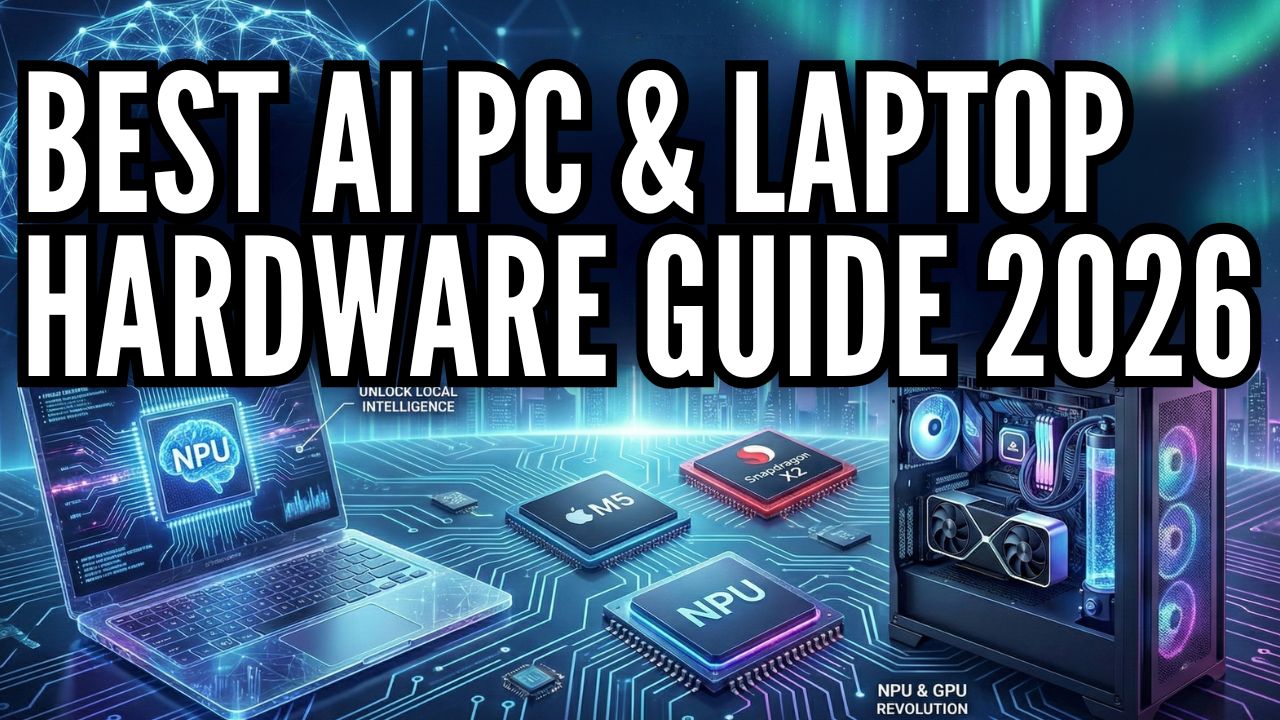
The Best AI PC & Laptop Hardware Guide 2026: NPU Laptops, Local Servers & GPUs
For the last few years, we lived in the cloud. We paid monthly subscriptions to rent a slice of a supercomputer hundreds of miles away. We sent our private data, our creative drafts, and our business strategies through a pipe, hoping for a fast response and praying for privacy.
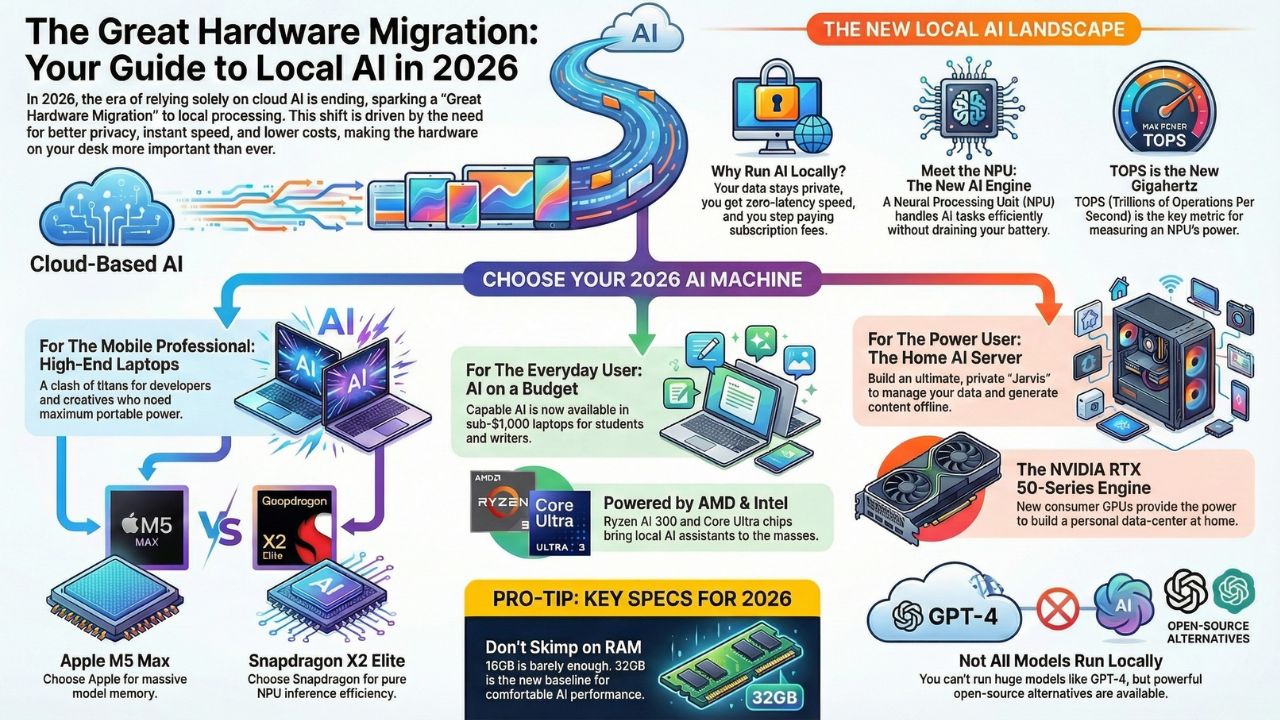
But in 2026, the wind has shifted. We are witnessing the Great Hardware Migration. The era of "Cloud-Only AI" is ending. The era of Local Intelligence has begun.
With the release of Llama 4 and efficient models like Gemini Nano, the bottleneck isn't the software anymore, it's the silicon sitting on your desk. Why run your AI locally?
- Privacy: Your data never leaves your room.
- Speed: Zero latency. No waiting for server queues.
- Cost: Stop bleeding money on API fees and "Plus" subscriptions.
This guide is your roadmap to building your own intelligence infrastructure. Whether you are a developer compiling code, a student on a budget, or a data sovereign building a basement server farm, the hardware you choose today defines your capabilities for the next decade.
1. The Clash of Titans: Apple M5 vs. Snapdragon X2 Elite
If you are a creative professional or a serious developer, you aren't looking for "good enough." You are looking for the best. 2026 has brought us the fiercest hardware rivalry in a decade.
In one corner, we have Apple's M5 Silicon. Apple has doubled down on their Unified Memory Architecture, effectively allowing their MacBook Pros to act like portable servers. With the ability to load massive LLMs directly into memory, the M5 Max is currently the darling of the local LLM community.
In the other corner is the challenger that changed everything: Qualcomm's Snapdragon X2 Elite. This isn't just a mobile chip anymore; it is a desktop-class monster designed specifically for Windows on Arm. It boasts an NPU that arguably outpaces Apple in pure inference efficiency for tasks like stable diffusion and real-time translation.
Choosing between them isn't just about Mac vs. PC anymore; it's about how you intend to run your models. Do you need raw VRAM for massive context windows, or do you need the fastest tokens-per-second for coding assistants?
Deep Dive: The Benchmark Battle - Is the M5 Max the King of Local AI?We put these two giants head-to-head running Llama 4, Whisper, and Stable Diffusion to see which architecture reigns supreme."
Read: The High-End Showdown: Apple M5 vs. Snapdragon X2 Elite
2. Democratizing Intelligence: AI on a Budget
There is a misconception that running local AI requires a $3,000 budget. That is a myth we are here to bust. The beauty of 2026’s hardware landscape is the "trickle-down" of NPU technology.
Chips like the AMD Ryzen AI 300 and the Intel Core Ultra series have brought capable AI inference to the sub-$1,000 market. You might not be training a new foundation model on these machines, but that’s not what they are for.
These are the workhorses for students and writers. They can run quantized versions of 7B and 8B parameter models (like the latest iterations of Mistral or Gemma) effortlessly. This means you can have a private, offline tutor, editor, and coding companion on a laptop that costs less than a smartphone.
We’ve tested the market to find the gems that let you run Copilot+ and Gemini Nano without breaking the bank.
Deep Dive: The Budget Picks - You don't need to spend $3,000.Discover the best laptops under $1,000 that can run Gemini Nano and Copilot locally. Stop paying, start owning."
Read: Best AI PCs Under $1,000: Budget Copilot+ & Gemini Guide
3. The Ultimate Fortress: Building Your Own "Jarvis"
For some of us, a laptop isn't enough. We don't just want an assistant; we want an oracle. We want a system that can ingest thousands of PDFs, manage our home automation, and generate 4K images, all while completely offline. This is where the Home AI Server comes in.
Building a dedicated AI server in 2026 is the ultimate power move. With the release of the NVIDIA RTX 50-series (5090 and 5080), the consumer market finally has access to the kind of compute that used to be reserved for enterprise data centers.
We aren't just talking about gaming rigs here. We are talking about dual-GPU setups, 128GB of RAM, and specific cooling solutions designed for 24/7 inference. This is about building a "Local RAG" (Retrieval-Augmented Generation) system: a machine that knows everything about your life, your work, and your data, but tells no one.
It is your personal "Jarvis," and we can show you exactly how to build it.
Deep Dive: Is the Build Guide Ready to cut the cord?We provide a full parts list and step-by-step guide to building a privacy-first Home AI Server with the RTX 5090."
Read: Build Your Own "Jarvis": The Home AI Server Build Guide
4. The New Engine: Understanding the NPU Revolution
Before you drop money on a new rig, you need to understand the new metric that matters. For years, we obsessed over CPU clock speeds and GPU VRAM. In 2026, there is a new kingmaker: TOPS (Trillions of Operations Per Second).
The traditional CPU is great for logic, and the GPU is a beast for graphics and heavy training. But for the day-to-day "thinking" of an AI, summarizing your emails, generating code snippets in real-time, or running a local voice assistant, you need a Neural Processing Unit (NPU).
The NPU is the brain's reflex system. It allows your laptop to run persistent AI agents in the background without draining your battery in an hour. We are seeing a massive divergence in the market. Some chips are built for raw power, while others are built for efficiency.
Understanding the difference between a 45 TOPS NPU and a dedicated RTX 50-series GPU is the difference between a laptop that lasts all day and one that melts your lap.
Deep Dive: Confused by the jargon? Don't buy a laptop until you understand the specs.We break down exactly what an NPU is, why 40+ TOPS is the new minimum for Windows Copilot, and how to read the spec sheets like a pro."
Read: What is an NPU? Why Your Next Laptop Needs 45+ TOPS for AI
Frequently Asked Questions (FAQ)
For heavy lifting (like video rendering or model training), the GPU is still king. However, the NPU is essential for energy-efficient, always-on AI tasks. It frees up your GPU for the heavy work while the NPU handles background processes like noise cancellation or text prediction.
No, GPT-4 is too large for consumer hardware. However, you can run models like Llama 4 or Mistral, which are incredibly powerful and, in many specific tasks, rival the performance of cloud models.
Barely. If you want to run local LLMs, "RAM is the new VRAM." We recommend 32GB as the new baseline for comfortable AI performance, especially if you are using Apple's Unified Memory architecture.