browser-use in Python: A Working Example
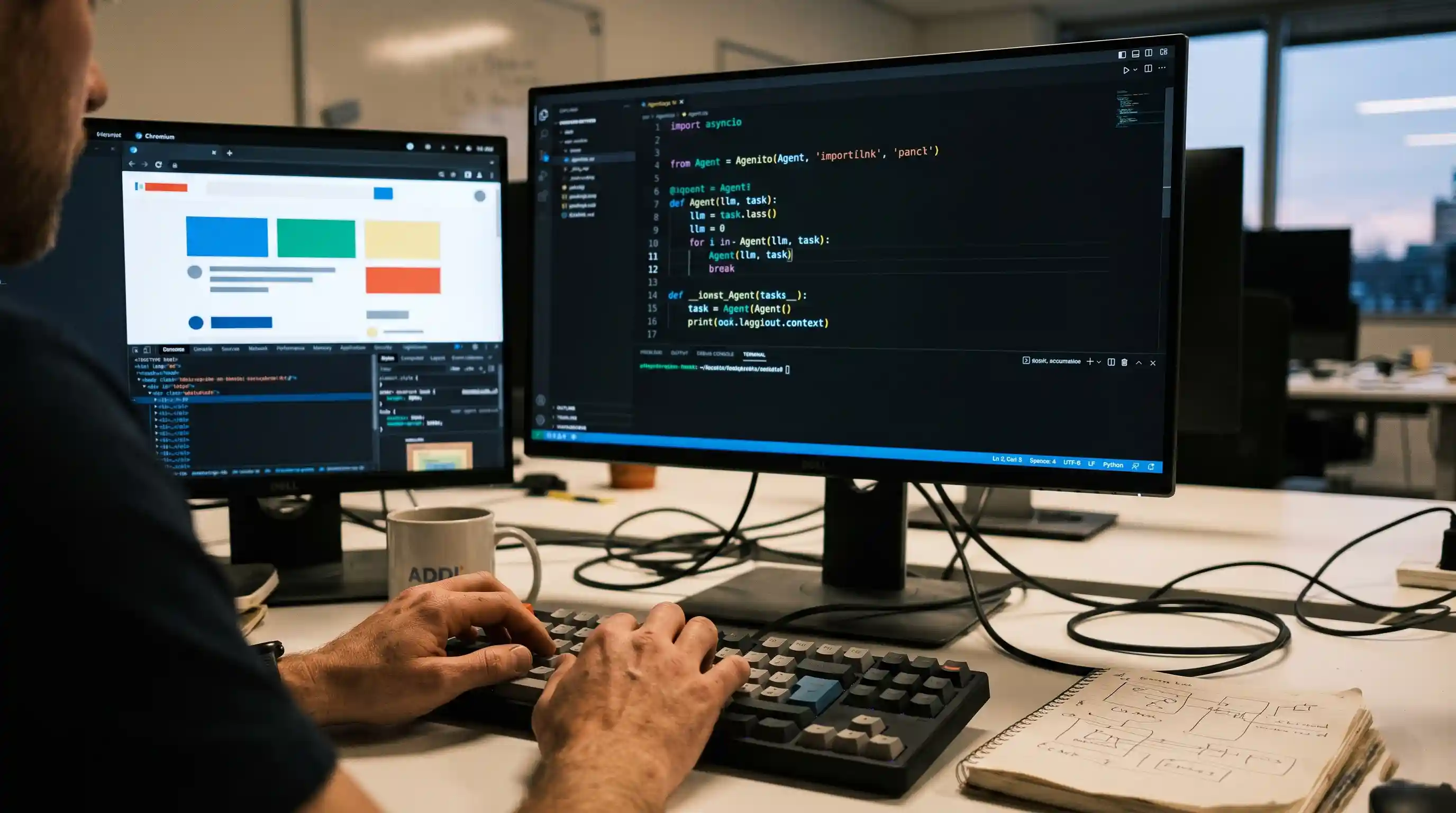
- Production-Ready Foundation: Get a minimal, functioning Python script that directly bridges an LLM to Playwright.
- Agnostic LLM Integration: Seamlessly connect GPT-4o, Claude 3.5 Sonnet, or local models utilizing LangChain's standard interfaces.
- Persistent Contexts: Learn the precise method for handling authenticated sessions without hardcoding brittle login logic.
- Failure Mitigation: Implement step limits and visibility to prevent the LLM from entering catastrophic hallucination loops.
Copy-paste code from a repo we actually ran, not a README snippet. When you move from theoretical AI applications to live DOM manipulation, abstract concepts immediately break down against dynamic web elements.
If you read our foundational framework on building reliable web automation, you understand the necessity of a robust perception-action loop.
This deep dive gives you the exact Python code to implement that loop. We are moving past high-level architecture into tangible execution. You will see how to instantiate the agent, pass complex tasks, and manage persistent browser states.
What is the browser-use Library?
The open-source browser-use library is currently the most efficient way to give an LLM control over a web interface in Python.
It acts as a critical middleware layer. Instead of writing custom parsers, this library autonomously strips complex HTML into a simplified, numerically indexed dictionary.
It feeds this sanitized DOM context to your chosen LLM, which then returns semantic actions. If you want a deeper understanding of this specific abstraction process, review our guide on how to build a browser agent from scratch.
Installation and LLM Configuration
Before writing execution logic, you must establish the environment.
You need the core library, your preferred LangChain model integration, and the underlying headless browser framework. Run the following commands in your terminal:
playwright install
Defining the Model:
The library relies heavily on LangChain for model orchestration. If you are debating which broader orchestration layer fits your enterprise needs, consult our AI Agent Framework Decision Matrix.
For maximum reliability in DOM reasoning, we strongly recommend passing an instance of ChatOpenAI(model="gpt-4o") or Anthropic's Claude equivalent into the agent's constructor.
A Minimal browser-use Python Example
This is a complete, executable script. It launches a browser, navigates to a search engine, and retrieves specific data autonomously.
How it Works: Notice that we never define CSS selectors or wait times. The Agent parses the task, visually analyzes the YCombinator homepage, decides where to click, and extracts the requested context organically.
Headless Execution and Handling Logins
By default, browser-use runs visibly for debugging. To run this in production, you must configure headless execution.
Pass a custom Browser instance to the agent with headless mode enabled. However, running headless on gated web apps introduces authentication challenges. You do not want the LLM attempting to type passwords on every single run.
The Solution:
Initialize the browser with a persistent user data directory. Log in manually once. The session cookies will save locally, and subsequent headless agent runs will bypass the login screen entirely, operating as an authenticated user.
Debugging Loops and Deployment Strategies
Even the best code breaks when the underlying website changes asynchronously.
If the agent clicks an element before JavaScript hydration finishes, it fails. Often, the LLM will panic and enter an infinite retry loop, driving up your API costs immensely.
You must cap execution by passing max_actions_per_step and utilizing the library's built-in telemetry to log exactly where the DOM drifted. For a comprehensive look at these specific breakdown scenarios, review our breakdown of why browser agents fail.

Frequently Asked Questions (FAQ)
It is an open-source Python library that connects Large Language Models to web browsers. It simplifies raw HTML into a structured format that LLMs can understand, allowing them to autonomously navigate websites, click buttons, and extract data without hardcoded scripts.
You install it via pip: pip install browser-use. You must also install the underlying automation framework by running playwright install. Set your LLM API keys in your environment variables, write a basic async script, and run it locally.
Yes, import Agent and ChatOpenAI. Instantiate the LLM, create the Agent with a natural language task (e.g., "Find the cheapest flight to Tokyo"), and call await agent.run(). The library handles all browser initialization and navigation internally.
It seamlessly integrates with any model supported by LangChain. However, complex DOM reasoning requires frontier models. GPT-4o and Claude 3.5 Sonnet are currently the most reliable options. Weaker or local open-source models often hallucinate actions and get stuck.
You pass tasks via natural language strings to the task parameter in the Agent constructor. For highly complex workflows, break the task into explicit, numbered steps within the string to guide the LLM's reasoning engine more effectively.
You instantiate a custom Browser object from the library, set headless=True in its configuration, and pass this custom browser instance to the Agent constructor. This prevents the visible Chromium window from popping up during background execution.
Avoid forcing the LLM to type credentials. Instead, configure the browser instance to use a persistent user_data_dir. Log in manually once so cookies are saved. Future automated runs will use this profile and bypass the authentication screens automatically.
Agents usually get stuck when encountering asynchronous page loads, unexpected pop-ups, or heavily obfuscated Shadow DOMs. The LLM loses its place, hallucinates a missing element, and loops repeatedly trying to fix the error instead of throwing an exception.
Use raw Playwright for static, highly predictable websites where speed is critical and the UI rarely changes. Use browser-use for dynamic websites, scraping unstructured data, or processes where maintaining CSS selectors has become a massive engineering bottleneck.
Deploy it within an ephemeral Docker container. Ensure the container has the necessary system dependencies to run headless Chromium. Because agents run asynchronously, execute them via a message queue (like Celery) rather than attaching them directly to synchronous API endpoints.