How to Build a Browser Agent That Doesn't Break
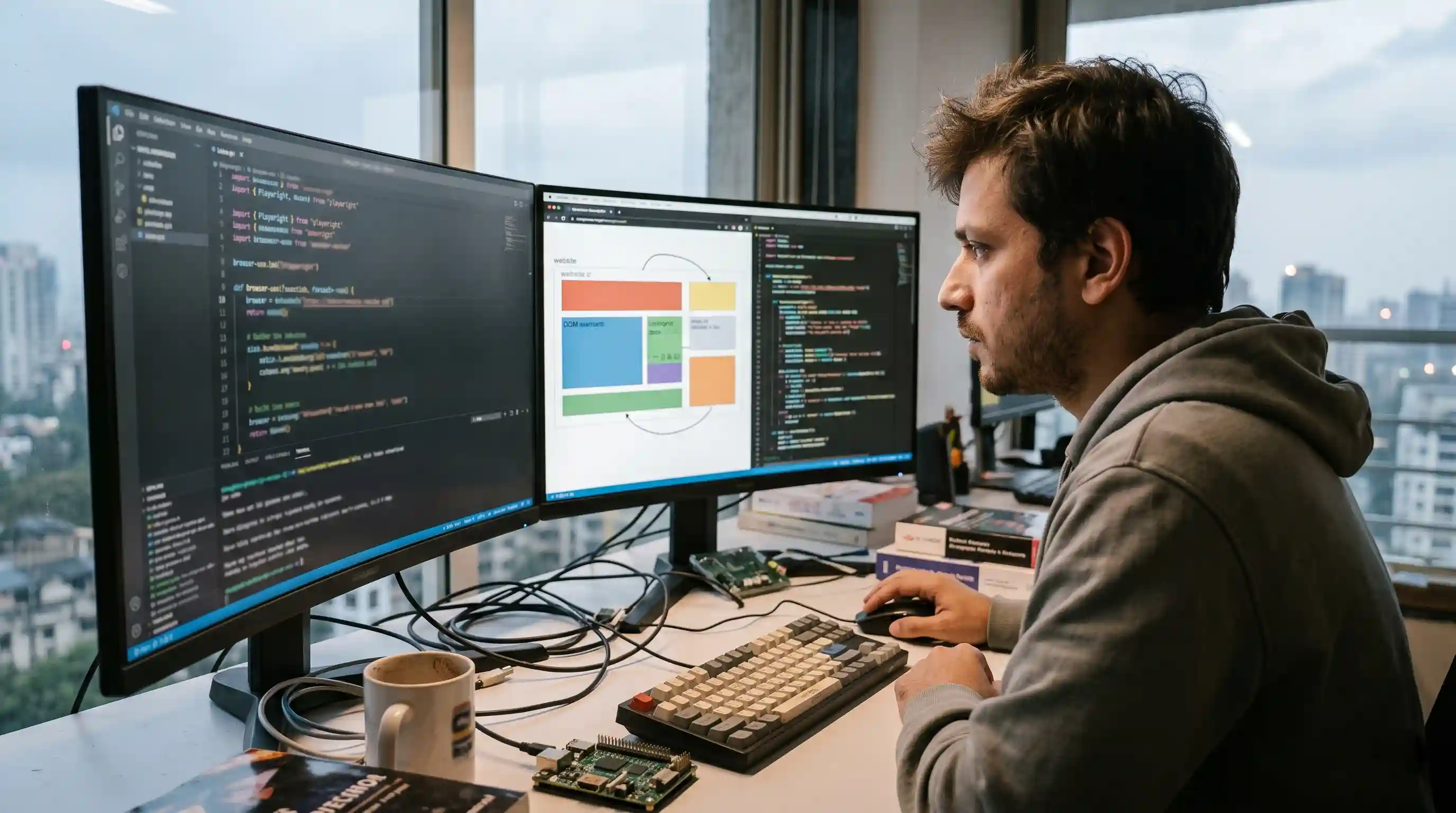
- The Perception-Action Loop: Agents require a continuous cycle of evaluating the screen, deciding on an action, and verifying the result.
- Perception Methods: You must choose between DOM parsing (faster, cheaper) and vision-based evaluation (slower, better for complex UIs).
- Autonomous Self-Correction: Resilient agents must detect failures and retry using different strategies to avoid infinite hallucination loops.
- Headless Execution: Running in production demands strict handling of JavaScript hydration and dynamic page loading.
Every step here is from an agent we built and watched fail, then fixed. Browser agents look flawless in controlled demos, but they frequently shatter in production environments.
Building one that actually works requires abandoning brittle scripts and adopting a highly resilient architecture. If you are serious about automating web workflows, you must shift away from static CSS selectors.
You need to implement semantic, AI-driven navigation loops. This deep dive assumes you understand the core concepts covered in our foundational guide on building reliable web automation.
In this guide, we get into the engineering trenches. We will break down exactly how to construct the perception-action loops, handle failure recovery, and deploy an agent that doesn't easily break.
The Core Architecture of a Browser Agent
A standard automation script executes a linear list of commands. A browser agent operates entirely differently. It uses a non-linear reasoning engine, typically powered by a Large Language Model (LLM).
The architecture is defined by the perception-action loop. The agent is given a high-level goal, looks at the current state of the browser, and decides on the next logical step.
Once the action is taken, the agent observes the new state. If the state matches the expected outcome, it proceeds. If it encounters an error, it must pause, evaluate the blocker, and recalculate its path.
How the Agent "Sees": DOM vs. Vision
To take action, an agent must first understand the interface. This is the perception phase. You must build a mechanism for the agent to accurately interpret visual interfaces.
Parsing the DOM
The most efficient method is DOM parsing. However, feeding a raw HTML file to an LLM wastes tokens and causes massive hallucinations. You must build a stripping mechanism.
This script removes all styling, scripts, and non-interactive SVG elements. It maps only the interactable elements (buttons, inputs, links) to a simplified dictionary with numerical IDs. The LLM then simply commands: "Click element 42."
Multimodal Vision
When applications use complex Canvas elements or highly customized shadow DOMs, stripping fails. This is where vision agents take over.
The agent takes a screenshot and uses a multimodal LLM to analyze the interface visually. It calculates the exact X/Y pixel coordinates of the target element. While highly accurate for legacy or complex UIs, vision is token-heavy and increases latency.
Taking Actions Reliably on Dynamic JS-Heavy Pages
Modern web applications are asynchronous. Elements render dynamically, and JavaScript hydration can take seconds after the initial page load.
If your agent attempts to click a button before hydration is complete, the click is lost. The LLM believes it took action, but the UI state hasn't changed. This mismatch is a primary cause of agent failure.
To build a reliable agent, enforce strict waiting states. Use underlying frameworks like Playwright to await network idle states, not just DOMContentLoaded. Force the agent to verify an element is both visible and interactable before executing a click.
Error Handling, Retries, and Recovery
When an agent fails to find an element, its default behavior is often to guess or hallucinate a fix. This leads to infinite loops.
You must explicitly engineer error boundaries. If an action returns an error, feed that exact error state back into the LLM's context window. Instruct the agent to switch strategies.
For example, if a click fails, instruct it to try scrolling, or fallback to a keyword search.
Implement a strict circuit breaker. Limit the agent to a maximum number of sequential actions or retries per step. If you want to see exactly what this looks like in the real world, review our documentation on the exact failure modes.
Running Headless and Testing
Deploying to production means running your agent in a headless browser. Headless environments are heavily monitored by anti-bot systems.
Ensure your architecture utilizes stealth plugins to mask the WebDriver flags. Preserve user agent strings, manage cookies persistently across sessions, and simulate natural human jitter during mouse movements.
Testing a browser agent cannot be done with static unit tests. You must employ evaluation-driven development. Run the agent against sandboxed staging sites, tracking the success rate of complex, multi-step flows.
To see functional code that implements this, check our practical Python guide.

Frequently Asked Questions (FAQ)
Start by combining a headless browser framework like Playwright with an LLM API. Build a middle layer that extracts the interactable DOM, feeds it to the LLM as structured context, and translates the LLM's textual output into executable browser commands.
It requires a continuous perception-action loop architecture. This includes a state observer (vision or DOM scraper), a reasoning engine (the LLM determining the next step), an action executor (Playwright/Puppeteer), and a memory module to track previous steps.
DOM agents parse the HTML, stripping away styling to read the raw structural data of buttons and forms. Vision agents take screenshots and process them through multimodal LLMs to identify elements visually, calculating exact pixel coordinates for interaction.
Implement dynamic waiting. Never allow the agent to execute a click until the underlying framework confirms the element is fully loaded, visible, and JavaScript hydration is complete. Verify the UI state has changed post-action before proceeding.
Feed the exact error message or a new screenshot back to the LLM immediately. Provide explicit system instructions that force the agent to attempt an alternative interaction strategy. Implement a hard circuit breaker to prevent infinite retry loops.
Not strictly. For standard, well-structured web applications, an agent utilizing raw DOM parsing and a strong text-based LLM is faster and cheaper. Vision LLMs are only mandatory for applications relying heavily on Canvas or non-standard visual components.
Use browser-use if you need to deploy quickly using Python, as it handles the complex Playwright bridging and DOM simplification for you. Build your own only if you require extreme customization, proprietary security sandboxing, or non-standard telemetry.
Configure your underlying browser automation tool (like Playwright) to launch with headless=True. You must also implement stealth techniques, such as spoofing user agents and managing browser fingerprints, to avoid immediate blocking by anti-bot protection systems.
Force the agent to await specific network conditions, such as networkidle. Implement observer patterns that pause the agent's reasoning loop until asynchronous data fetching and frontend rendering are completely finalized on the target page.
Abandon static unit tests. Utilize evaluation frameworks that grade the agent on successful end-to-end task completion within sandboxed staging environments. Track metrics like task success rate, average steps to completion, and frequency of hallucinated actions.