Why Top Laptops With Built-In Neural Processing Units Fail
What's New in This Update
- Unified Memory Standard: Updated guidance reflecting the absolute necessity of LPDDR5x for running 2026 local models.
- Thermal Dynamics: Added new data on how sustained matrix multiplications cause rapid throttling in ultra-thin chassis designs.
- Sustained TOPS vs. Peak TOPS: Clarified the critical distinction vendors hide regarding true NPU operational speed.
Executive Snapshot: The Bottom Line
- The Marketing Illusion: High peak TOPS ratings do not equate to sustained performance; most enterprise NPUs throttle within minutes of loading a large language model.
- The Architecture Flaw: Silicon connected via a narrow bus or lacking dedicated cache will chronically lag during local inferencing, regardless of raw processor speed.
- The Enterprise Risk: Deploying inadequate local hardware tethers your workforce to expensive, high-latency cloud APIs for the next three years.
Slapping an NPU sticker on a chassis doesn't guarantee enterprise AI performance. In reality, a staggering 80% of top laptops with built-in neural processing units bottleneck severely under heavy AI loads.
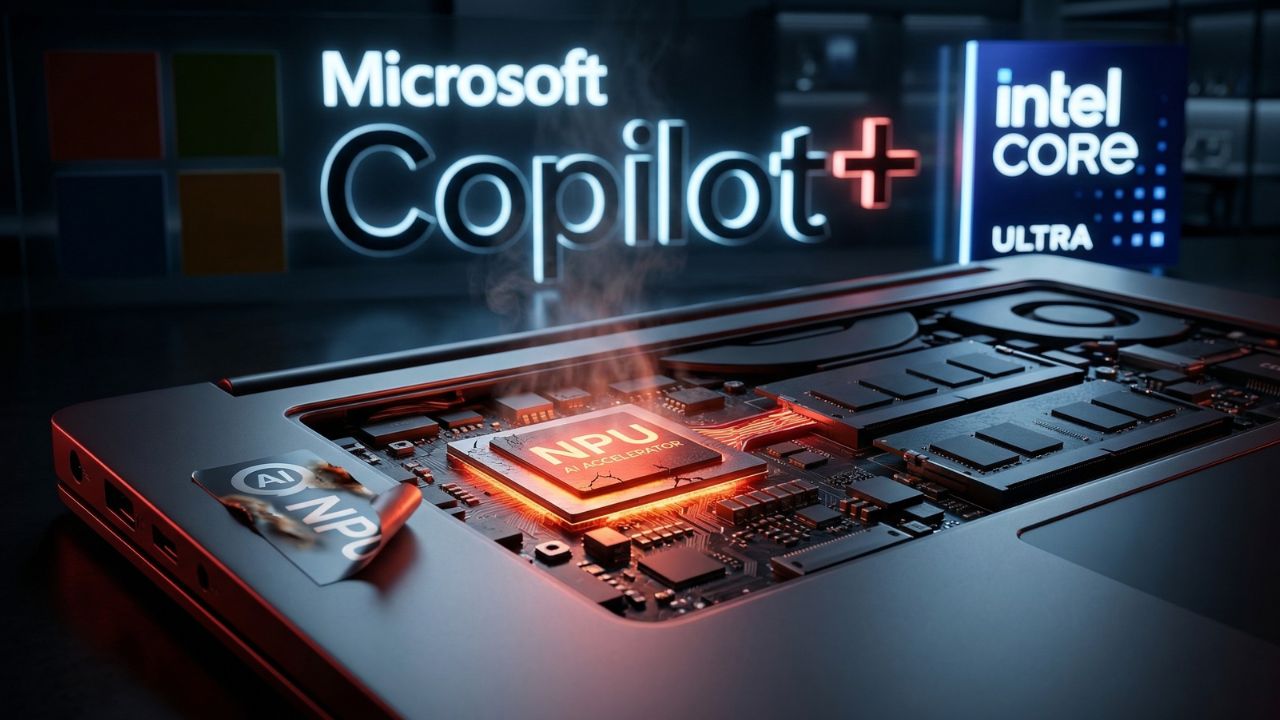
When enterprise engineering teams deploy these modern machines for local Large Language Model (LLM) inferencing, the silicon quickly overheats. To save the system, it shifts the massive workload back to the traditional CPU, causing catastrophic system lag and rendering the device temporarily unusable.
As detailed in our master guide on finding the right AI laptop specifications, avoiding this procurement disaster requires looking past the glossy marketing brochures to understand true sustained silicon performance.
The Anatomy of an NPU Bottleneck
When executing AI workloads locally, sustained mathematical operations generate intense, concentrated heat. Standard laptop chassis designs are built to cool short bursts of CPU activity (like compiling code or rendering a short video timeline), not the relentless matrix multiplications demanded by LLMs.
Once the dedicated Neural Processing Unit hits its thermal ceiling, the system executes a protective thermal shutdown of the accelerator. The operating system then ruthlessly dumps the massive inference queue onto your standard CPU cores.
This results in instant user interface lag, severe battery drain, and failed localized meeting summaries. To truly see the physical reality of this failure, engineers must look closely at the motherboard layout and heat pipe distribution.
The Unified Memory Mandate
A lightning-fast processor cannot outrun a slow data highway. In traditional architectures, data must be redundantly copied back and forth between standard system RAM and a GPU's dedicated VRAM.
This massive data movement creates an immediate bottleneck for AI. Unified memory eliminates this architectural flaw by allowing the NPU, CPU, and GPU to access the exact same data pool without any copying required.
Without at least 16GB of LPDDR5x unified memory (and ideally 32GB to 64GB for serious developers), your high-TOPS NPU will sit completely idle while waiting for data to arrive from standard RAM. For those heavily invested in Apple's ecosystem, understanding the difference between MacBook Pro M4 Max and Windows machines for local LLMshinges entirely on this unified memory advantage.
The Hidden Trap: Peak TOPS vs. Sustained TOPS
The biggest trap IT procurement teams fall into is treating NPU TOPS (Trillions of Operations Per Second) like a static storage metric, assuming it behaves like a hard drive capacity.
They read "45 TOPS" on the specification sheet and incorrectly assume the machine can run at that blazing speed indefinitely.
| Metric | Enterprise Reality | Impact on Local LLMs |
|---|---|---|
| Peak TOPS | Reached for < 60 seconds. | Good for short tasks like background blurring; useless for sustained text generation. |
| Sustained TOPS | The true thermal equilibrium speed. | Dictates your real-time tokens-per-second output during long tasks. |
| Bus Width | Often hidden by OEMs. | Narrow bus pipelines choke data before it ever reaches the NPU. |
Expert Insight & Pro-Tip: When auditing top laptops with built-in neural processing units, demand the "Sustained Thermal Design Power (TDP)" metrics from your vendor. If the vendor cannot provide data on how the NPU performs after 30 minutes of continuous load, assume it throttles heavily.
If the NPU lacks a dedicated cache or relies on shared cooling pipes with a hot GPU, it will fail under continuous load. If you want to see an architecture that actually solves this thermal challenge, read our deep-dive review of the Asus ROG Zephyrus 2026. This model illustrates the proper way to balance thermal management with high NPU output without looking like a bulky server.
Why Students and Startups Are Vulnerable
It's not just enterprise teams getting burned. Students entering technical fields are often advised to buy machines that can handle local workloads. However, purchasing the cheapest AI PC laptopswithout auditing the specific NPU generation frequently results in students owning a machine that crashes during basic computer science compiling tasks.
Conclusion: Stop Buying Paperweights
The era of agentic AI requires significantly more hardware competence than simply buying a rebranded consumer laptop with a new "AI" sticker on the palm rest. Investing in laptops with fundamentally bottlenecked silicon is a massive drain on corporate budgets and destroys developer productivity.
To future-proof your purchases, rigorously audit your hardware frameworks for high-bandwidth unified memory, scrutinize sustained TOPS over peak marketing metrics, and prioritize robust, dedicated thermal engineering.

Frequently Asked Questions (FAQ)
A built-in Neural Processing Unit (NPU) is a specialized hardware accelerator designed to perform the high-volume, low-precision matrix math required for artificial intelligence tasks with extreme power efficiency, unlike standard CPUs.
Modern processors driving the "Copilot+ PC" standard, including late-generation Intel Core Ultra, AMD Ryzen AI series, and Apple Silicon (M-series), feature highly integrated neural processing units built directly into the System on Chip (SoC).
Lag occurs when the NPU hits its thermal limit and offloads the heavy AI workload back to your CPU. Narrow data buses or a lack of unified memory can also choke the data pipeline, causing severe system stuttering.
On Windows devices, you can open the Task Manager and navigate to the "Performance" tab. If your system features recognized built-in neural processing units, an "NPU" graph will be displayed alongside your CPU, Memory, and GPU monitors.
For strict data privacy, zero-latency execution, and offline availability, local NPUs are vastly superior. Cloud AI requires constant internet, incurs monthly subscription costs, and poses potential corporate data governance risks.
NPUs power local Large Language Models (LLMs), AI coding assistants, localized meeting transcription software, advanced video conferencing effects (like eye-contact correction), and generative image-fill tools directly on your device.
Yes. NPUs efficiently handle background blurring, noise cancellation, and automatic framing at the hardware level. This consumes a fraction of the power required by a GPU, significantly saving battery life during long calls.
No, they significantly improve overall battery life. NPUs process AI tasks using vastly less wattage than a CPU or discrete gaming GPU, preventing rapid battery drain during local inferencing.
Apple leads in vertical integration with their M-series unified memory architecture. In the Windows ecosystem, OEMs like Asus and Lenovo provide strong reliability by pairing modern Copilot+ certified silicon with premium thermal management.
Ensure your laptop is plugged in for maximum power draw, switch your OS power profile to "Best Performance," and elevate the chassis to improve bottom airflow. If throttling persists, your hardware simply lacks sufficient sustained thermal design limits.
Sources & References
- National Institute of Standards and Technology (NIST): "Hardware Requirements for Secure Localized AI Processing in Enterprise."
- MIT Computer Science and Artificial Intelligence Laboratory (CSAIL): "How fast are algorithms reducing the demands on memory? A survey of progress in space complexity AND The Computational Limits of Deep Learning."
External Sources